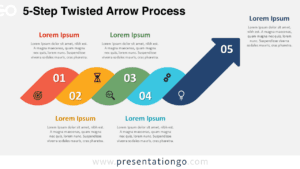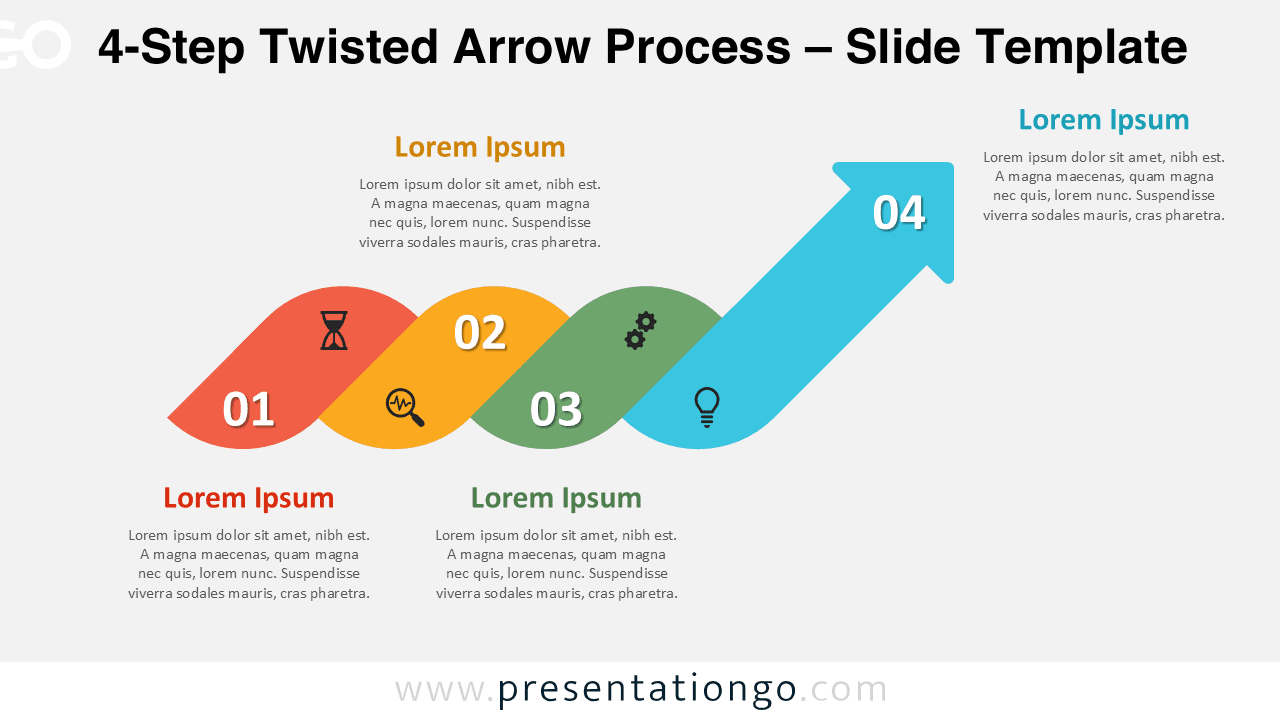
The 4-Step Twisted Arrow Process is part of our Twisted Arrow Process series, available in 4-step, 5-step, and 6-step variants.
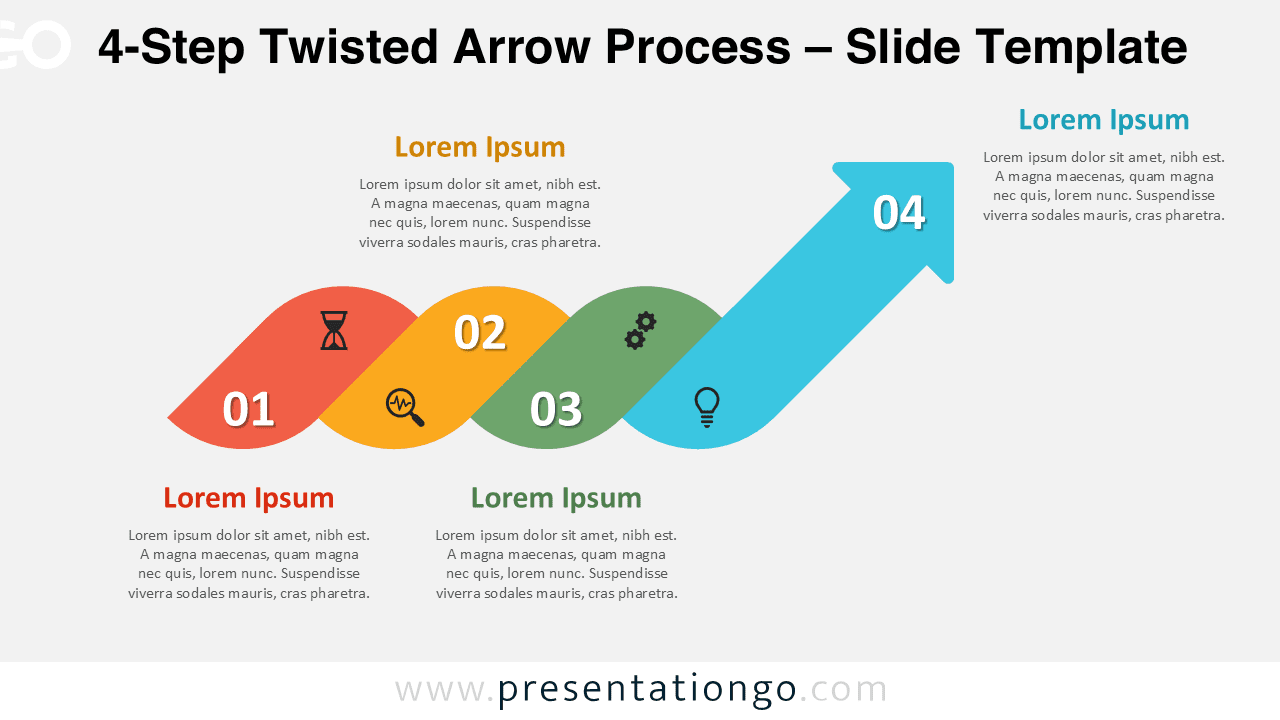
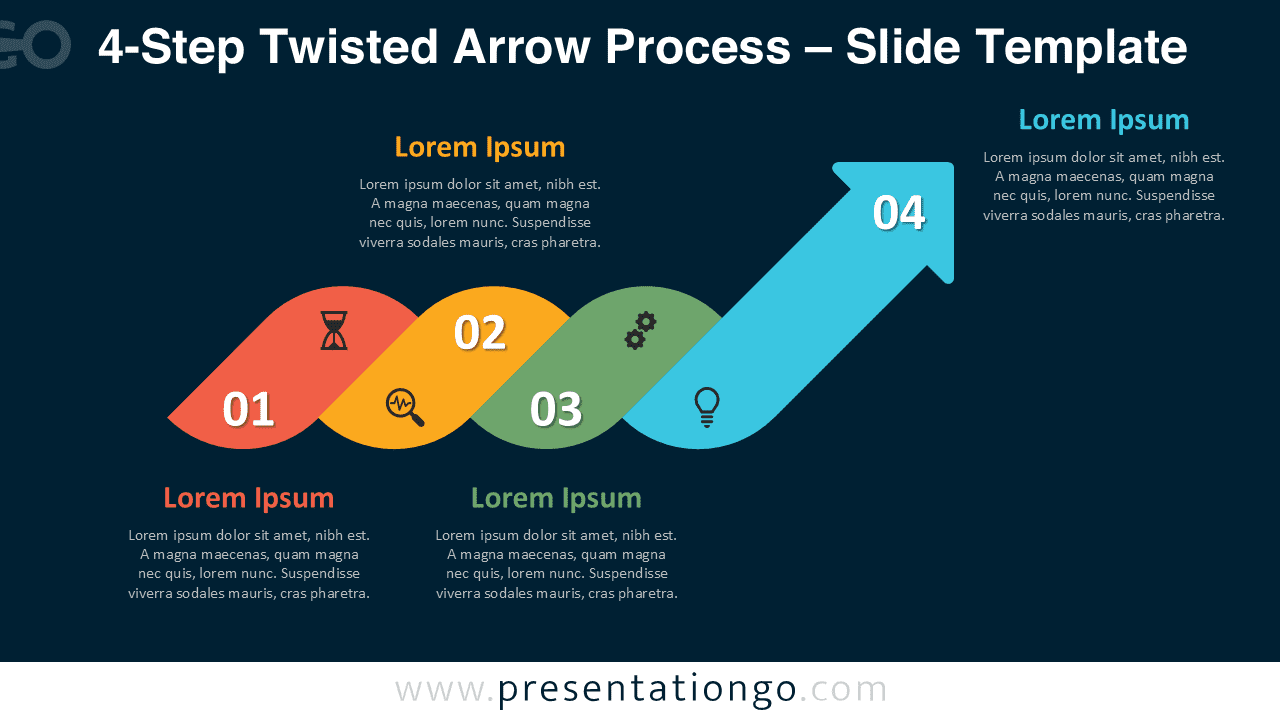
This 4-step version works best when you need four clear phases and a strong finish. The braided, twined ribbon guides the eye from step to step and ends in an upward arrow. You can edit the diagram in PowerPoint and Google Slides.
Diagram Preview
The download includes light and dark layouts for different deck styles. You can replace titles, descriptions, and step numbers in minutes.


Features and Customization Options
- Four-step braided ribbon path with a clear arrow ending.
- Editable step numbers, titles, and description text.
- Includes editable icon placeholders for quick visual cues.
- Color-coded segments that separate phases at a glance.
- Light and dark background versions included.
- Fully editable in PowerPoint and Google Slides.
Design and Structure
The twisted ribbon shape suggests connection and continuity across steps. Each segment holds one message and keeps the layout balanced. The arrow finish reinforces progress, growth, or completion. The generous text areas help you keep slides readable in meetings.
Practical Applications
- Project phases and delivery plans.
- Customer journeys and onboarding stages.
- Strategy execution and milestone tracking.
- Training modules and learning pathways.
- Simple funnels and process summaries.
Summary
Use the 4-Step Twisted Arrow Process when you want a clear four-phase story. Customize colors, text, and icons to match your topic. Keep your message focused and make progress easy to follow.