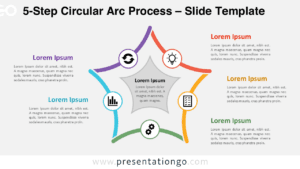
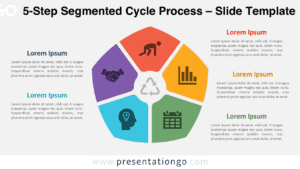
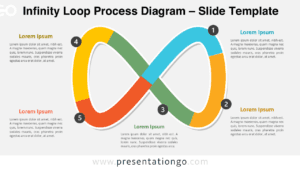
The 5-Step Boomerang Diagram illustrates cyclical processes through five curved, arrow-shaped elements arranged in a continuous flow pattern, designed for PowerPoint and Google Slides presentations.
Highlight Five Key Stages in a Loop
This diagram features five identical boomerang-shaped elements arranged in a circular layout. Each V-shaped arrow curves inward, forming a radial loop that emphasizes continuity. The arrows rotate symmetrically around a central point, creating a sense of motion and direction. Inside each shape, a centered icon visually defines the step, while each segment connects to a title and brief text block aligned alternately left and right. This consistent formatting enhances clarity, making the diagram ideal for visually guided explanations.
Circular diagrams are commonly used in presentations to represent continuous processes, recurring cycles, or feedback systems. This particular diagram excels in illustrating workflows like iterative development, performance cycles, stakeholder roles, or product life cycles. Its seamless flow and inward curves reinforce the idea of return, review, and renewal. For instance, a product manager might use it to showcase the loop of ideation, prototyping, testing, feedback, and revision.
The template includes two slides pre-filled with icons and placeholder text for quick customization. All elements, including colors and icons, are fully editable. Users can switch between light and dark themes and select either standard (4:3) or widescreen (16:9) layouts. It’s compatible with PowerPoint (PPTX) and Google Slides, offering flexibility for various presentation environments.
Download this comprehensive 5-step template to effectively communicate cyclical processes and continuous workflows in your next presentation.
Widescreen (16:9) size preview:


This template offers:
- 2 unique slides
- Options for both light and dark themes
- Pre-populated with icons and text placeholders
- Fully customizable shapes for complete control
- Available in both Standard (4:3) and Widescreen (16:9) ratios
- Offered in both PowerPoint PPTX and Google Slides formats