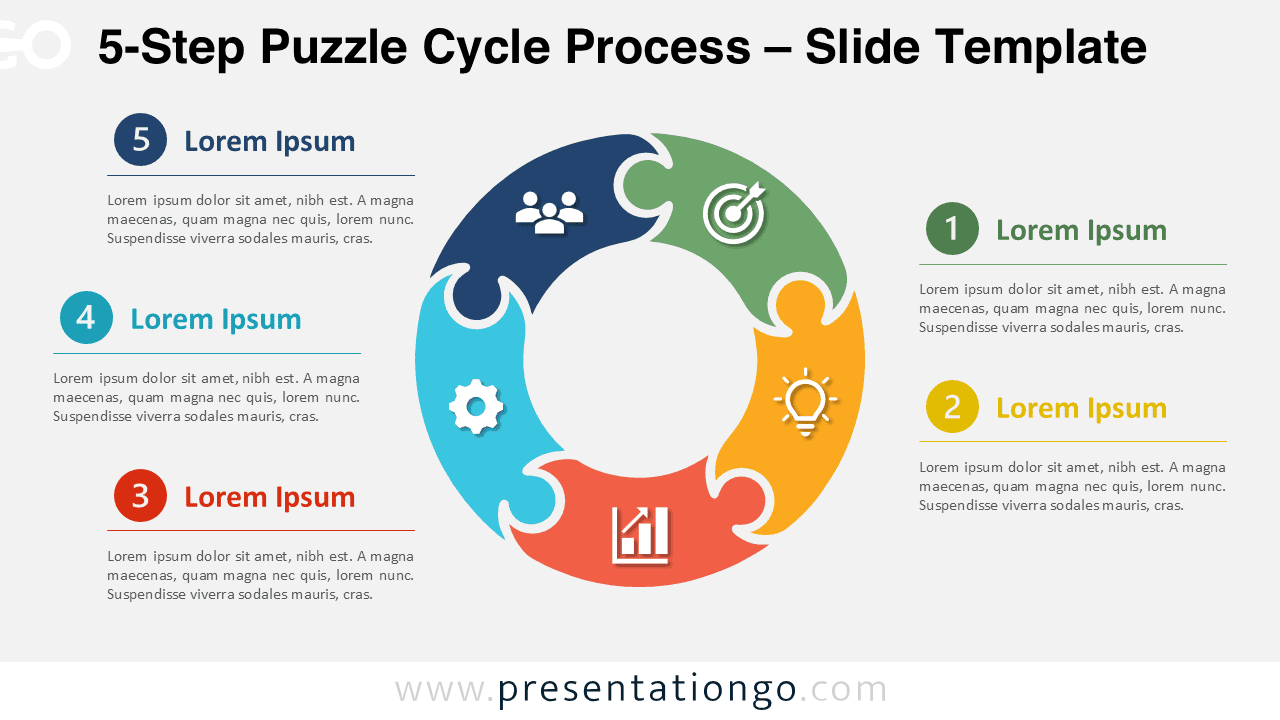
The 5-Step Puzzle Cycle Process helps you explain a recurring workflow through five connected stages. Its circular structure shows how each phase supports the next while reinforcing continuity, collaboration, and progress. Use it to organize a process that includes several coordinated actions or decision points.
This diagram works well for business presentations, project updates, training sessions, and strategic discussions. Each puzzle piece represents one stage, while the surrounding text areas give you room to explain responsibilities, goals, or outcomes. The structured layout keeps the message easy to follow without making the slide feel crowded.
Diagram Preview
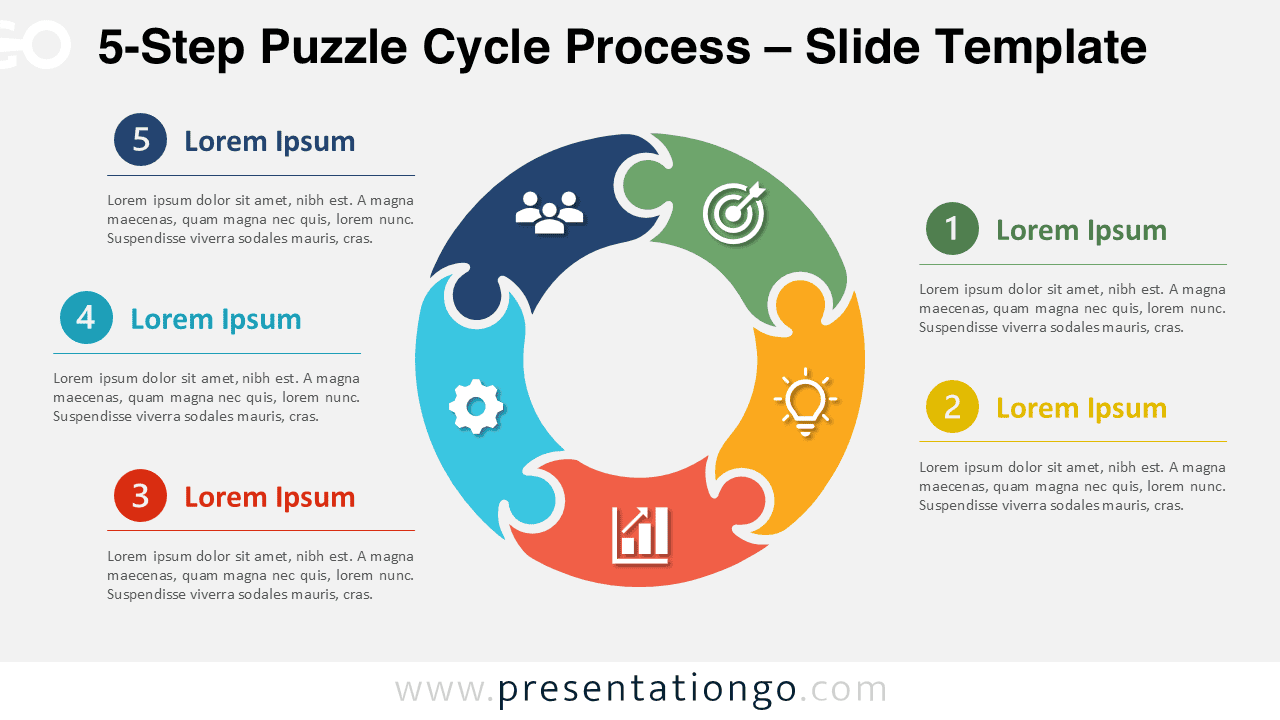
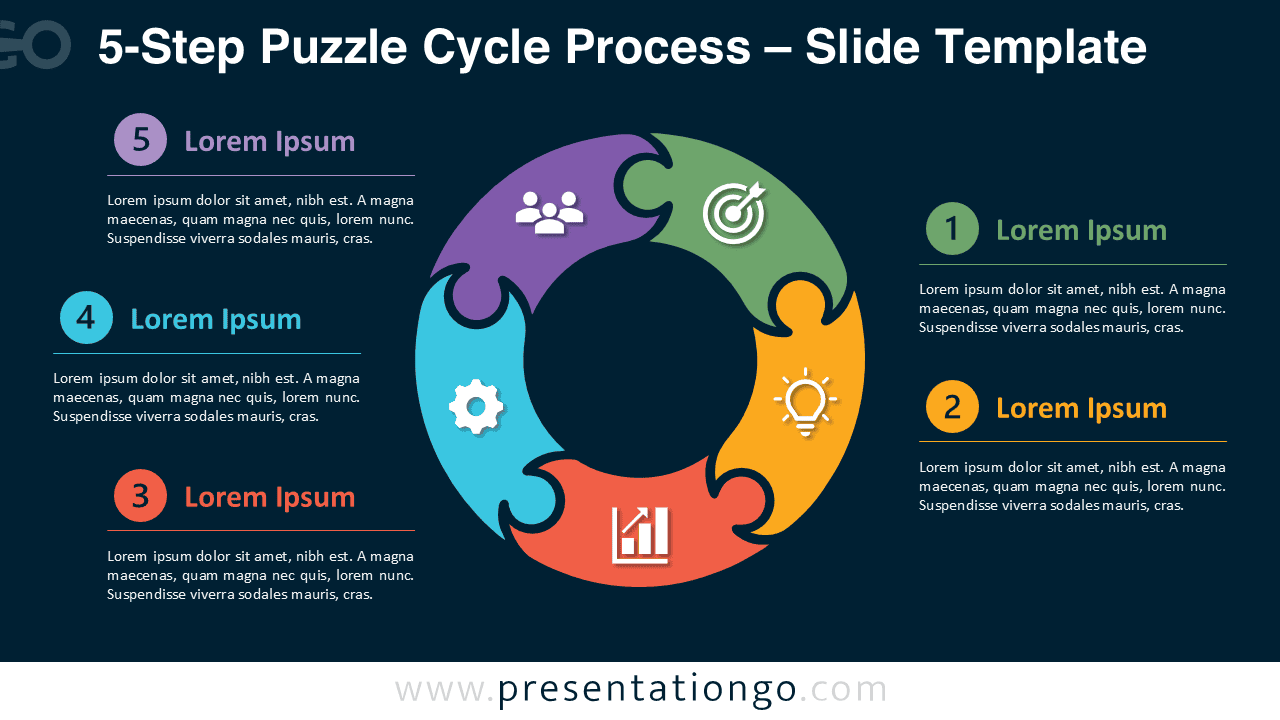


The 5-Step Puzzle Cycle Process is part of the Puzzle Cycle Process series. The collection also includes 3-step, 4-step, and 6-step versions. This five-stage option is especially useful when you need more detail than a basic cycle provides. It suits customer journeys, improvement loops, learning cycles, project phases, and team workflows.
Features and Customization Options
- Five interlocking puzzle pieces arranged in a circular process.
- Editable text placeholders for stage titles and supporting details.
- Icons from the Office icon library that are easy to modify, recolor, replace, or resize.
- Fully editable shapes for PowerPoint and Google Slides.
- Flexible labels that adapt to business, education, and project topics.
- Light and dark slide versions for different presentation styles.
- Consistent spacing that keeps each stage clear and readable.
Design and Structure
The diagram places five puzzle-shaped segments around an open center. This arrangement creates a clear visual loop and makes the relationship between stages easy to understand. Each segment includes an icon, while numbered text blocks connect the visual stages to detailed explanations.
The open center reduces visual clutter and keeps attention on the process itself. You can also use that space for a short label, central concept, project name, or key message. The slide supports concise summaries and more detailed explanations, depending on your audience.
Practical Applications
- Present detailed project management workflows.
- Explain product development from concept to delivery.
- Visualize customer journey maps with multiple touchpoints.
- Describe quality improvement and optimization processes.
- Illustrate business strategy implementation.
- Present organizational or operational workflows.
- Explain continuous improvement initiatives.
The puzzle metaphor emphasizes that every phase supports the next. It creates a clear visual connection between individual activities and the overall process.
The Complete Puzzle Cycle Process Collection
The 5-Step Puzzle Cycle Process belongs to a complete collection that also includes 3-step, 4-step, and 6-step versions. Choose the variant that best matches the complexity of your workflow while maintaining a consistent visual style throughout your presentations.


Summary
The 5-Step Puzzle Cycle Process gives you a clear and flexible way to present five connected phases. Its circular puzzle structure supports recurring workflows, while the editable text, shapes, and Office library icons make customization straightforward. Use it in PowerPoint or Google Slides to turn a detailed process into a focused visual story.