The 5-Step Radial Cylinder Diagram for PowerPoint and Google Slides helps you illustrate five stages of any process in a dynamic circular layout. Its 3D cylindrical segments radiate from the center, creating depth and balance in your presentation.
This diagram is ideal for visualizing workflows, sequences, or circular systems with clear, modern design aesthetics.
Template Preview



Features and Customization Options
- Includes 2 slides (1 light + 1 dark background)
- Unique 5-step radial cylinder design
- Editable text placeholders for each stage
- Fully customizable shapes, icons, and colors
- Widescreen (16:9) format for PowerPoint and Google Slides
Design Overview
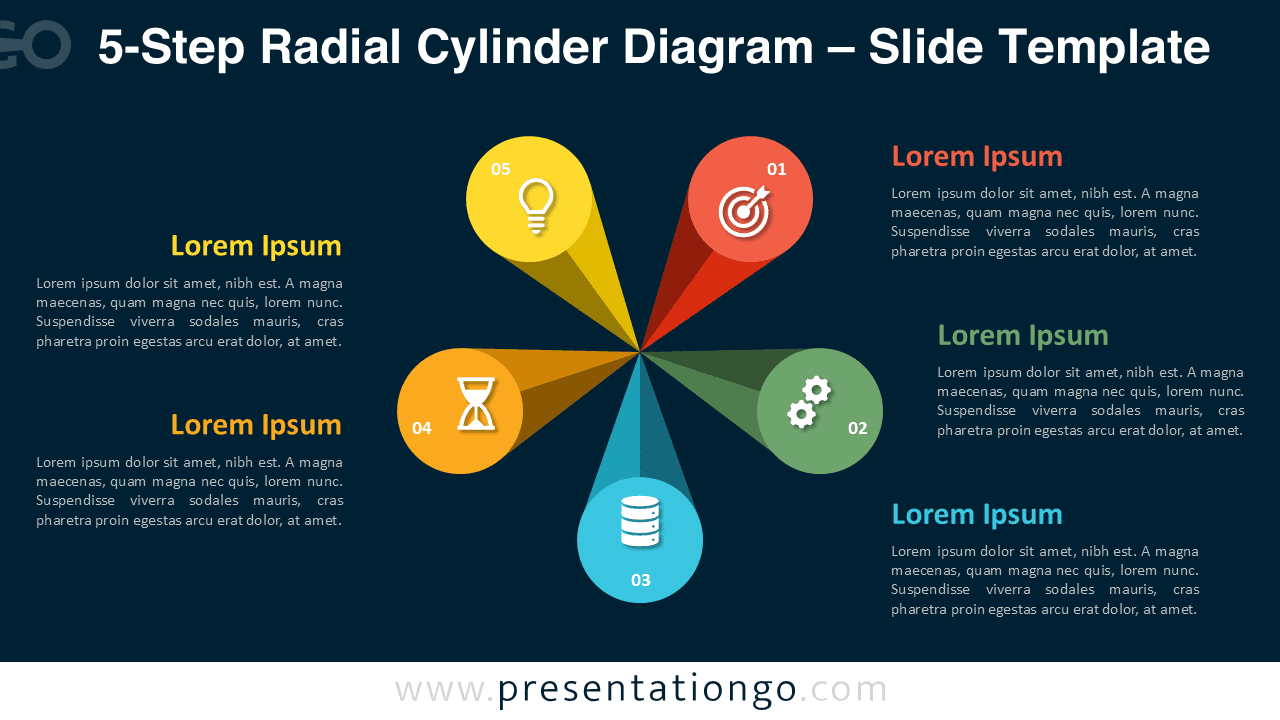
This 3D radial diagram displays five cylindrical shapes evenly distributed around a central point. Each cylinder represents one phase in your process, highlighted with vivid colors and icons for instant recognition. The composition’s symmetry and perspective add visual depth, making it an engaging alternative to flat process charts. Both light and dark slide options provide flexibility for different themes or presentation settings.
Practical Applications
- Five-step business or workflow presentation
- Marketing or project cycle visualization
- Training materials and educational process illustrations
- Strategic planning or performance tracking
How to Edit
- Open the template in PowerPoint or Google Slides.
- Replace sample text and icons with your own content.
- Adjust colors, shadows, and gradients to fit your brand identity.
- Use the Slide Master to change global fonts and background styles.
- Animate the cylinders for engaging step-by-step reveals.
Summary
A modern 3D diagram that presents five connected steps in a circular flow. Perfect for professionals seeking clarity and impact in PowerPoint and Google Slides.
The Complete Radial Cylinder Diagram Collection
This 5-step diagram is part of a complete Radial Cylinder Diagram series designed for maximum flexibility. Each variant expands the number of steps while maintaining the same dimensional balance and circular layout. Use the version that best fits your process complexity or presentation needs.


Frequently Asked Questions (FAQ)
Yes, all shapes are fully editable. You can modify fills, gradients, or outlines in both PowerPoint and Google Slides.
In PowerPoint, right-click the icon, choose “Change Graphic” → “From Icons” to replace it.
In Google Slides, delete the existing icon and insert a new one via Insert → Image → Icons or Upload.
Adjust size and color to match your slide design.