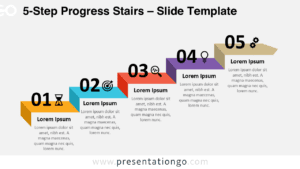
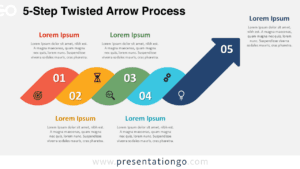
The 5-Step Rising Arch Flow presents five sequential stages through curved, ascending ribbon shapes with integrated icons, specifically designed for PowerPoint and Google Slides presentations.
Showcasing Five-Step Progress with Curved Sequence Arches
This creative diagram showcases a rising flow using five sequential arch shapes that mimic curved ribbons. Each step is visually marked with a bold number at the base and a central icon above it, reinforcing individual concepts within the sequence. The arches progress diagonally from the bottom-left to the top-right of the slide, naturally guiding the viewer’s eye upward. Supporting text appears beside each ribbon—alternating between left and right sides—enhancing both symmetry and clarity. This clean, elevated composition is not only dynamic but also carefully balanced for readability and design harmony.
Increasing or step-up diagrams are widely used in presentations to depict stages of improvement, growth, or step-by-step processes. This template supports these functions with an upward trajectory that implies momentum and development. It’s especially effective for showcasing project planning stages, outlining strategic goals, visualizing a customer journey, or detailing product launch phases. For instance, a team might use it to show a roadmap from concept to launch, while an educator could demonstrate five levels of mastery in a learning plan.
This template includes two unique slides preloaded with icons and placeholder text. Each element is fully editable, allowing you to change colors, replace icons, or adjust layout preferences. Designed with flexibility in mind, it’s available in both light and dark themes and comes in Standard (4:3) and Widescreen (16:9) formats. It is fully compatible with PowerPoint (.PPTX) and Google Slides, ensuring ease of use across different platforms.
Download this 5-step diagram set to present progression, development, or workflow with clarity and upward impact.
Widescreen (16:9) size preview:


This template offers:
- 2 unique slides
- Options for both light and dark themes
- Pre-populated with icons and text placeholders
- Fully customizable shapes for complete control
- Available in both Standard (4:3) and Widescreen (16:9) ratios
- Offered in both PowerPoint PPTX and Google Slides formats