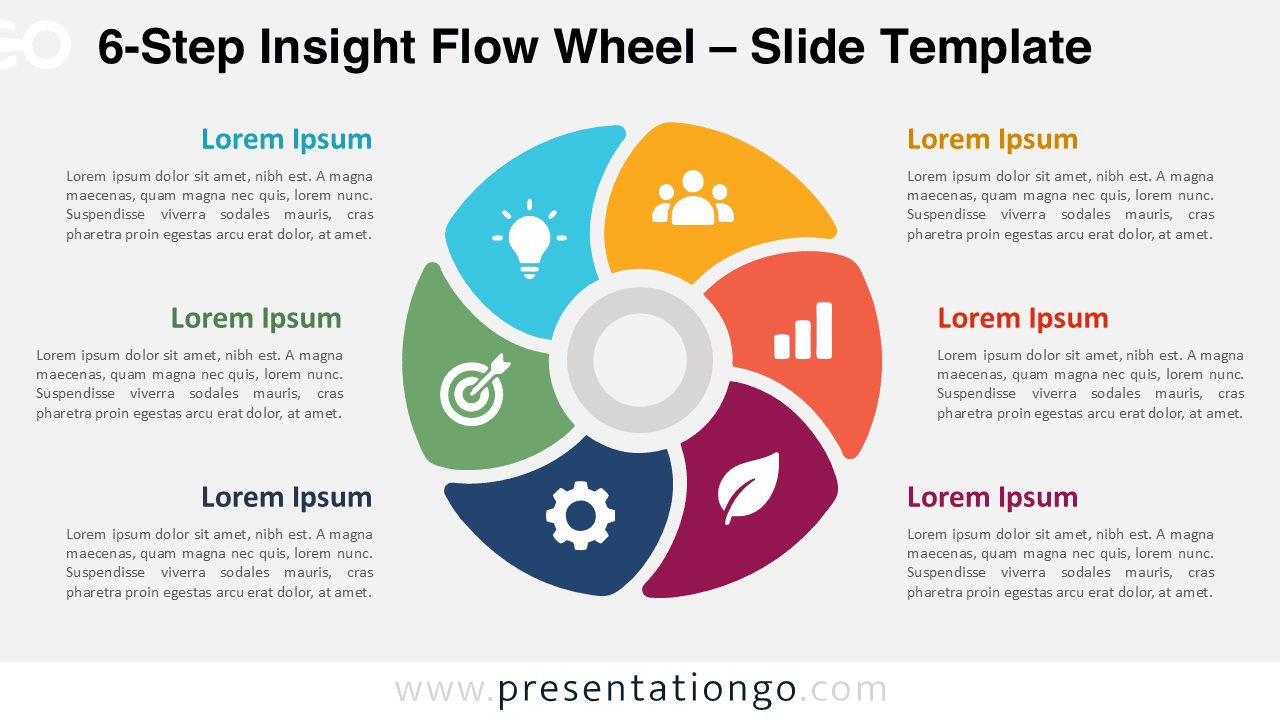
The 6-Step Insight Flow Wheel is an editable circular diagram for PowerPoint and Google Slides. Six rounded segments surround a central hub, with matching text areas arranged around the visual. The layout helps present six connected ideas within one process, framework, strategy, or business model.
Diagram Preview


Features and Customization Options
- Compatible with Microsoft PowerPoint and Google Slides
- 6-step circular process diagram, fully editable
- Editable text, shapes, sizes, and icon placeholders
- Icons are for illustration purposes only and are easily modifiable
- Add, remove, or resize segments to adapt the structure
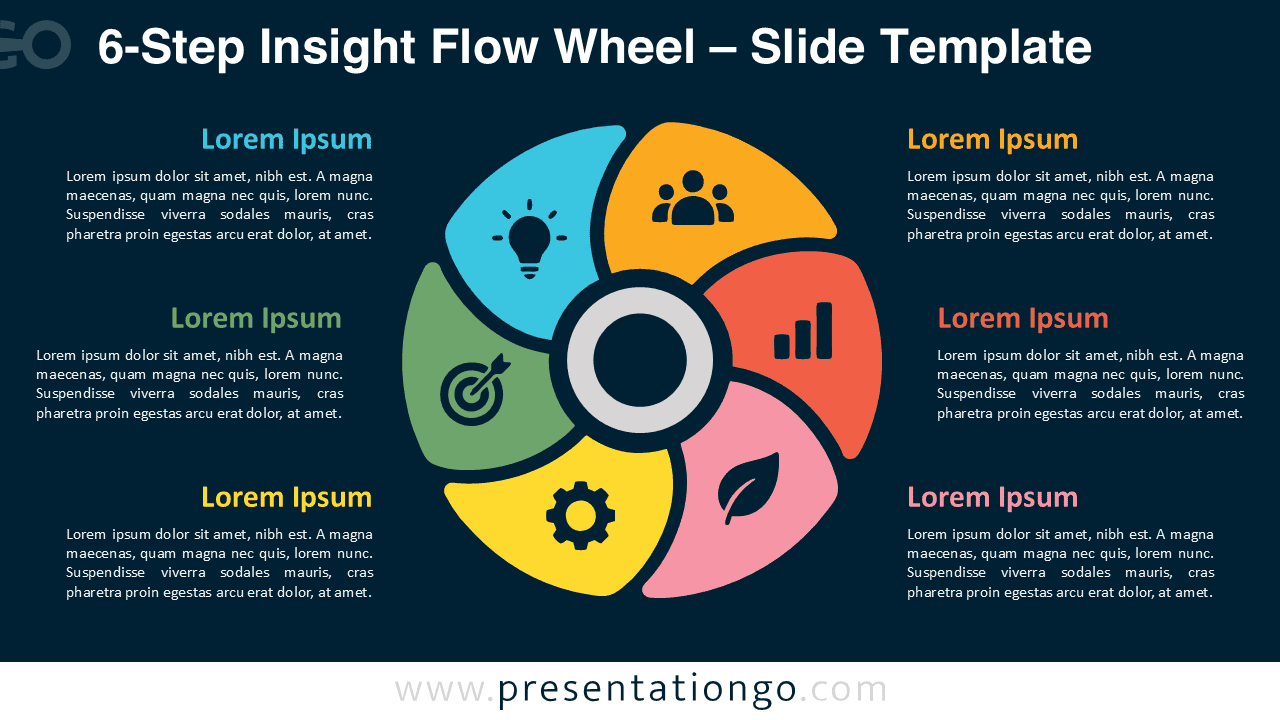
- Includes both light and dark background versions
Design and Structure
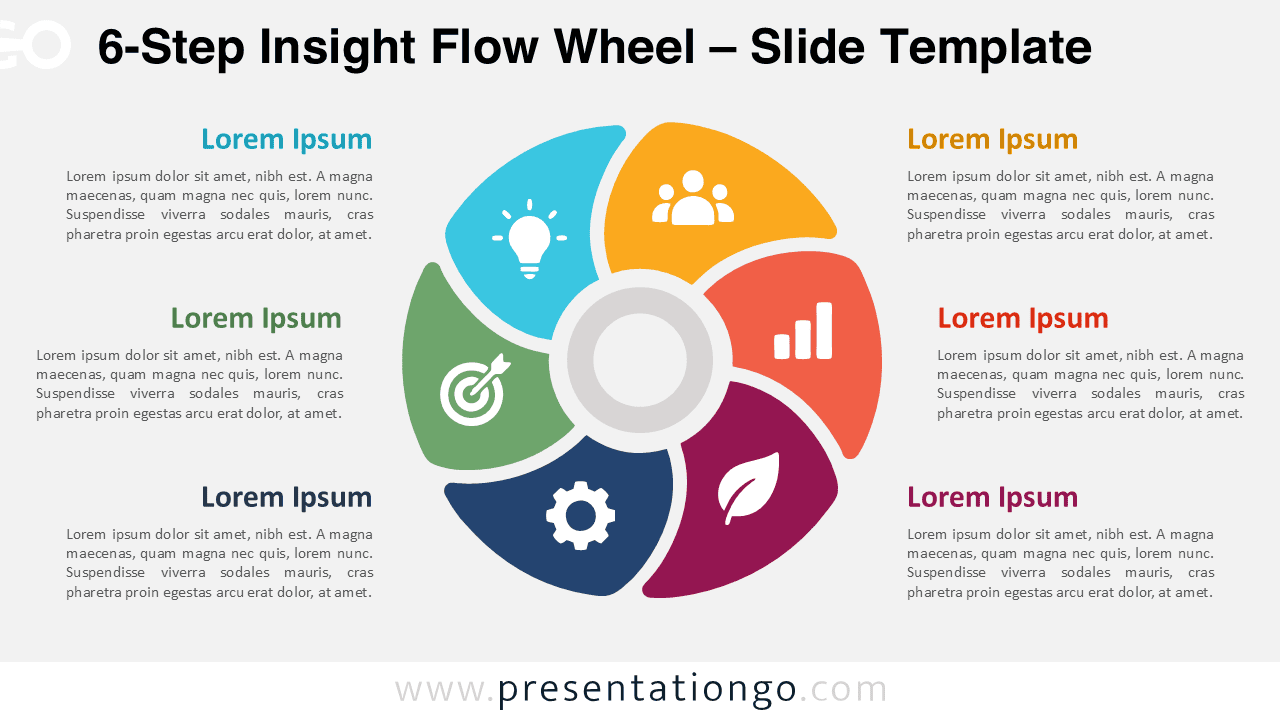
The 6-Step Insight Flow Wheel uses six curved segments arranged around one central circle. Each section contains an icon placeholder and links visually to a nearby text block with space for a heading and supporting explanation. The six-part format provides more room for detailed frameworks while keeping each component easy to identify.
The central hub can represent the main objective, strategy, product, project, or shared theme. The six surrounding sections can then describe related stages, priorities, responsibilities, capabilities, or initiatives. Because the layout distributes each section evenly, it works well for topics that need equal visual emphasis rather than a strict hierarchy.
Practical Applications
- Present six strategic priorities around one central objective
- Explain a six-stage business or project process
- Organize six departments, functions, or responsibilities
- Show six product features connected to one offering
- Summarize six pillars of a strategy or framework
- Present six sustainability, ESG, or transformation initiatives
Summary
The 6-Step Insight Flow Wheel organizes six related ideas around one central concept. Its editable segments, text areas, and icon placeholders suit processes, strategies, frameworks, project plans, and other six-part presentations in PowerPoint and Google Slides.