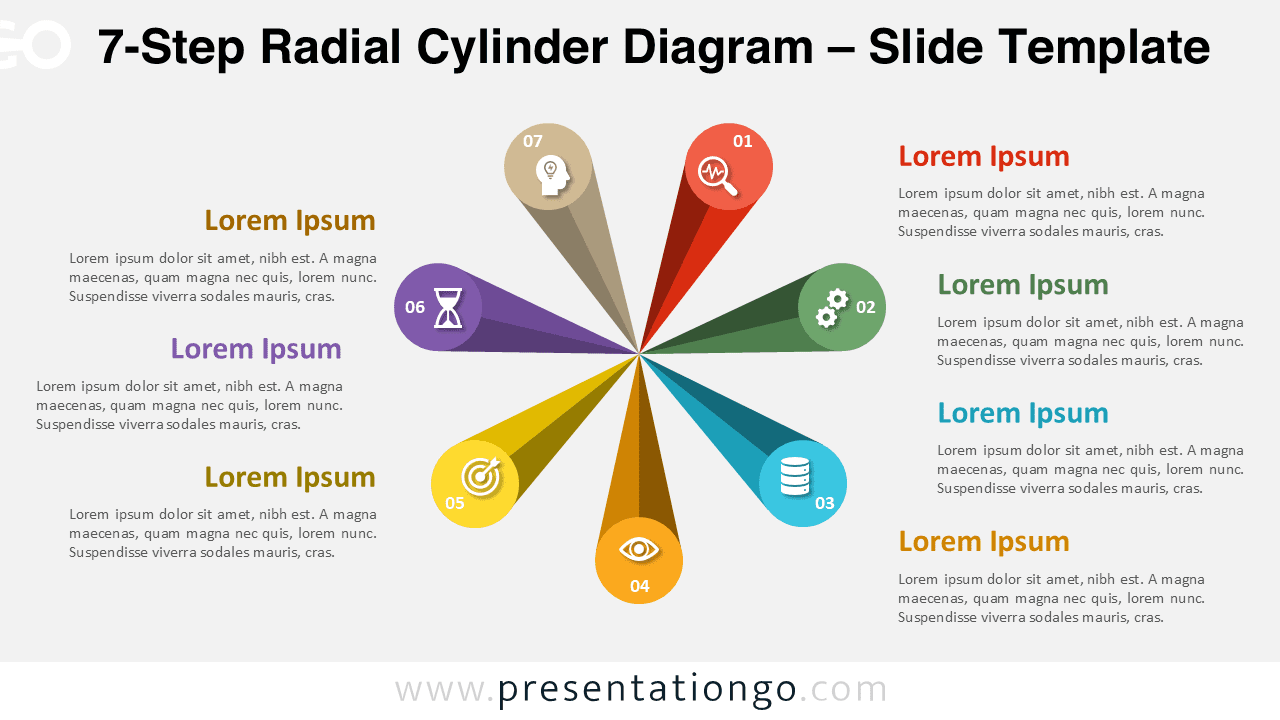
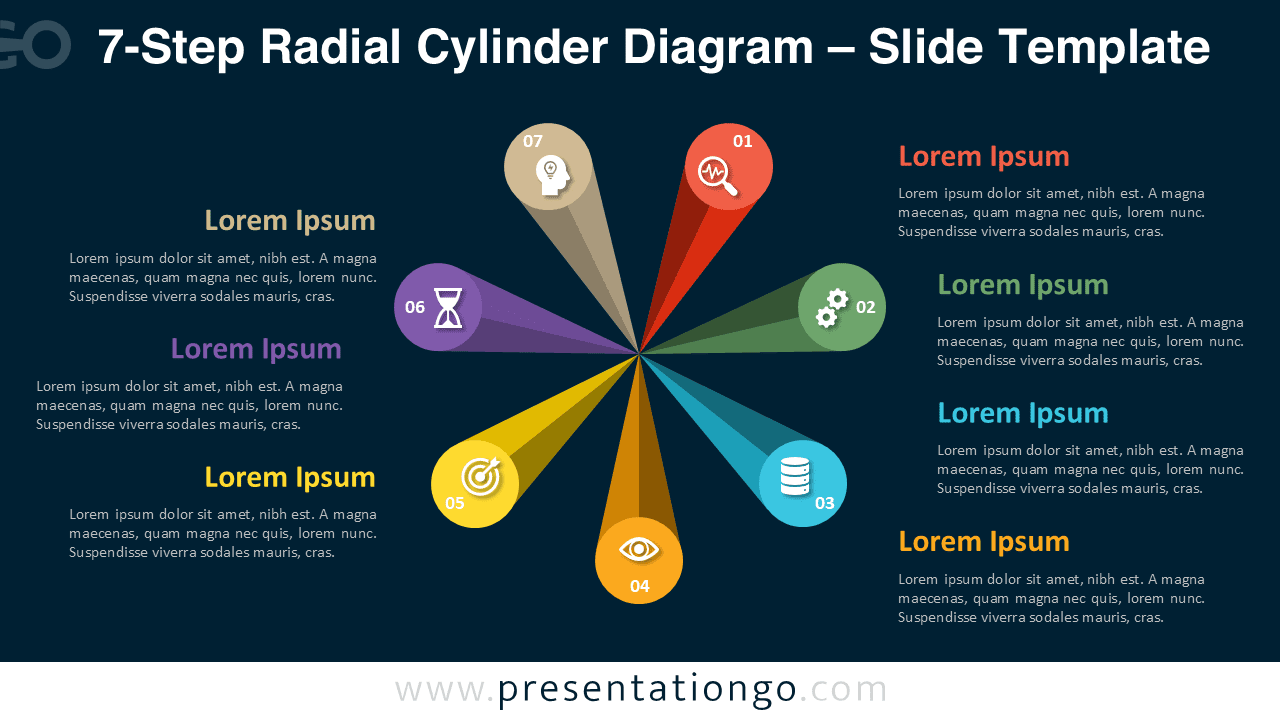
The 7-Step Radial Cylinder Diagram adds dimension and balance to your process presentations. Seven 3D cylinders radiate from the center, each representing a key stage in your workflow or system. This design combines clarity, color, and perspective in a single circular layout.
Template Preview


Features and Customization Options
- 2 slides: light and dark backgrounds
- 7-step radial 3D cylinder structure
- Editable shapes, icons, and color gradients
- Compatible with PowerPoint and Google Slides
- Widescreen (16:9) format
Design Overview
This infographic shows seven cylindrical shapes arranged in a perfect radial layout. Each segment features an icon and text area, emphasizing balance and organization. The perspective shading provides a realistic 3D look without overwhelming the slide.
Practical Applications
- Seven-step workflows or frameworks
- Project development or life-cycle diagrams
- Circular strategic or marketing models
- Educational and training visuals
How to Edit
- Open the PPTX file in PowerPoint or Google Slides.
- Replace icons and text with your information.
- Modify gradients, shadows, and colors as needed.
- Use Slide Master to customize overall style.
The Complete Radial Cylinder Diagram Collection
The Radial Cylinder Diagram Series includes 5-, 6-, 7-, and 8-step versions. All share a consistent 3D layout and clean radial balance—ideal for any multi-stage or cyclical presentation.


Summary
A colorful 3D radial layout with seven cylinders for balanced process visualization. Fully editable and ready for PowerPoint and Google Slides.
Frequently Asked Questions (FAQ)
Yes, all shapes are fully editable. You can modify fills, gradients, or outlines in both PowerPoint and Google Slides.
In PowerPoint, right-click the icon, choose “Change Graphic” → “From Icons” to replace it.
In Google Slides, delete the existing icon and insert a new one via Insert → Image → Icons or Upload.
Adjust size and color to match your slide design.