

The April 2026 Monthly Calendar provides a clear and structured way to manage schedules, deadlines, and events in PowerPoint and Google Slides. With its clean grid design and colored weekend highlights, this slide supports monthly planning for teams, classrooms, and personal organization workflows. The consistent spacing and layout make it easy to read and present.
This calendar includes two versions. One starts the week on Sunday, and the other on Monday, allowing different regions and organizations to follow their preferred format. Although April has varying layouts each year, this 2026 version follows an accurate date structure and includes enough space for annotations in each cell. The month title uses a bright turquoise for visibility while the year appears in a softer shade for contrast.
Template Preview
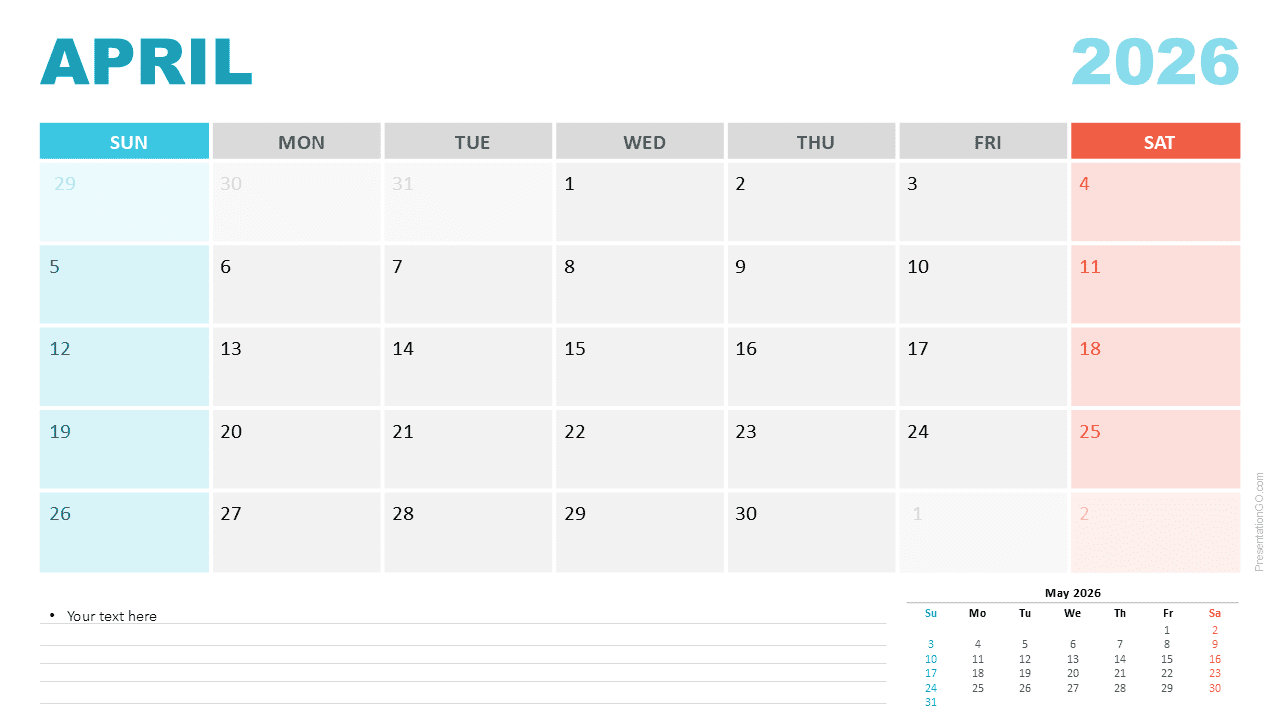
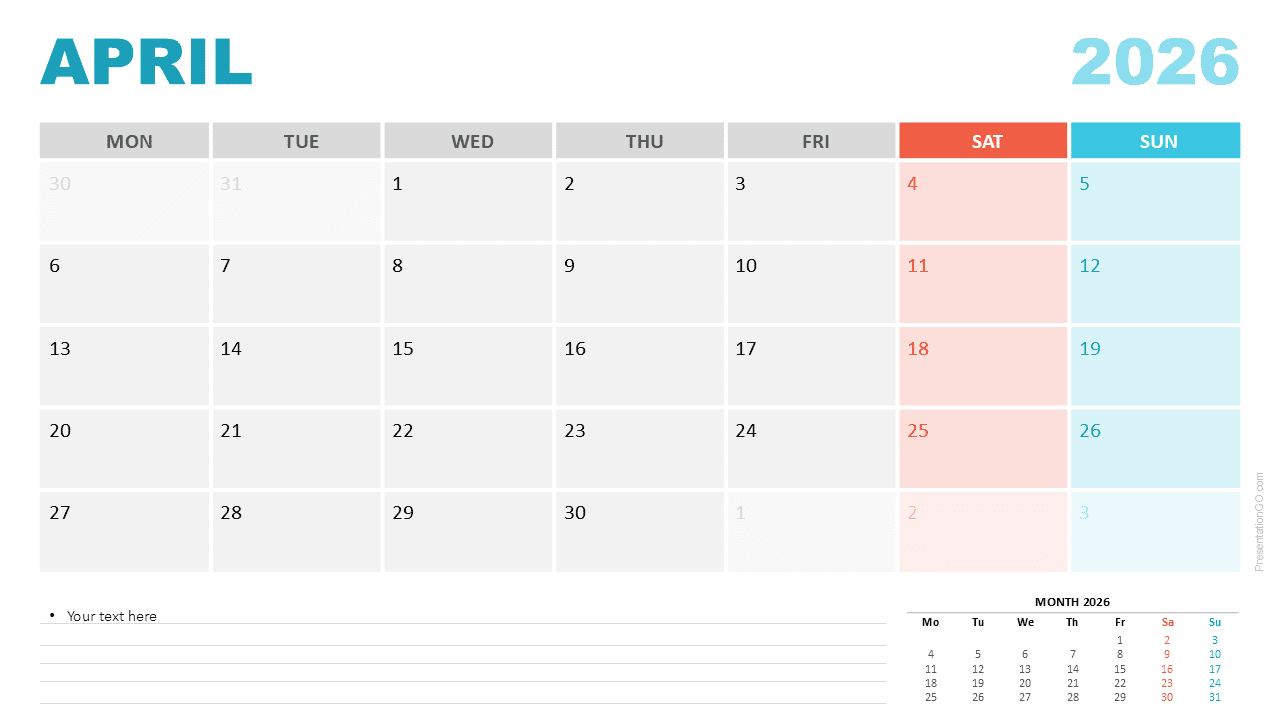


Diagram Features and Customization Options
- Editable April 2026 Monthly Calendar
- Sunday and Monday week-start versions included
- Clean layout with structured date grid
- Color highlights for Saturday and Sunday
- Notes section at the bottom for reminders
- Small preview of May 2026 for future planning
- Editable text, shapes, and colors in all versions
- Useable in both PowerPoint and Google Slides
Design and Structure
The design uses light gray alternating cells to improve readability. Each weekend column stands out through distinct colors: coral for Saturdays and aqua for Sundays. These visual cues help users identify weekends instantly while scanning the grid. A notes area appears at the bottom with lined formatting to support written annotations. A small preview of May 2026 appears in the corner to support planning continuity.
Practical Applications
- Monthly planning and schedule organization
- Project timelines for April-related milestones
- Academic planning during the spring term
- Content scheduling and editorial planning
- Team coordination and event preparation
- Printable calendar for personal use
Summary
The April 2026 Monthly Calendar offers a professional and flexible layout for planning and presentation use. The combination of editable elements, dual week-start options, and strong visual organization makes it a reliable tool for PowerPoint and Google Slides users.



