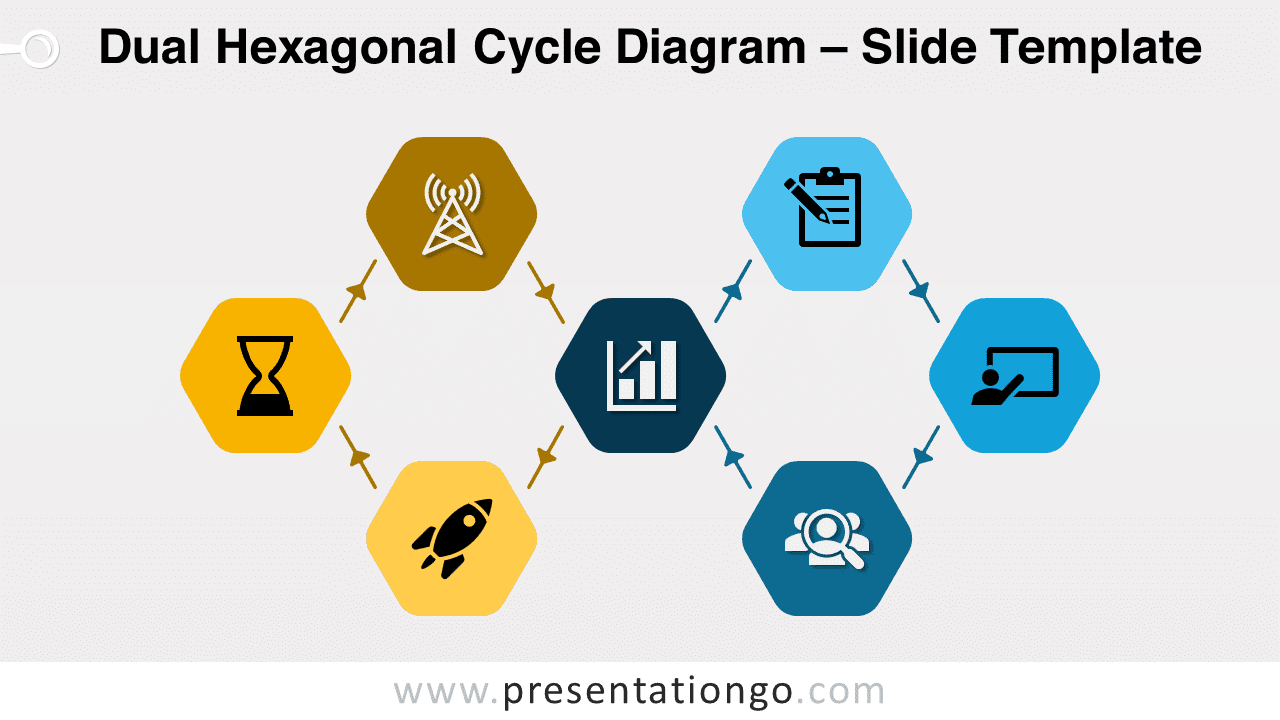
Discover our Dual Hexagonal Cycle Diagram for PowerPoint and Google Slides, a versatile and fully editable graphic that features two connected cycles of hexagons.
Dual Hexagonal Cycle Diagram
Introducing our latest free download: the Dual Hexagonal Cycle Diagram for PowerPoint and Google Slides. Not only is this professionally designed, visually appealing diagram perfect for illustrating complex processes or relationships, but it also offers a simple and effective way to communicate your ideas. With its fully customizable design, it’s ideal for a wide range of topics and contexts.
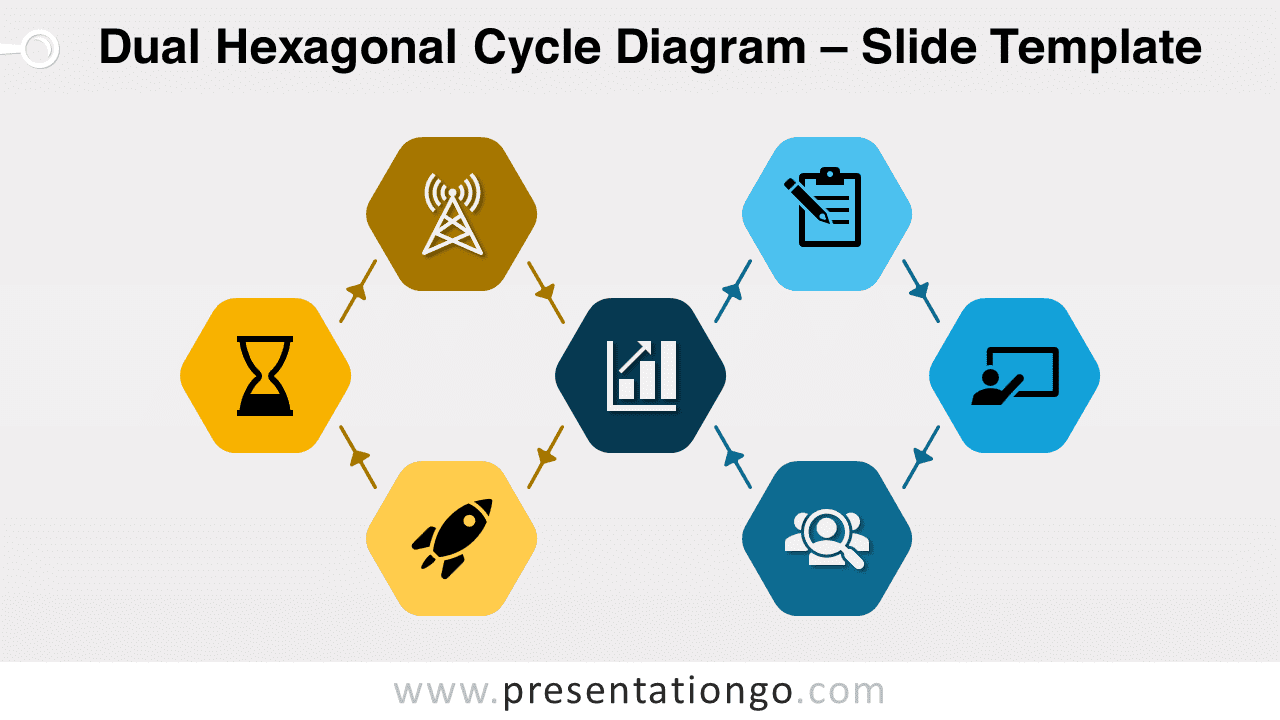
Our Dual Hexagonal Cycle Diagram distinctively features two circular cycles of four hexagons on the left and right, connected by a shared central hexagon. Furthermore, a large, easily identifiable icon adorns each hexagon shape. To enhance clarity, connector arrows in the diagram show the circular flow and relationships between each hexagon.
You can use this versatile diagram in presentations to demonstrate a variety of processes or concepts, such as product life cycles, business development stages, project management steps, or strategic planning frameworks. Consequently, the visual nature of the diagram helps your audience grasp the connections and flow of the cycle, making it an invaluable tool for effective communication.
The Dual Hexagonal Cycle Diagram suits a wide array of topics, including marketing, finance, technology, and education. Moreover, you can customize colors to match your branding, and easily replace icons from the Office icons library as needed, thanks to the editable nature of the graphic.
In conclusion, the Dual Hexagonal Cycle Diagram makes the perfect addition to your PowerPoint or Google Slides toolkit. So why wait? Download it now and elevate your presentation game with this professional, eye-catching, and engaging diagram.
Shapes are 100% editable: colors and sizes can be easily changed.
Includes 2 slide option designs: Standard (4:3) and Widescreen (16:9).
Widescreen (16:9) size preview:


This ‘Dual Hexagonal Cycle Diagram’ template features:
- 2 unique slides
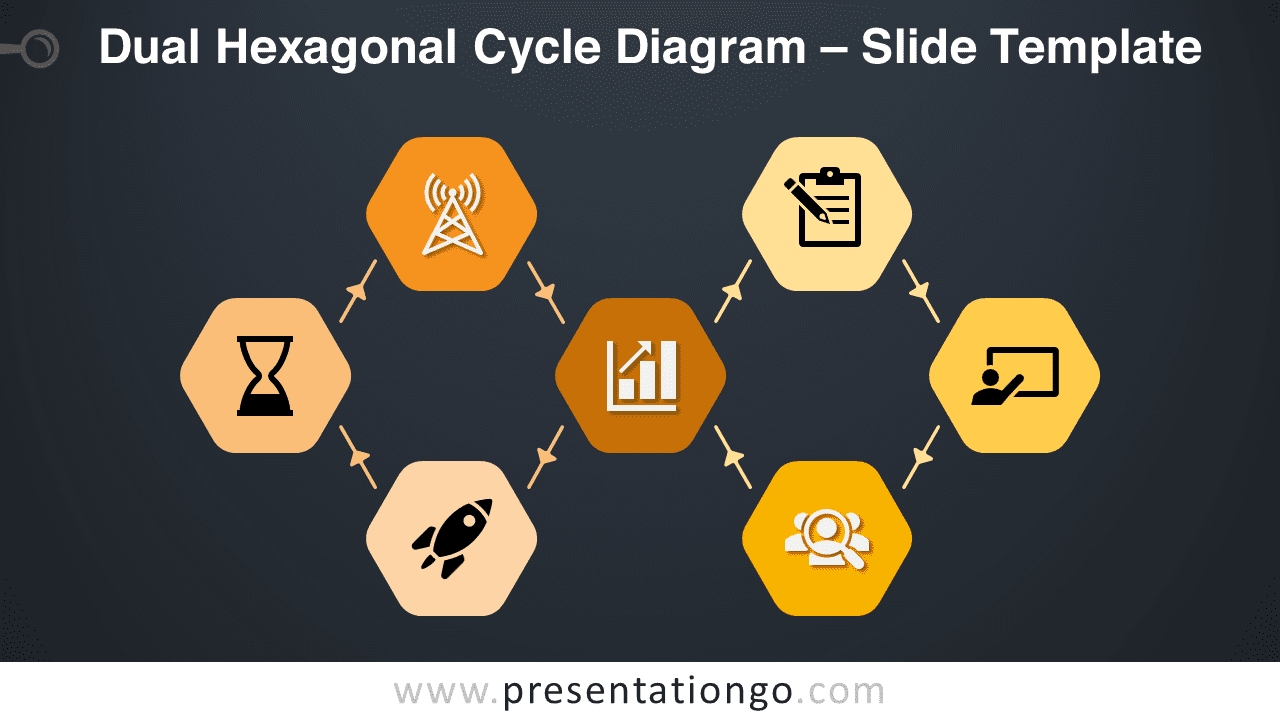
- Light and Dark layout
- Ready to use template with icons and text placeholders
- Completely editable shapes
- Uses a selection of editable PowerPoint icons
- Standard (4:3) and Widescreen (16:9) aspect ratios
- PPTX file (PowerPoint) and for Google Slides
Free fonts used:
- Helvetica (System Font)
- Calibri (System Font)