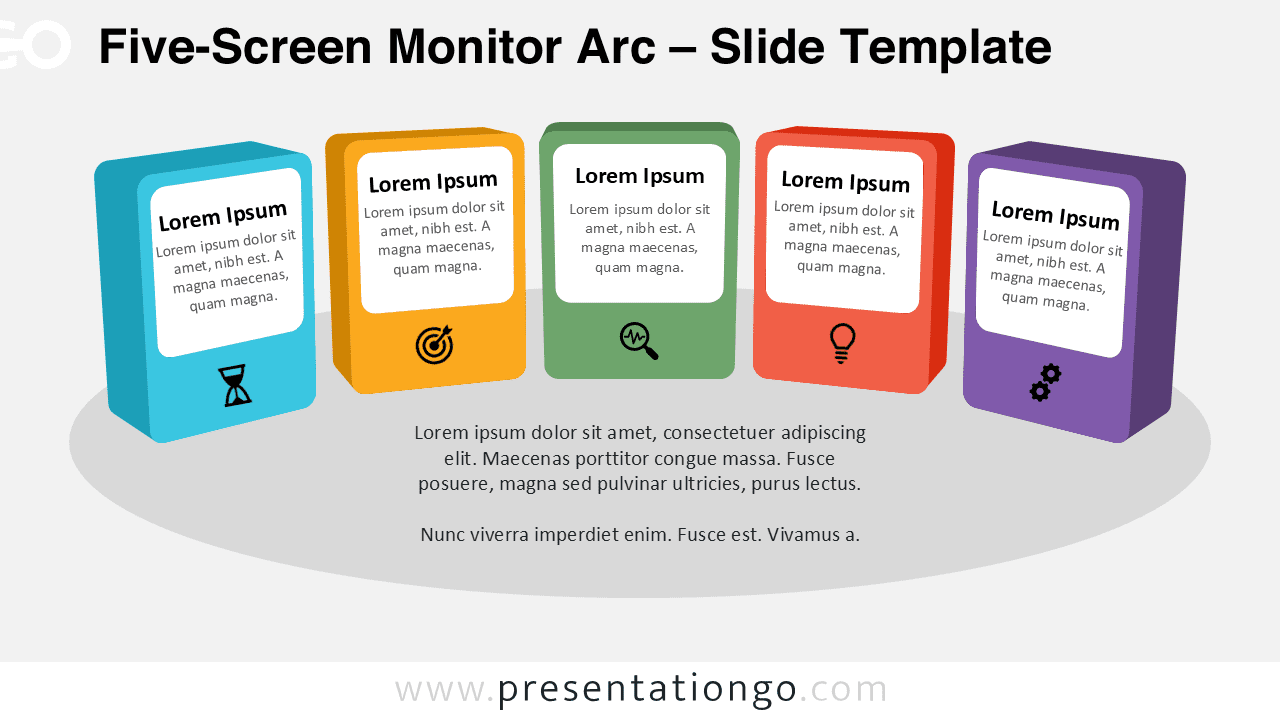
The Five-Screen Monitor Arc diagram offers a powerful and visually engaging way to present detailed content in PowerPoint and Google Slides. Its curved layout and 3D card design create a natural flow, helping audiences follow more complex information across five structured sections.
Diagram Preview


Features and Customization Options
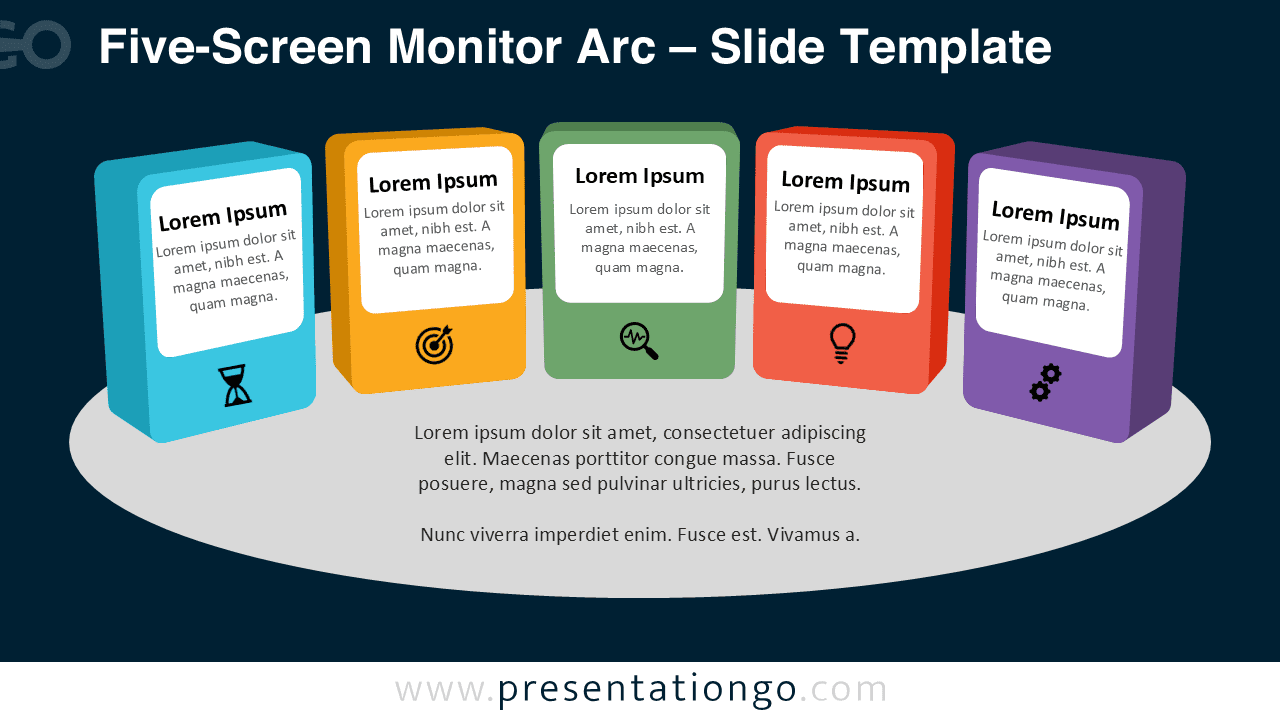
- Five panels arranged in a smooth arc layout
- Modern 3D card design with depth and perspective
- Fully editable shapes, colors, and text
- Includes editable icon placeholders from the Office icon library, easy to change
- Works seamlessly in PowerPoint and Google Slides
Design and Structure
This diagram uses a five-panel structure to present information in a clear and progressive way. Each card is slightly tilted to create depth while maintaining clarity. The arc arrangement ensures a smooth visual transition from one section to the next.
Each screen acts as an individual content block, allowing you to break down more complex ideas into manageable parts. The icons placed beneath each panel reinforce the message visually and can be easily customized.
Practical Applications
- Explaining five-step business processes
- Presenting detailed product features or services
- Visualizing workflows and project phases
- Structuring training or educational modules
- Summarizing extended concepts in presentations
Summary
The Five-Screen Monitor Arc diagram is ideal for more detailed presentations. Its modern 3D layout and flexible customization options help you communicate complex ideas with clarity and visual impact.