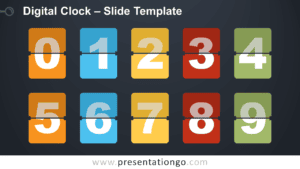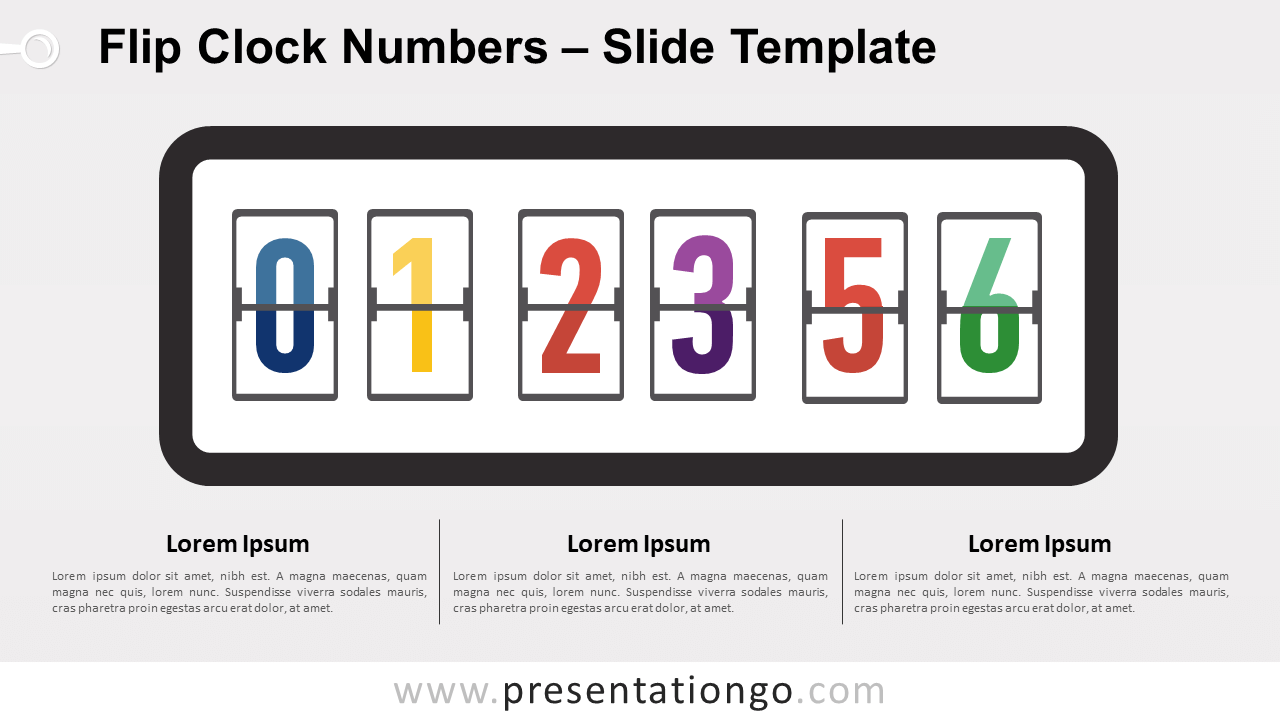
Free flip clock numbers for PowerPoint and Google Slides. Creative collection of flat design retro flip-down numbers. Flip countdown clock counter. Editable graphics.
Flip Clock Numbers
Do you want your presentation to run like clockwork? Then download our free Flip Clock Numbers slide template! These versatile graphics offer you a visually attractive way to showcase numbers and hours.
These old-fashioned retro-style flip clocks possess a creative design you can enjoy for various purposes.
Firstly, it is possible to use them as section slides inside your presentation. For example, you can write down the time allotted for your coffee break. You can also apply them for any activity which requires a timer or a clock-down counter. In addition, you can present important numbers and data in an original manner.
Final countdown to success! Don’t waste any more time and download this free Flip Clock Numbers slide template.
Shapes are 100% editable: colors and sizes can be easily changed.
Includes 2 slide option designs: Standard (4:3) and Widescreen (16:9).
Widescreen (16:9) size preview:


This ‘Flip Clock Numbers for PowerPoint and Google Slides’ features:
- 4 unique slides
- Light and Dark layout
- Ready to use
- Completely editable shapes
- Standard (4:3) and Widescreen (16:9) aspect ratios
- PPTX file and for Google Slides
Free fonts used:
- Helvetica (System Font)
- Calibri (System Font)