

The Four Feature Icon Cards diagram gives you a clean way to present four related ideas on one slide. Its balanced 2×2 structure separates each point while keeping the overall message connected. You can use it to explain features, priorities, benefits, project components, or other groups of four. The diagram works in both PowerPoint and Google Slides, so you can adapt the content directly to your presentation.
Diagram Preview
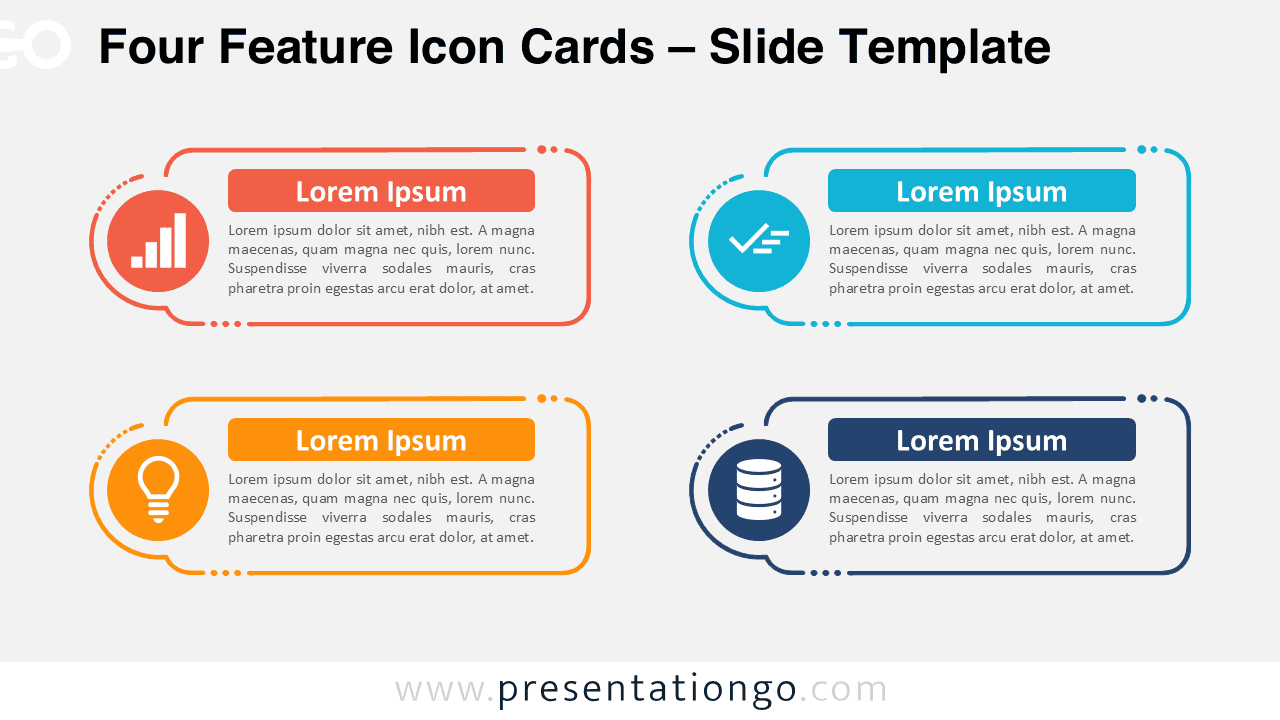
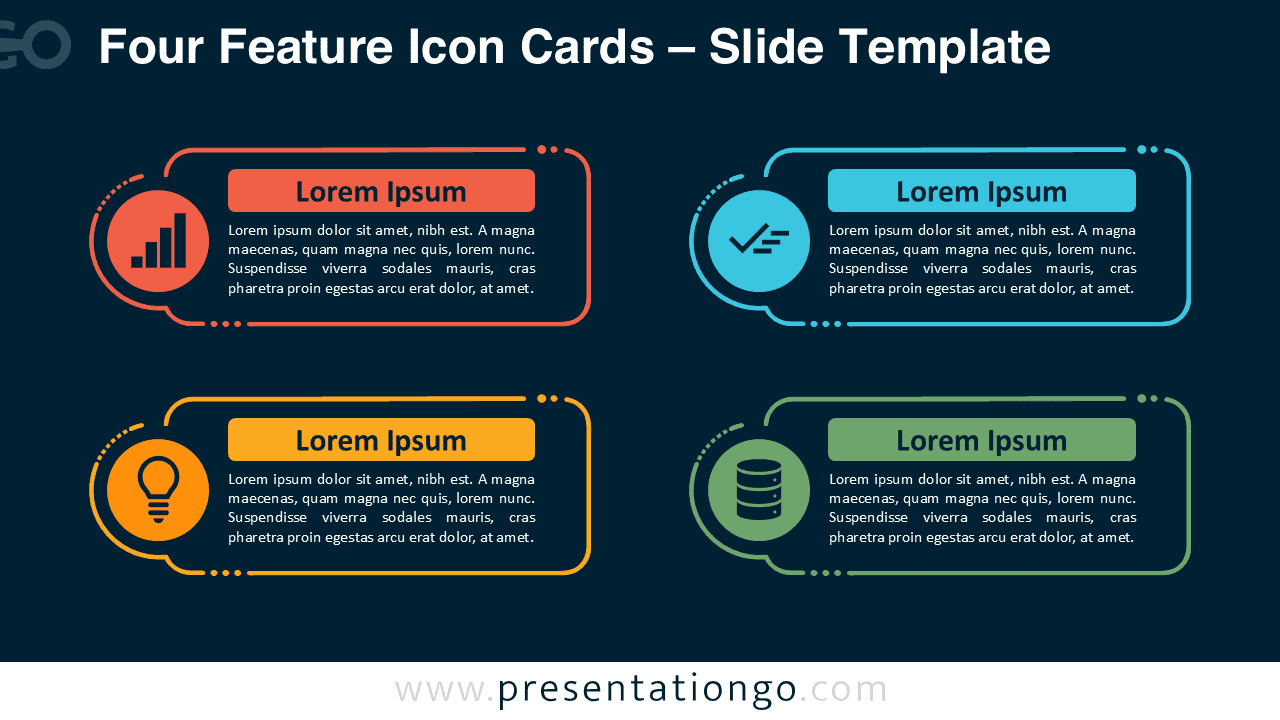


The Four Feature Icon Cards layout uses four evenly distributed information blocks. Each block provides enough space for a short title and supporting explanation without making the slide feel crowded. Circular icon placeholders create an immediate visual cue, while the surrounding shapes frame each topic as a distinct piece of information.
The two-by-two arrangement makes the slide easy to read from left to right or as four independent topics. Because the structure does not force a sequence, it supports both comparative and non-sequential content. You can also rearrange the cards when your presentation needs a different reading order.
Features and Customization Options
- Compatible with Microsoft PowerPoint and Google Slides
- Icon-and-text layout for comparing concepts
- Fully editable in just a few clicks
- Editable icon placeholders for quick replacement
- Office library icons are for illustration only and are easy to modify or replace
- Includes both light and dark background versions
Design and Structure
The diagram relies on repetition and alignment to create a clear visual hierarchy. Four matching cards establish consistency, while the icon circles help distinguish each topic at a glance. The generous spacing around every block keeps longer descriptions readable and prevents the layout from becoming visually dense.
You can edit the headings, body text, shapes, and icon placeholders to match your content. The supplied icons come from the Microsoft Office icon library and serve as illustrations only. They are easy to modify, resize, or replace with alternatives that better fit your subject.
Practical Applications
- Present four product features or service benefits
- Summarize four strategic priorities or business pillars
- Compare four departments, categories, or responsibilities
- Highlight four project components or workstreams
- Explain four customer benefits or value propositions
- Organize four data, technology, or innovation topics
- Show four ideas that carry equal importance
Summary
The Four Feature Icon Cards diagram offers a practical structure for presenting four related points without suggesting a fixed sequence. Its balanced arrangement makes each topic easy to identify while keeping the full slide cohesive.
Because the text, shapes, and icon placeholders remain editable, you can adapt the diagram for many presentation topics. Use it whenever you need to turn four separate ideas into a concise and organized visual story for PowerPoint or Google Slides.



