

The Icon Tile Panels diagram offers a clean and colorful way to present four key ideas, steps, or features in both PowerPoint and Google Slides. Each panel combines a bold header color, a simple icon, and a clear text area, allowing you to explain each concept with clarity and visual impact. This layout helps audiences understand information quickly and supports a wide range of presentation topics.
Diagram Preview
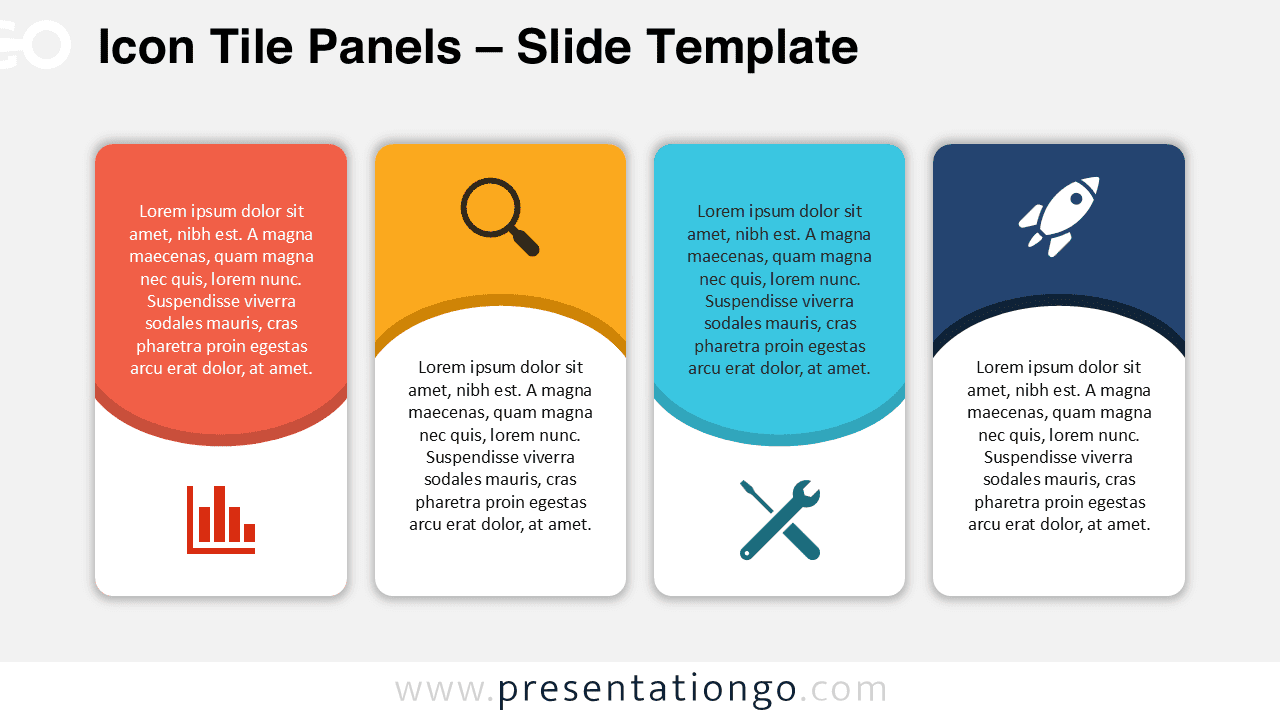
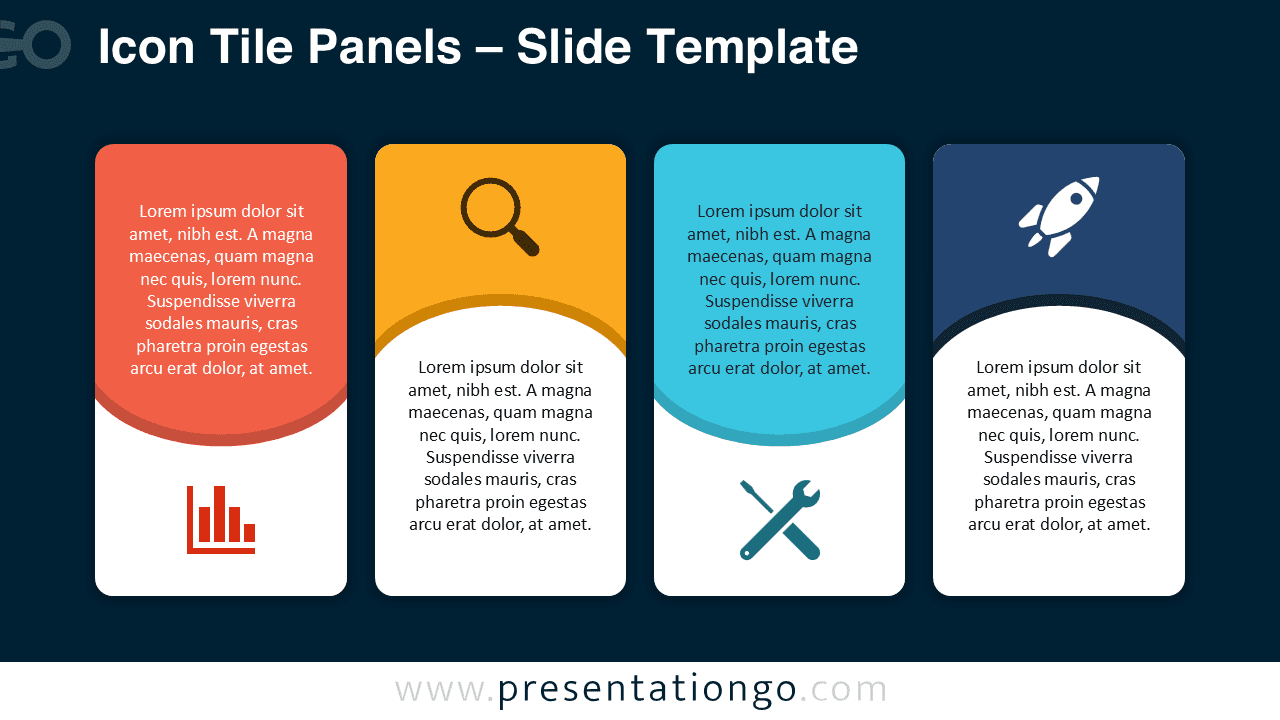


Diagram Features and Customization Options
- Four modern rounded panels arranged in a balanced horizontal layout
- Editable text placeholders for clear descriptions
- Fully customizable colors for all shapes and backgrounds
- Includes editable icon placeholders for easy replacement
- Resizable shapes that maintain consistent proportions
- Compatible with both PowerPoint and Google Slides
Design and Structure
The diagram features four vertical tiles, each divided into a colored top section and a white content area. The icons sit inside the colored header, making each panel instantly recognizable. A curved accent band separates the two sections, adding a modern layered effect. The combination of rounded edges, soft shadows, and vibrant colors creates a friendly and professional aesthetic suitable for corporate, educational, and creative presentations.
Each tile uses a distinct color, which helps viewers compare information across all four categories. The modern iconography reinforces the theme of each panel, whether illustrating performance, search, tools, or innovation. All elements remain fully editable, ensuring that presenters can adjust the look and content to fit branding requirements or presentation goals.
Practical Applications
- Explaining four-step processes or workflows
- Presenting product features or service categories
- Comparing four options, strategies, or solutions
- Highlighting team roles or departmental functions
- Sharing grouped ideas in workshops or training sessions
Summary
The Icon Tile Panels diagram provides a versatile and visually engaging structure for presenting four related ideas. Its clean shapes, customizable colors, and editable icons make it easy to adapt for many professional and educational uses. Whether you need to show steps, features, or comparisons, this diagram offers a clear and compelling way to communicate your message.
Frequently Asked Questions (FAQ)
Yes. Select a panel shape and apply any fill color. All sections can be customized to match your brand or presentation style.
You can replace the icons by selecting them and either changing their color or deleting them and inserting your own icons from PowerPoint’s or Google Slides’ built-in libraries.



