The Four-Step Wavy Cards diagram is a four-stage infographic layout for PowerPoint and Google Slides. It organizes information into four numbered cards, each with a distinctive wave-shaped section, an illustrative icon, a heading, and supporting text. The horizontal arrangement works for presenting sequential steps or four related concepts.
Diagram Preview
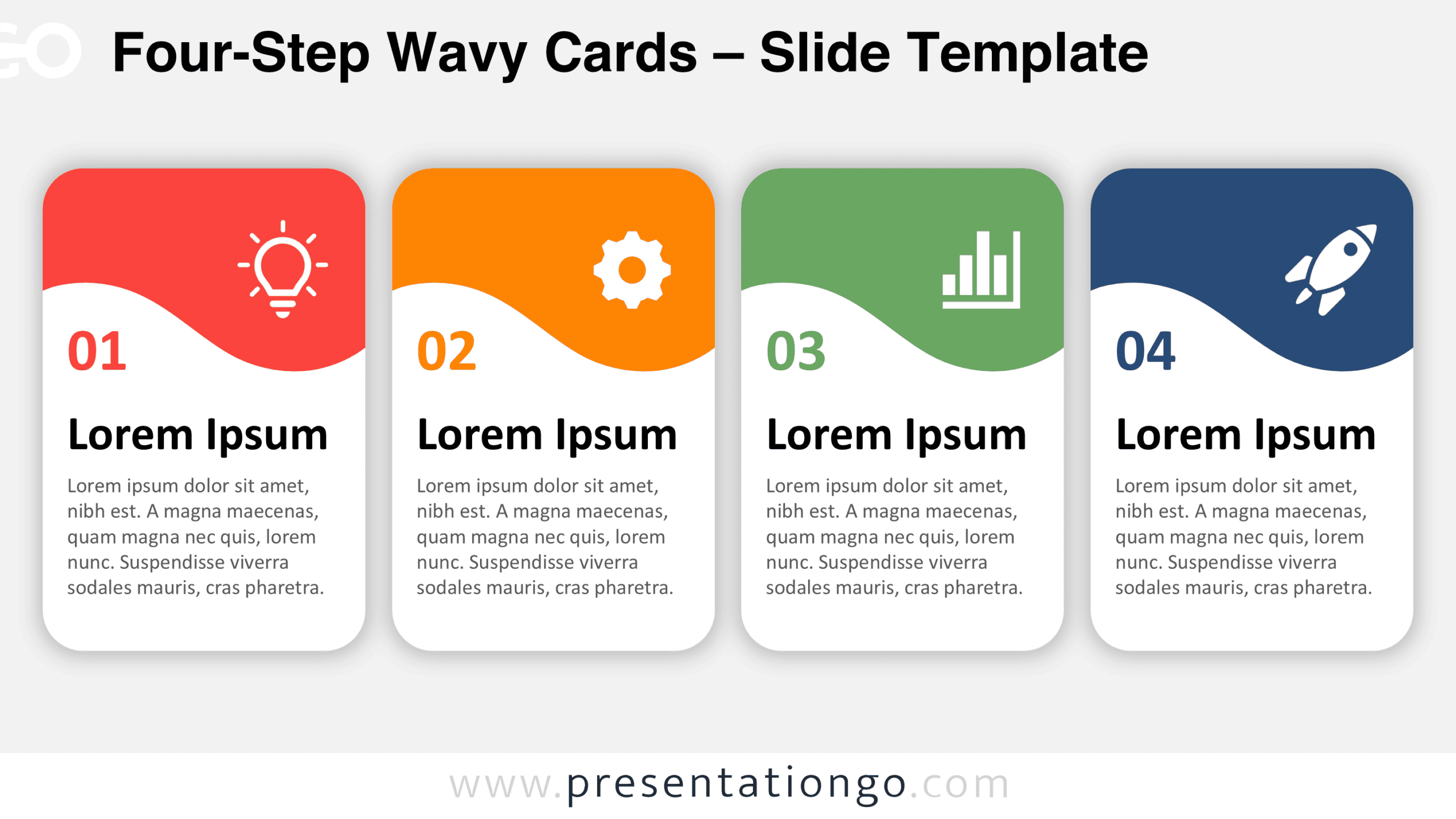
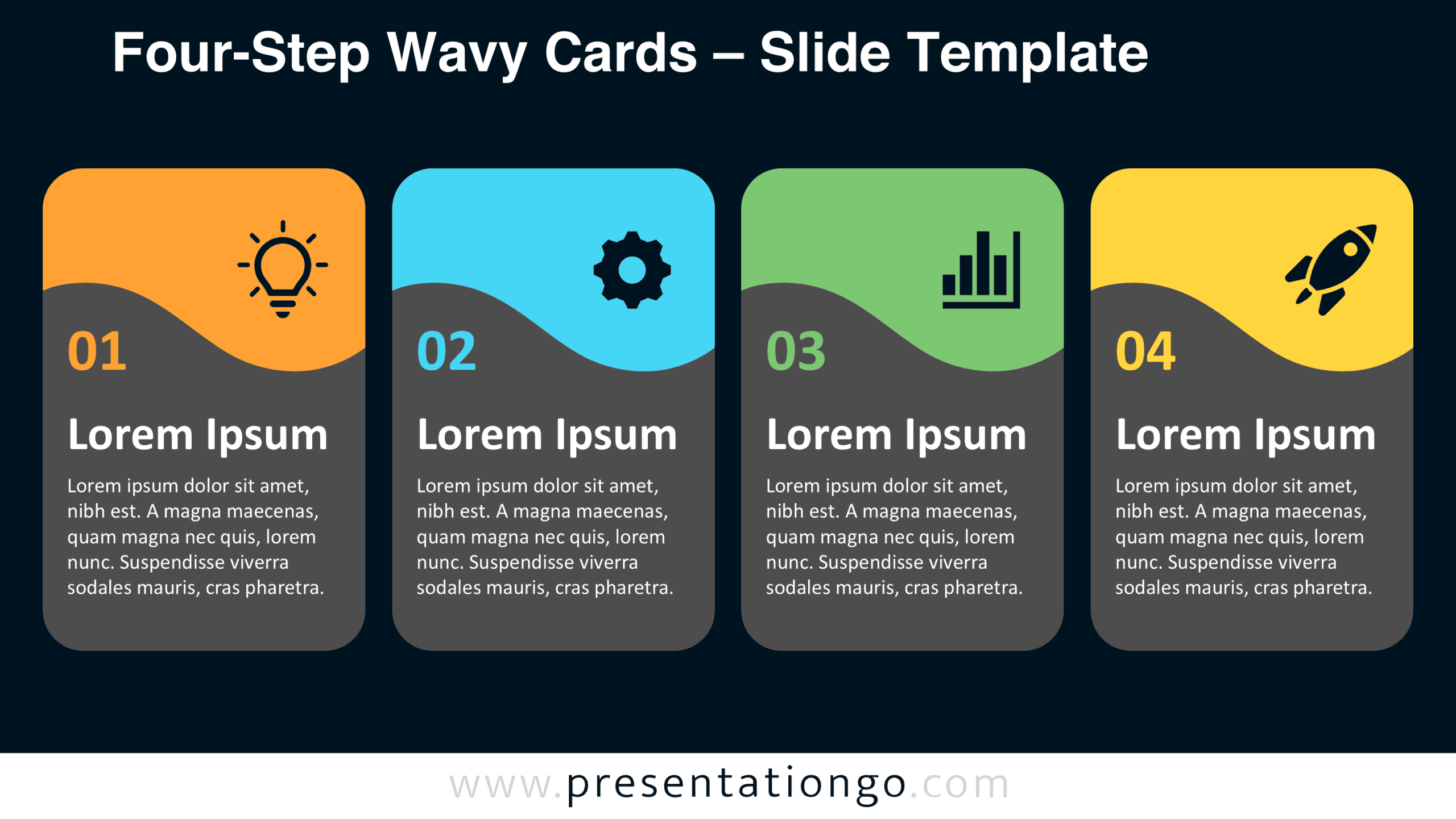
The preview shows four equally sized cards arranged from left to right, with rounded corners and flowing wave divisions. Each card contains a prominent number from 01 to 04, an icon, a bold heading, and a short paragraph. The two slides display the same composition with different background treatments.


Features and Customization Options
- Designed for PowerPoint and Google Slides presentations
- Four-stage horizontal infographic structure
- Four rounded cards with wave-shaped divisions
- Numbered sections from 01 to 04
- Illustrative icon placeholders with dedicated text areas
- Consistent heading and description areas within each card
- Includes two background variations
Design and Structure
The diagram consists of four vertical cards positioned side by side with equal spacing. Each card features rounded corners and an upper section separated from the main content by a smooth, undulating curve. This repeated wave creates continuity across the design while preserving the individuality of each card. The four panels share consistent dimensions and proportions, giving the composition a balanced appearance. Their alignment establishes a natural reading direction without requiring connecting lines or arrows.
Each card follows the same visual hierarchy. An illustrative icon occupies the upper area, while a large two-digit number appears immediately below the wave-shaped division. A bold heading introduces the corresponding section, followed by a compact paragraph for additional details. The generous spacing between these elements makes each information block distinct and readable. The icons serve as illustrative placeholders rather than defining the diagram’s subject. The overall structure supports a numbered progression, but the individual cards can also represent separate categories or complementary ideas.
Practical Applications
- Project planning: Present four phases of a project with individual objectives and deliverables.
- Process explanations: Break a workflow into four numbered steps with supporting descriptions.
- Strategic planning: Organize four priorities, initiatives, or areas of focus into separate cards.
- Product development: Outline four stages of a product lifecycle or development roadmap.
- Comparative presentations: Display four services, solutions, or concepts using a consistent information structure.
Summary
Four-Step Wavy Cards combines a structured four-part layout with flowing dividers and clearly organized text areas. Its repeated design helps audiences distinguish individual points while understanding their place within a larger sequence or comparison. The diagram provides a practical visual framework for communicating four connected ideas without adding unnecessary complexity.