

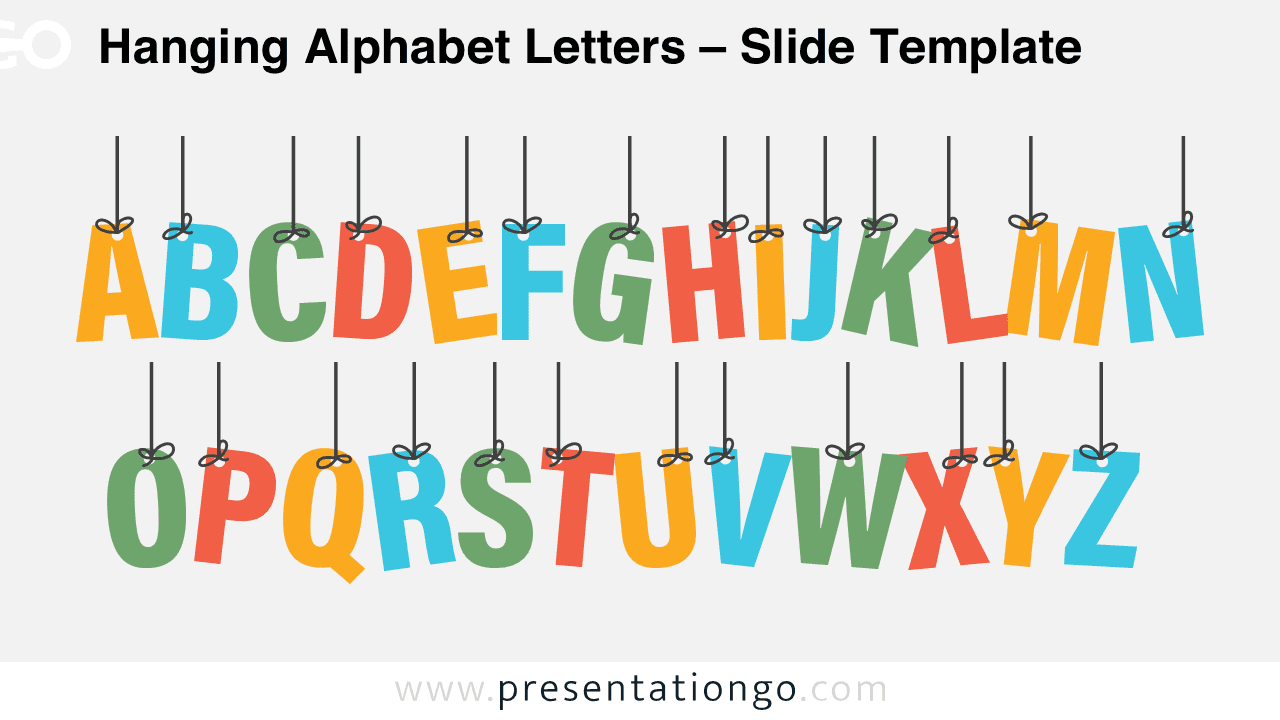
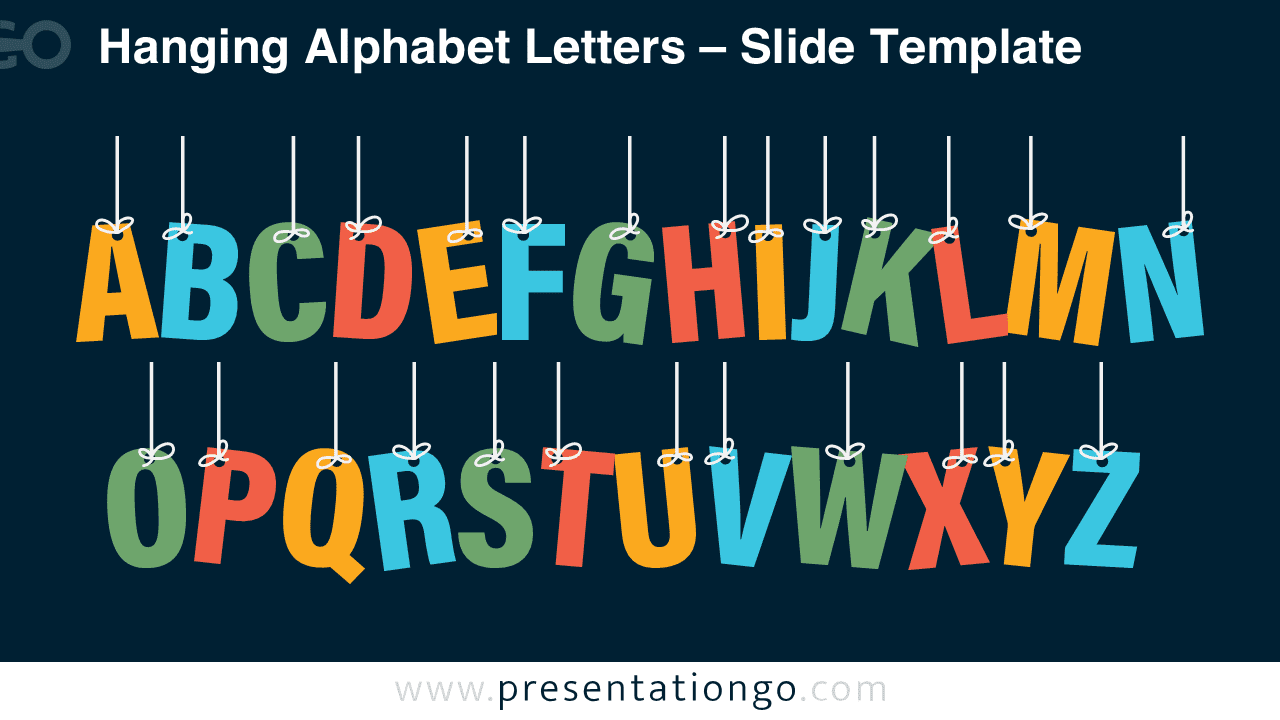
The Hanging Alphabet Letters template is a bright and cheerful visual for PowerPoint and Google Slides presentations. It showcases all the letters of the English alphabet hanging like decorative banners. This creative design is ideal for educational purposes, such as classroom lessons, school projects, or teaching materials for kids. The template is purely decorative, making it an engaging background or visual element that enhances the learning environment with color and energy.
Widescreen (16:9) Preview


Template Features and Customization Options
- Comes with 2 unique slides, offering various layouts and design options
- Includes both light and dark themes for flexible presentation styles
- Features fully customizable shapes so you can adjust colors, sizes, and layouts with ease
- Available in Standard (4:3) and Widescreen (16:9) formats
- Compatible with both PowerPoint (PPTX) and Google Slides
Design and Layout Overview
This template features two horizontal rows of letters, each designed in a flat and colorful style. The letters are suspended by thin strings tied in small bows, creating a festive and friendly look. The palette includes shades of orange, blue, green, and red, set against a light or dark background. It’s designed in a flat vector style with clean lines and simple geometry, ensuring versatility across all presentation types.
Practical Applications
- Educational slides for teaching the alphabet or language concepts
- Decorative backgrounds for school or children’s presentations
- Visual materials for learning centers and preschool classrooms
- Creative displays or title slides for playful projects
- Build words or short sentences by selecting and arranging individual letters
How to Edit
- Open the file in PowerPoint or Google Slides.
- Replace any titles, descriptions, or placeholder text with your own content.
- Adjust colors and letter arrangements to match your presentation needs.
- Modify shapes, resize elements, or duplicate slides for more variations.
- Optionally add transitions or animations to bring the letters to life.
Summary
The Hanging Alphabet Letters template brings playfulness and color to your slides. Perfect for teachers, students, or anyone who wants to spell out words or short phrases creatively using colorful letter designs.
Frequently Asked Questions (FAQ)
It will be perfect for educational and decorative presentations, ideal for classrooms, kids’ lessons, or learning visuals.
Simply copy and arrange the letter shapes on a blank slide to form words or sentences. You can resize, recolor, or animate them for a more personalized look.



