
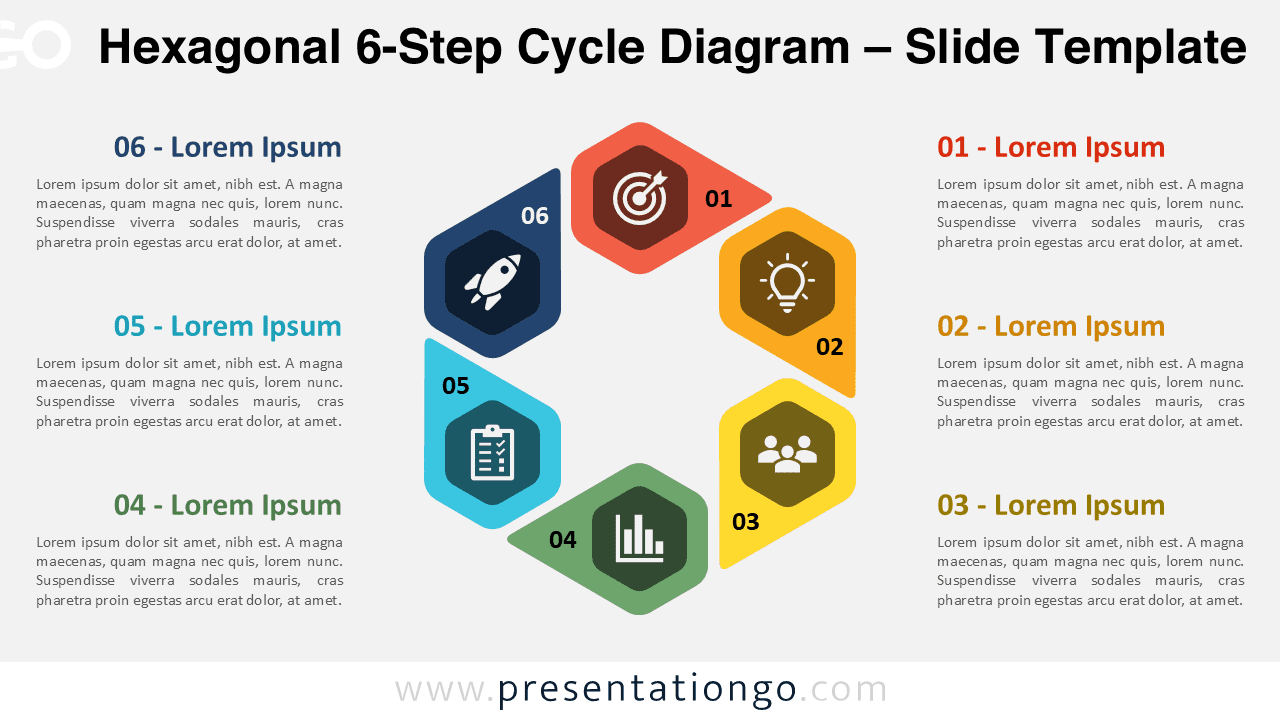
The Hexagonal 6-Step Cycle Diagram is a colorful and dynamic visual for illustrating any process or workflow made of six sequential or repeating stages. Ideal for PowerPoint and Google Slides, it helps you present ideas such as project phases, circular progressions, or recurring cycles in a clear and modern layout.
Widescreen (16:9) Preview


Features and Customization Options
- Includes 2 slides with 1 unique hexagonal design
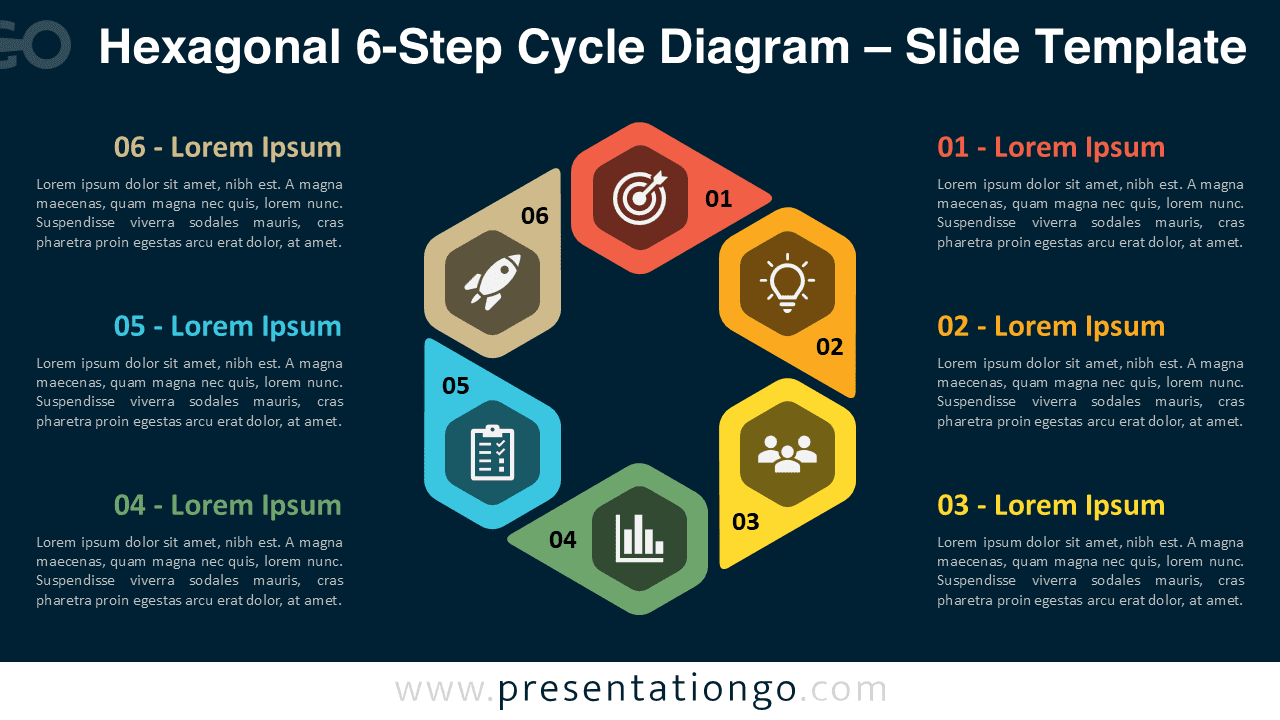
- Available in both light and dark background versions
- Fully editable shapes, icons, and colors
- Designed for PowerPoint and Google Slides compatibility
- Perfect for process visualization, steps, or circular flows
Design Overview
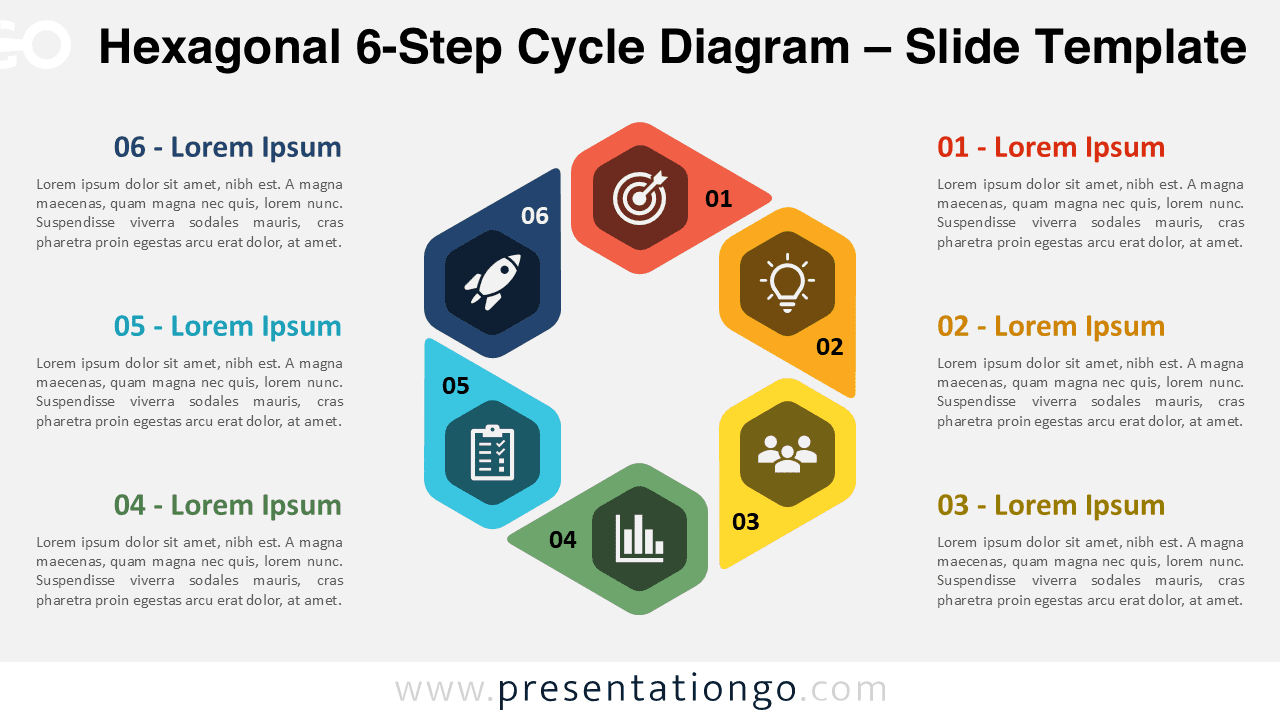
Six hexagonal shapes form a continuous circular loop in this diagram. Each section features a number and icon to represent a step or stage in your process. Distinct colors—red, orange, yellow, green, teal, and navy—enhance readability and give each stage a unique visual identity. Text boxes on both sides of the diagram let you describe each step in detail.
Practical Applications
- Business process modeling and strategic planning
- Marketing campaign or product development stages
- Project lifecycle and workflow diagrams
- Educational or training sequence presentations
How to Edit
- Open the file in PowerPoint or Google Slides.
- Replace placeholder text and icons with your own content.
- Adjust colors and font styles to fit your brand theme.
- Duplicate or remove steps to match your presentation’s needs.
Summary
A modern circular process diagram built from six colorful hexagons, ideal for presenting cyclical workflows and interconnected steps with clarity and style.
Frequently Asked Questions (FAQ)
Yes, every shape, color, and icon is fully editable using PowerPoint or Google Slides.
Simply right-click on any icon, select “Change Graphic,” and choose the source (for example, from Icons, Stock Images, or This Device). You can easily replace it with a new icon from the built-in Office library or your own files.



