Free hot air balloon for PowerPoint and Google Slides. Present your 4 ideas with this fun infographic design. Editable graphics with numbers or letters, and text placeholders.
Hot Air Balloon
Be sure your presentation never goes down like a lead balloon! On the contrary, use this free Hot Air Balloon template to share your ideas that will leave your audience flying high!
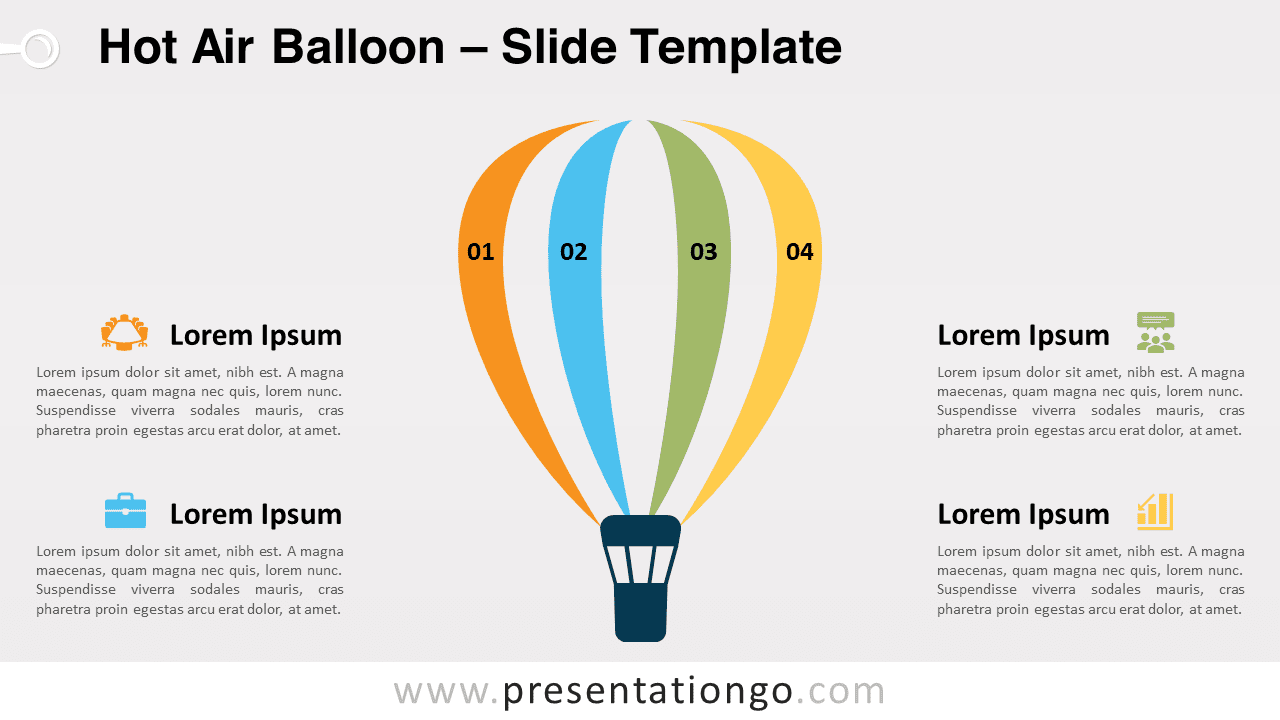
This original infographic slide represents a hot air balloon with the typical vertical lines of the envelope. The 4 colorful stripes symbolize your 4 ideas, steps, or concepts. You can indeed include a number inside each vertical banner. Moreover, there are 4 large text placeholders on the sides to include a colorful icon, title, and short explanation.
This free Hot Air Balloon template is a fantastic metaphor to portray the ideas that will rise and succeed. The sky’s the limit!
Shapes are 100% editable: colors and sizes can be easily changed.
Includes 2 slide option designs: Standard (4:3) and Widescreen (16:9).
Widescreen (16:9) size preview:


This ‘Hot Air Balloon’ template features:
- 2 unique slides
- Light and Dark layout
- Ready to use template with numbers or letters, and text placeholders
- Completely editable shapes
- Standard (4:3) and Widescreen (16:9) aspect ratios
- PPTX file (PowerPoint) and for Google Slides
Free fonts used:
- Helvetica (System Font)
- Calibri (System Font)