Unveil a versatile MacBook laptop illustration tailored for both PowerPoint and Google Slides. This visual template seamlessly highlights your designs, photos, or words against a harmonious gradient gray backdrop.
MacBook Laptop Mockup
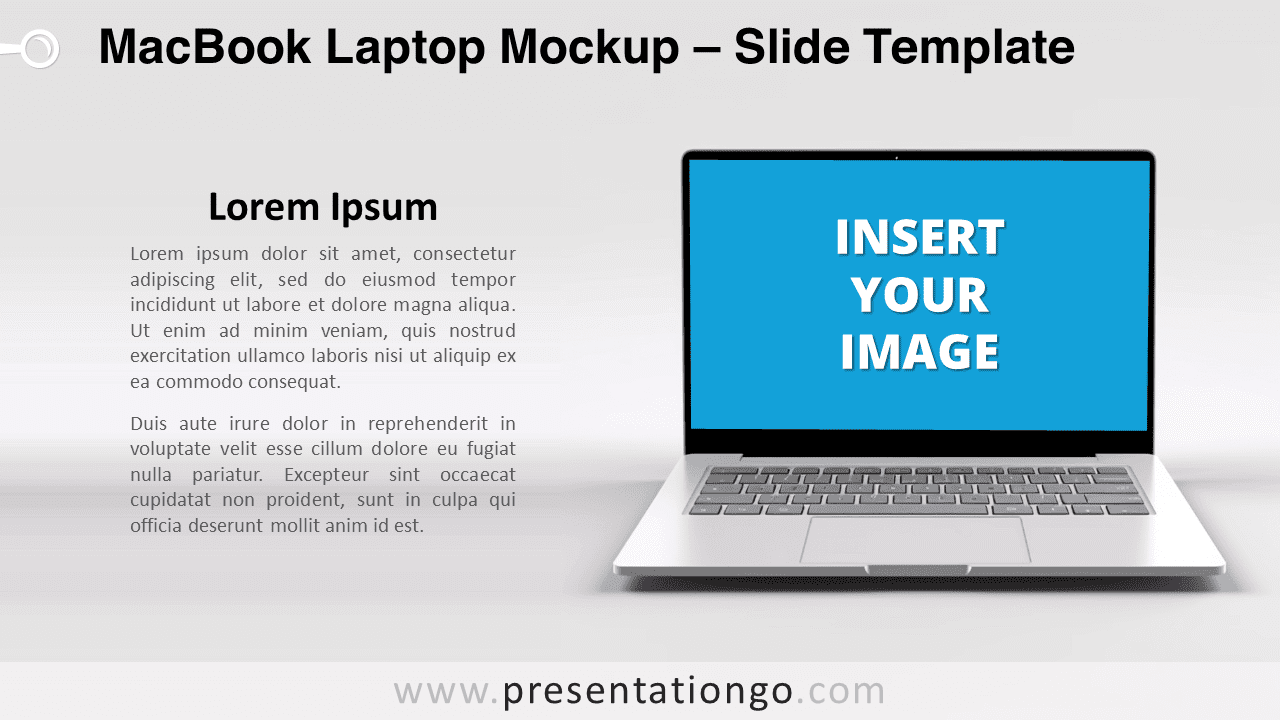
In the ever-evolving digital landscape, captivating visuals have become essential for any presentation. Introducing our latest MacBook laptop illustration tailored for both PowerPoint and Google Slides. Crafted meticulously, this visual aid boasts a realistic laptop set against a gradient gray background. The cherry on top? A horizontal rectangle on the screen area, specifically designed to give you an opportunity to showcase your photo, graphic, or even a thoughtful quote.
Imagine the possibilities: seamlessly integrating a snapshot of your website, an app design, or even a memorable photo in the MacBook’s screen area. You can create compelling stories by interweaving visuals and text, making your presentations come alive. And don’t be limited by just photos; quotes and textual information fit equally well within this frame.
Furthermore, we’ve prioritized ease of use. For PowerPoint enthusiasts, you have two options at your disposal. First, insert your chosen image in the blue shape using the ‘picture or texture fill’ format shape option. Alternatively, thanks to our slide template’s master design, a single click can place your photo in the perfect spot. As for Google Slides users, the first option awaits your creativity.
So, why this illustration? Whether you’re presenting a digital marketing strategy, showcasing a UI/UX design, or simply sharing personal memories in a corporate setting, this visual aid offers versatility. From tech presentations to personal portfolios, the contexts are endless.
In conclusion, elevate your next presentation with this professionally designed MacBook mockup. A seamless blend of style and function, it’s more than just an illustration—it’s a game-changer.
[info]For this mockup, you need to keep the gray background embedded into this slide, to ensure that the whole slide’s background perfectly aligns with the gradient from the laptop picture.[/info]
Includes 2 slide option designs: Standard (4:3) and Widescreen (16:9).
Widescreen (16:9) size preview:


Preview of the template with a random photo*:


*Credits: photo by Alexander Grey from Pexels
This ‘MacBook Laptop Mockup’ template features:
- 2 unique slides
- Light layout – gradient gray background
- Ready to use template with picture placeholders
- Standard (4:3) and Widescreen (16:9) aspect ratios
- PPTX file (PowerPoint) and for Google Slides
Free fonts used:
- Helvetica (System Font)
- Calibri (System Font)