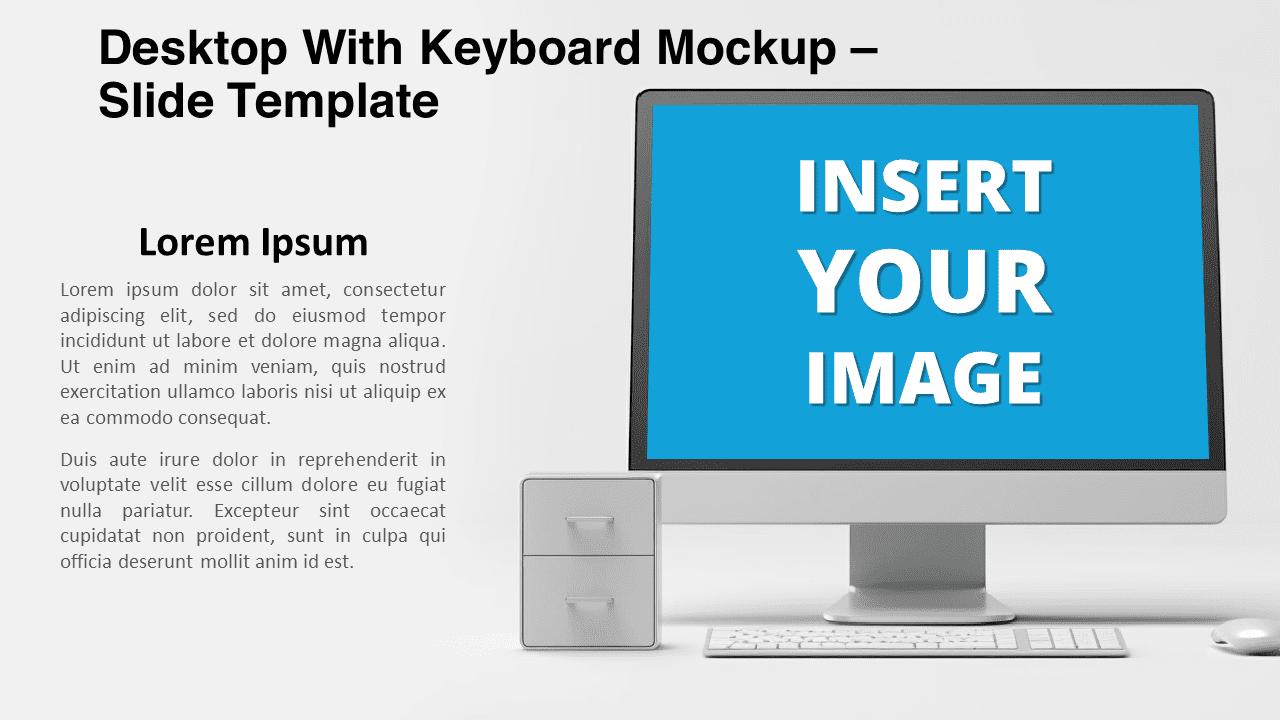
Discover a stunning Desktop With Keyboard Mockup for PowerPoint and Google Slides that features a high-definition black and white design reminiscent of an Apple iMac. Effortlessly insert your own images, quotes, or text, and captivate your audience with a modern, sleek backdrop.
Desktop With Keyboard Mockup
Are you ready to add a dash of class to your presentations? Presenting our exquisite Desktop With Keyboard Mockup, available for PowerPoint and Google Slides. Designed in high-definition black and white, this mockup resembles an Apple iMac, exuding an air of sophistication. Without further ado, let’s delve into the finer details of what makes this illustration a must-have for your presentations.
Imagine a stunningly realistic modern desktop environment – complete with a keyboard, mouse, and a chic storage box with rounded corner drawers. But that’s not all. This black and white mockup bears an uncanny resemblance to an Apple iMac, renowned for its sleek design. Additionally, you can customize this mockup by seamlessly replacing the desktop screen with your own photo or image.
In PowerPoint, two enticing options await you. First, insert your photo and easily send it to the background, merging it with the desktop. Alternatively, the picture placeholder function is at your disposal. A single click, and your photo perfectly fits the desktop screen space. Google Slides users can also revel in the first option. Moreover, if images aren’t your thing, opt for adding attention-grabbing quotes or text instead.
This monochromatic mockup is exceptionally versatile. Whether you’re delivering a business pitch, showcasing a design portfolio, engaging students with educational material, or unrolling a marketing campaign, this mockup covers all bases. Its polished and modern feel mirrors the cutting-edge nature of Apple products, making it irresistibly attractive. Furthermore, its minimalistic color scheme adds an element of professionalism.
All in all, this Desktop With Keyboard Mockup is not just an illustration but a statement. With its striking resemblance to an Apple iMac, customizable features, and monochromatic elegance, it’s bound to leave an indelible mark. Don’t miss this chance to transform your presentations into a work of art.
Shapes are 100% editable: colors and sizes can be easily changed.
Includes 2 slide option designs: Standard (4:3) and Widescreen (16:9).
Widescreen (16:9) size preview:


Preview of the template with a random photo*:


*Credits: photo by Brett Jordan on Unsplash
This ‘Desktop With Keyboard Mockup’ template features:
- 2 unique slides
- Light and Dark layout
- Ready to use template with picture placeholders
- Completely editable shapes
- Standard (4:3) and Widescreen (16:9) aspect ratios
- PPTX file (PowerPoint) and for Google Slides
Free fonts used:
- Helvetica (System Font)
- Calibri (System Font)