

The May 2026 Monthly Calendar provides a structured and easy-to-read layout for planning tasks, organizing events, and presenting schedules in PowerPoint and Google Slides. Its clean grid design allows users to plan with clarity, while the distinct weekend colors help make each month visually intuitive. The slide works well for professional settings, classrooms, and personal planning.
This calendar includes two editable versions. One starts the week on Sunday, and the other starts on Monday. These two options allow you to match your preferred regional or organizational format. The header uses a bright turquoise month title paired with a lighter year label, creating a strong but balanced visual hierarchy.
Template Preview
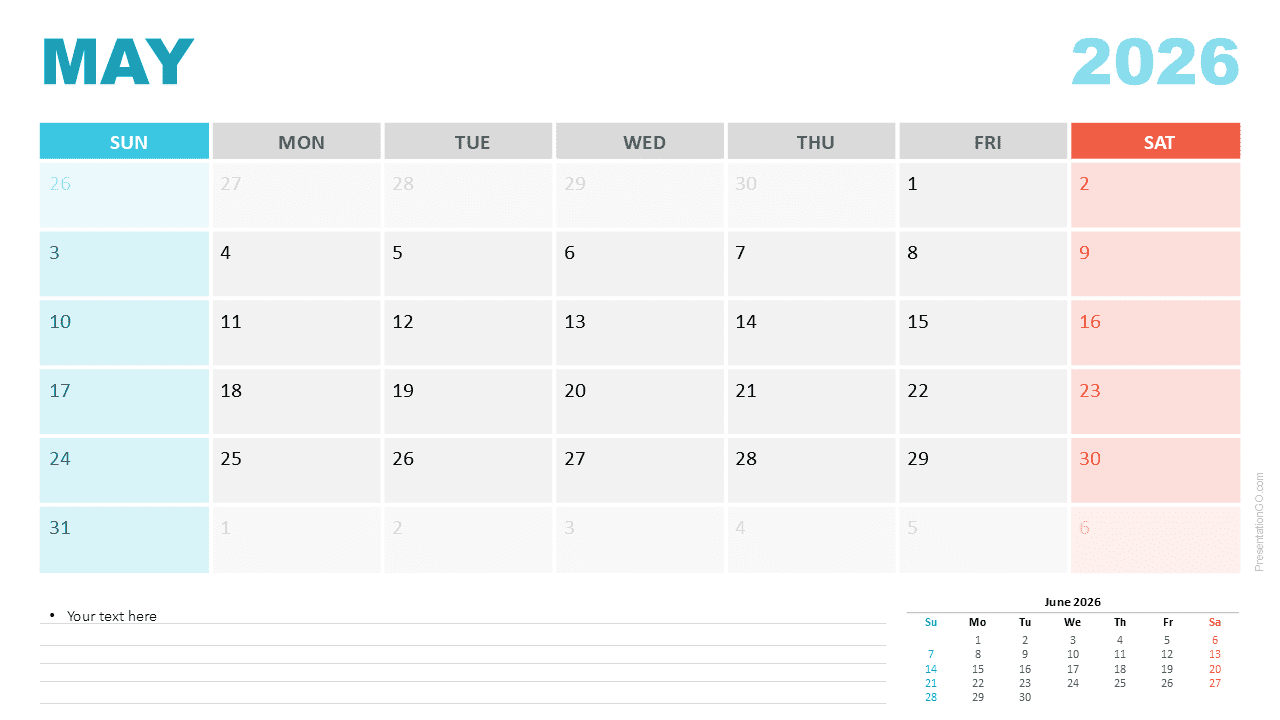
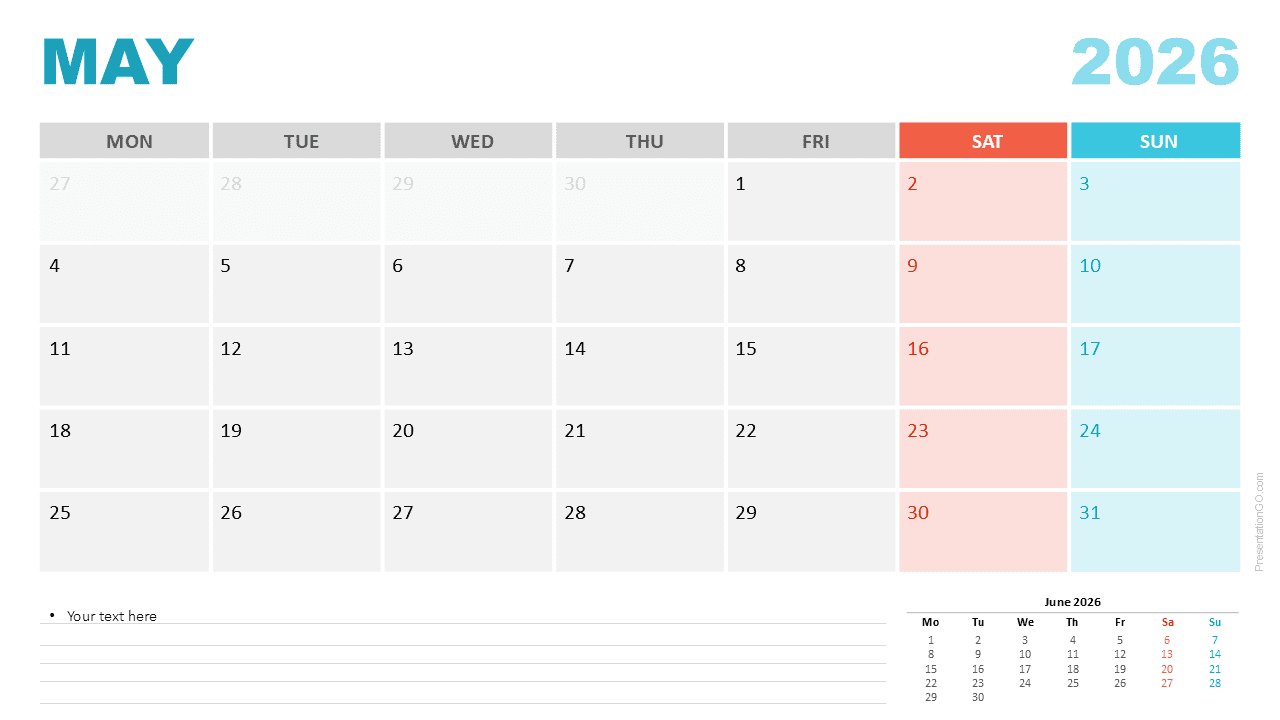


Diagram Features and Customization Options
- Editable May 2026 Monthly Calendar
- Sunday and Monday week-start layouts included
- Clean, structured monthly grid
- Highlight colors for Saturday and Sunday columns
- Notes section with lined formatting for reminders
- Preview of June 2026 for planning ahead
- Editable shapes, text, and colors
- Compatible with PowerPoint and Google Slides
Design and Structure
The calendar layout uses alternating light gray weekday cells for improved readability. Weekend columns stand out with coral for Saturdays and aqua for Sundays, helping viewers quickly identify important breaks and transitions. Each date cell has room for short annotations, making the slide useful for tracking deadlines or events. A notes panel sits at the bottom with structured lines, and a preview of June 2026 supports broader planning.
Practical Applications
- Monthly task tracking and activity planning
- Project management timelines for May
- Academic or classroom scheduling
- Content and editorial calendar planning
- Team event coordination and milestone mapping
- Printable calendar for personal organization
Summary
This May 2026 Monthly Calendar offers a clean and efficient tool for planning or presenting monthly information. Its dual week-start layouts and fully editable structure make it versatile for many uses in PowerPoint and Google Slides.



