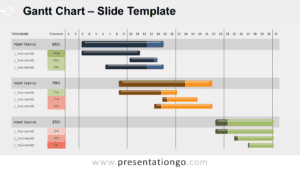
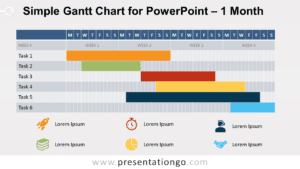
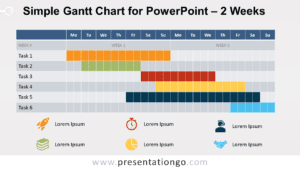
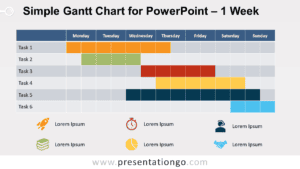
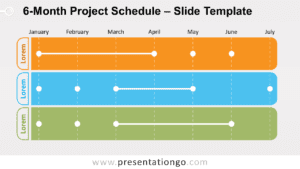
The Minimalist Gantt Chart simplifies project planning with its clearly delineated tasks, readily adaptable for both PowerPoint and Google Slides.
Simplified Gantt Chart for Easy Progress Tracking
A Gantt chart provides a visual timeline for projects, showcasing the start and end of each task. This template stands out with its uncluttered design and five distinct tasks, each marked with an intuitive icon, serving as a quick reference for presenters and audiences alike.
This Gantt chart template is ideal for project managers, team leaders, and professionals who need to effectively communicate project timelines, task dependencies, and resource allocation. By using this template in a presentation, you can clearly illustrate the project schedule, highlight critical milestones, and keep your team aligned on priorities. For example, a marketing manager could use this Gantt chart to present the timeline for a product launch campaign, showcasing tasks such as market research, content creation, promotional activities, and post-launch analysis.
Users can easily adapt the template by adjusting the color scheme to fit their company branding or by swapping out icons to better reflect their specific project tasks.
The template includes two unique slides, pre-filled with icons and text placeholders. It’s fully customizable, allowing users to tailor shapes and themes to their liking. It’s available in both light and dark themes and in Standard (4:3) and Widescreen (16:9) formats for PowerPoint PPTX and Google Slides.
Widescreen (16:9) size preview:


This ‘Minimalist Gantt Chart’ template features:
- 2 unique slides
- Options for both light and dark themes
- Pre-populated with icons, and text placeholders
- Fully customizable shapes for complete control
- Available in both Standard (4:3) and Widescreen (16:9) ratios
- Offered in both PowerPoint PPTX and Google Slides formats