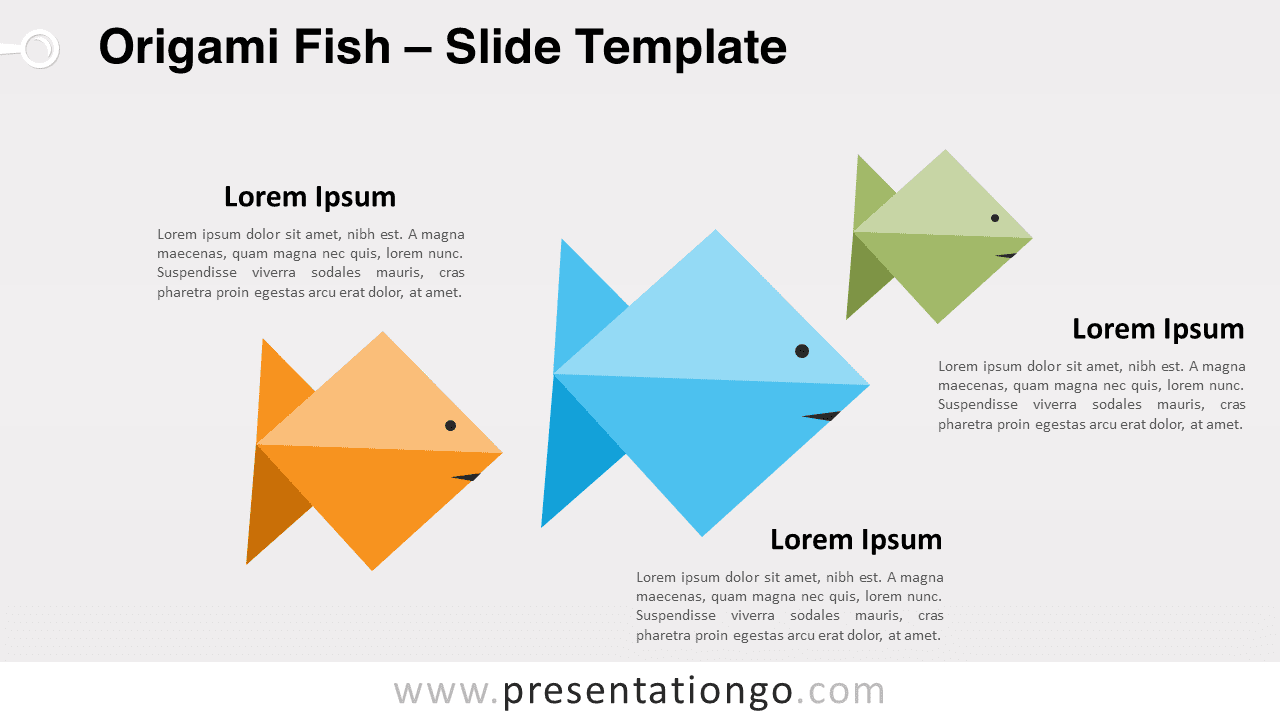
Free origami fish for PowerPoint and Google Slides. A fun and original design of 3 origami fish. Editable graphics with text placeholders.
Origami Fish
There are plenty of fish in the sea, but none like these ones! So, teach your audience to fish with this free Origami fish template!
This infographic shows three origami fish with different colors and sizes. This little shoal is a great animal analogy to express and show your ideas. Indeed, the fold paper impression gives a fun and dynamic air to your slide. Moreover, you can include a title and text to describe your 3 ideas in detail.
This free Origami fish template is extremely useful to present 3 ideas, facts, or steps in an original way. Enjoy this great animal visual metaphor to show the way to go to your audience.
Shapes are 100% editable: colors and sizes can be easily changed.
Includes 2 slide option designs: Standard (4:3) and Widescreen (16:9).
Widescreen (16:9) size preview:

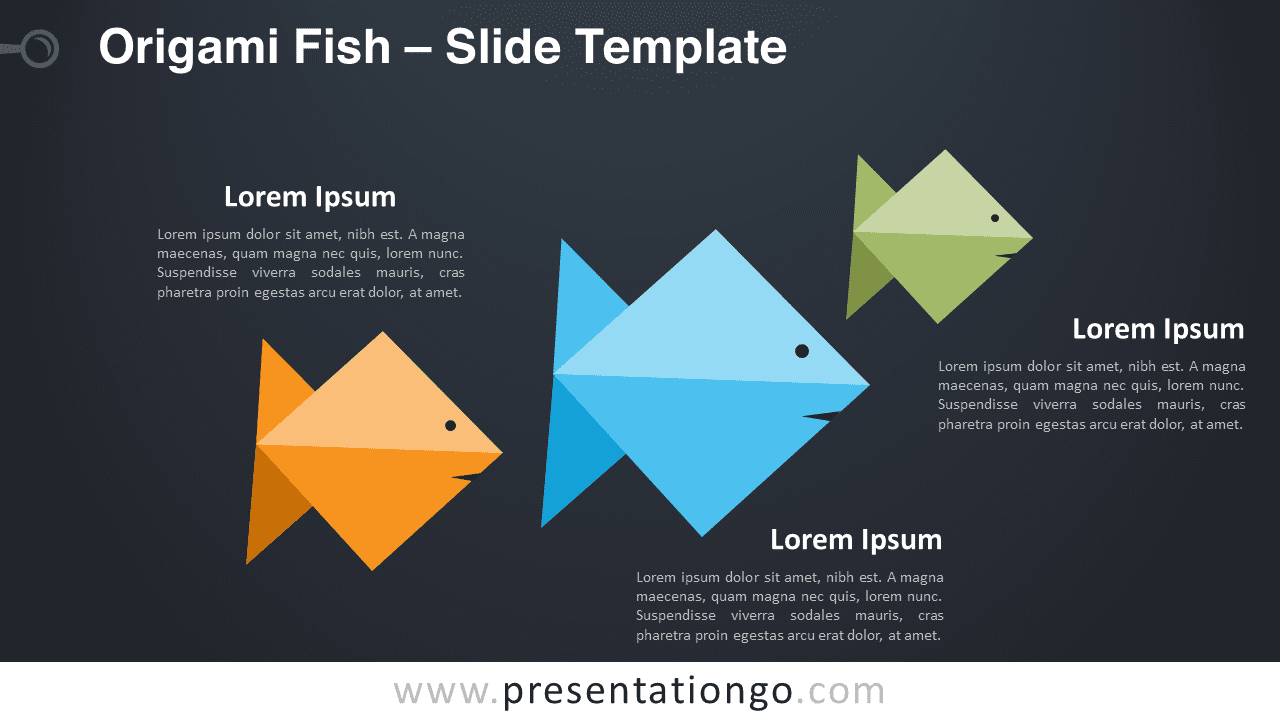


This ‘Origami Fish’ template features:
- 2 unique slides
- Light and Dark layout
- Ready to use template with text placeholders
- Completely editable shapes
- Standard (4:3) and Widescreen (16:9) aspect ratios
- PPTX file (PowerPoint) and for Google Slides
Free fonts used:
- Helvetica (System Font)
- Calibri (System Font)