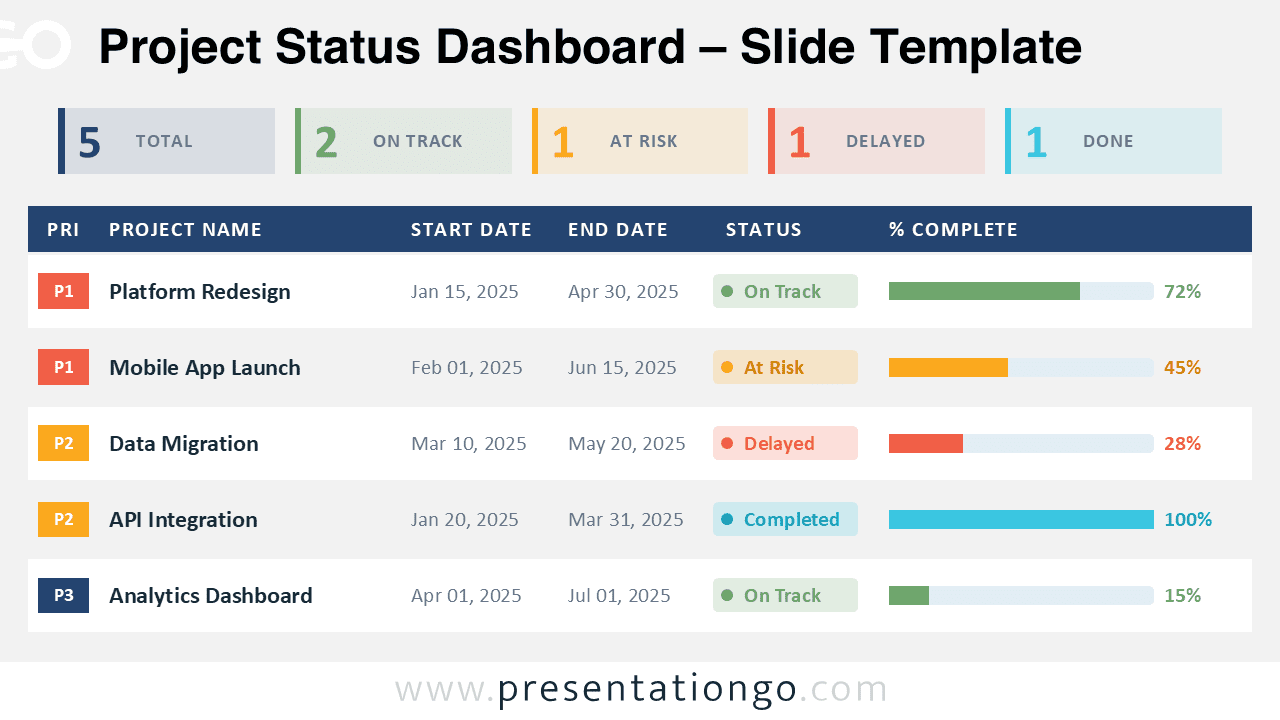
The Project Status Dashboard is a modern project tracking slide designed for PowerPoint and Google Slides presentations. This dashboard layout helps teams and managers present project progress, deadlines, priorities, and completion rates in a clear and professional format.
The design combines KPI summary cards, progress bars, and project tracking tables to create a clean reporting experience for business meetings, executive updates, and portfolio reviews.
Diagram Preview
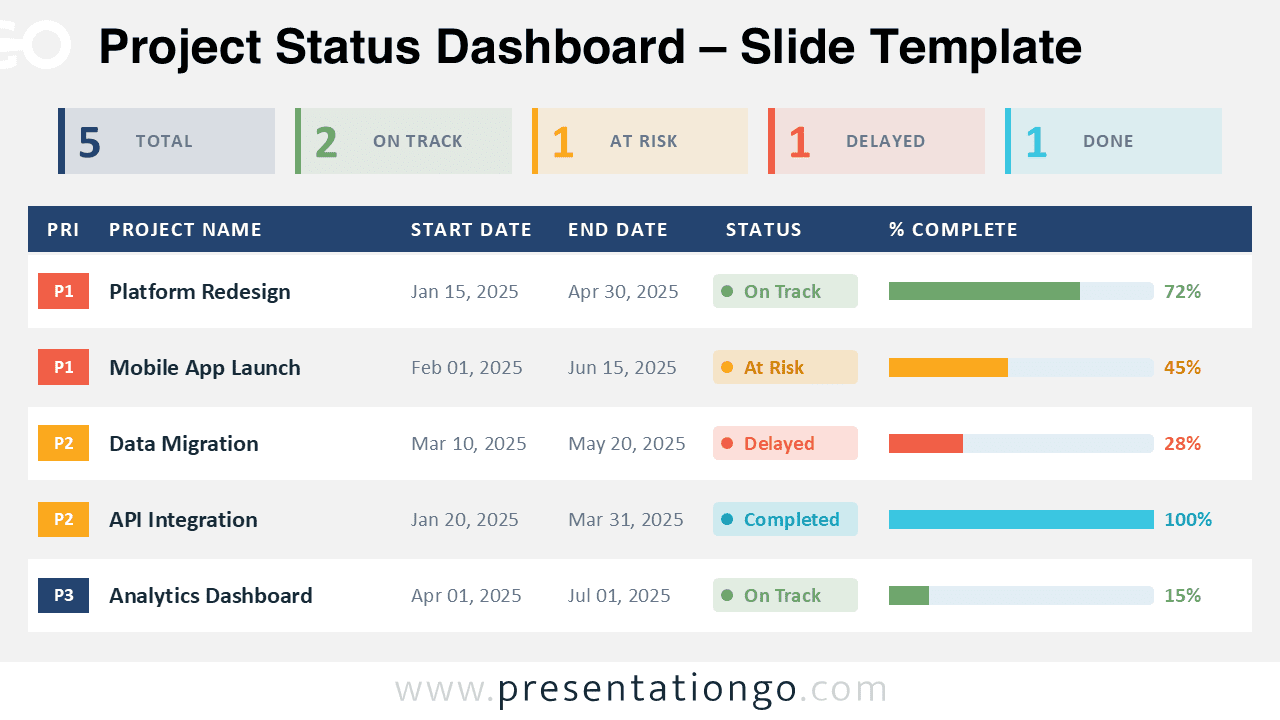
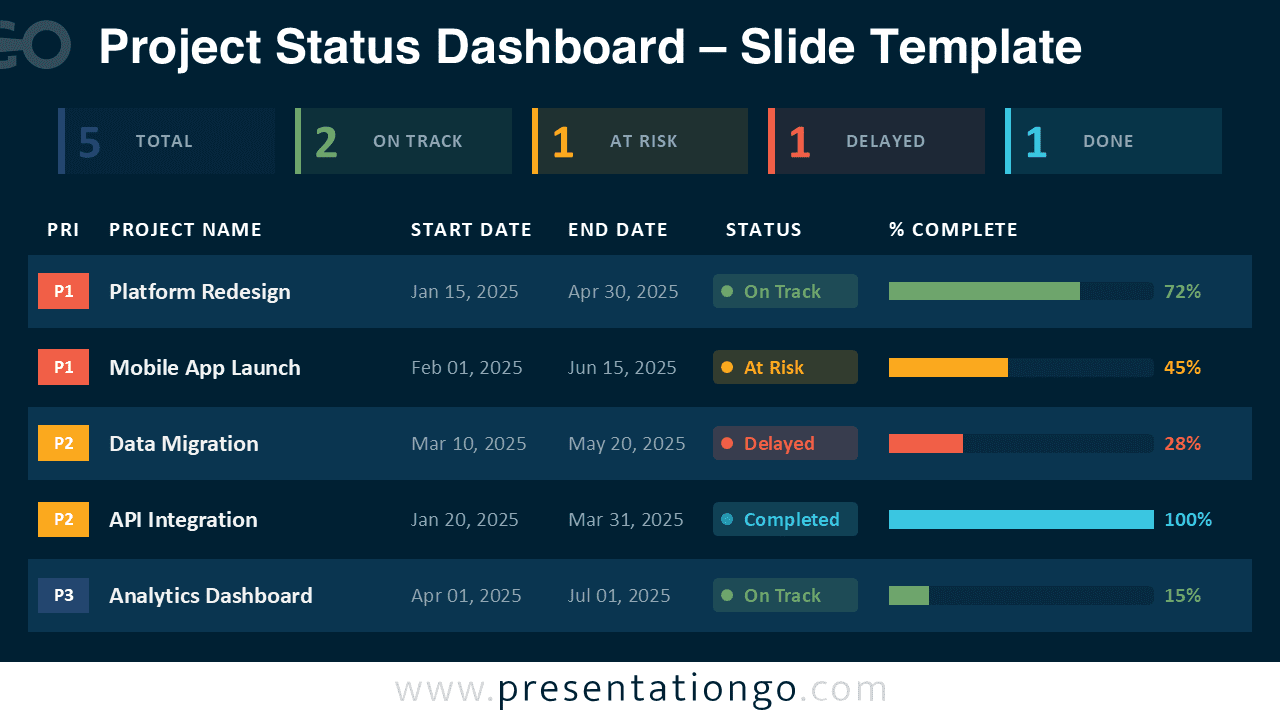


Diagram Features and Customization Options
- Fully editable dashboard layout
- Light and dark theme variations included
- Editable progress bars and KPI counters
- Customizable project tables and labels
- Compatible with PowerPoint and Google Slides
- Easy color and text editing
- Professional business-focused layout
Design and Structure
The slide uses a structured table layout with clear hierarchy, balanced spacing, and color-coded elements that improve readability. KPI cards at the top summarize project statistics such as completed tasks, delayed projects, projects at risk, and active items.
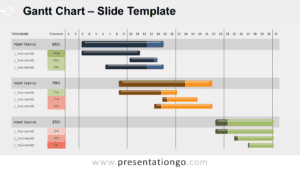
The lower section contains detailed project rows with priority levels, start and end dates, status indicators, and completion percentages. Progress bars help viewers identify project conditions quickly and make comparisons easier during meetings and reporting sessions.
The light version provides a clean corporate appearance suited for traditional business presentations, while the dark version delivers a modern dashboard-style interface ideal for analytics, technology, and management reports.
Practical Applications
- Project management reporting
- Executive business reviews
- Agile sprint presentations
- Portfolio tracking dashboards
- Team progress meetings
- Business analytics reports
- PMO status updates
Summary
The Project Status Dashboard offers a professional and organized way to visualize project data in PowerPoint and Google Slides. Its editable structure, modern dashboard design, and dual-theme layout make it suitable for business, management, and reporting presentations across multiple industries.