Free pros vs. cons scale for PowerPoint and Google Slides. An imbalanced scale to display dichotomous or contrasting ideas. Editable graphics with numbers, icons, and text placeholders.
Pros Vs. Cons Scale
Show everyone that there are good and bad things, positive and negative elements! Thanks to this free Pros Vs. Cons Scale template, your audience will see the situation clearly: the scales will fall from their eyes!
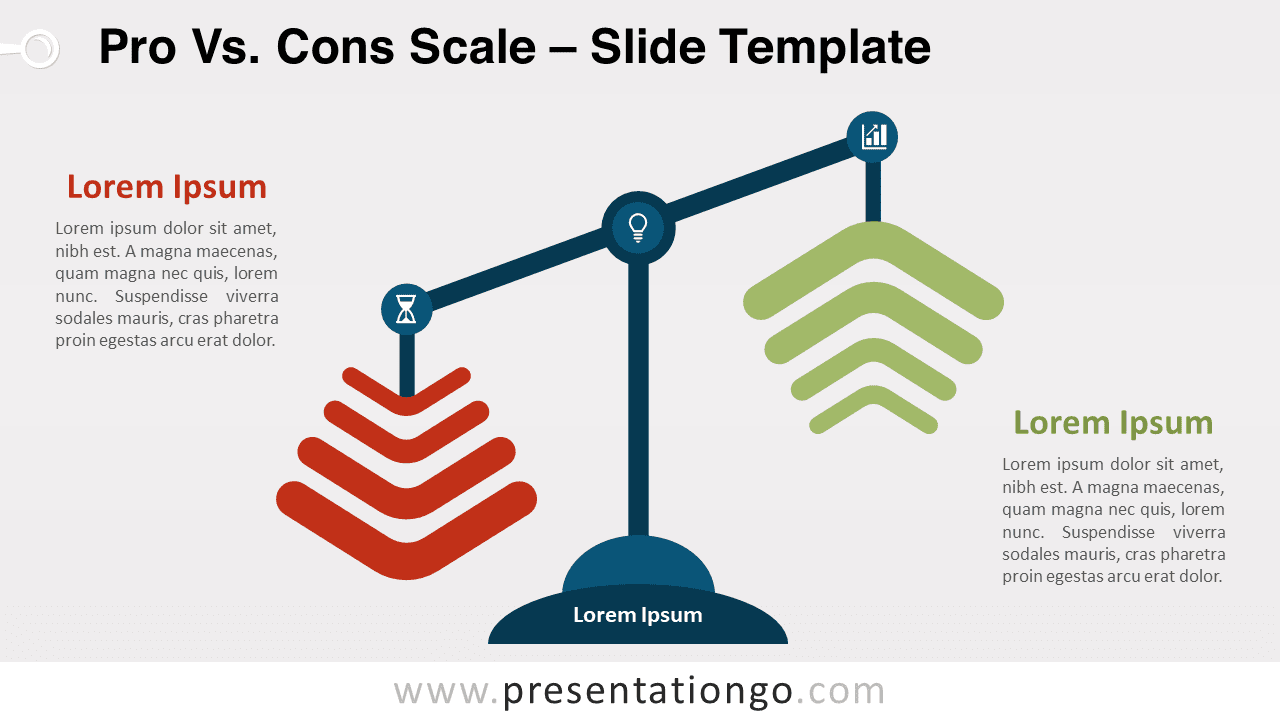
This modern and original slide shows scales similar to the one symbolizing justice. However, the two weight pans are chevron arrows. On the left side, there are red arrows pointing down and on the right side, green arrows pointing up. To explain and compare your good and bad ideas and opposite facts, you can use two large text placeholders on the sides. Besides, you can use the base of the scales to write a title and the beams to include 3 icons.
This free Pros Vs. Cons Scale template is ideal to present and compare ideas in the domain of law and justice. It is indeed perfect to show that two ideas are not in balance, that they are good and bad options, positive and negative solutions. Of course, you can use this metaphor for any other field of your choice.
Shapes are 100% editable: colors and sizes can be easily changed.
Includes 2 slide option designs: Standard (4:3) and Widescreen (16:9).
Widescreen (16:9) size preview:
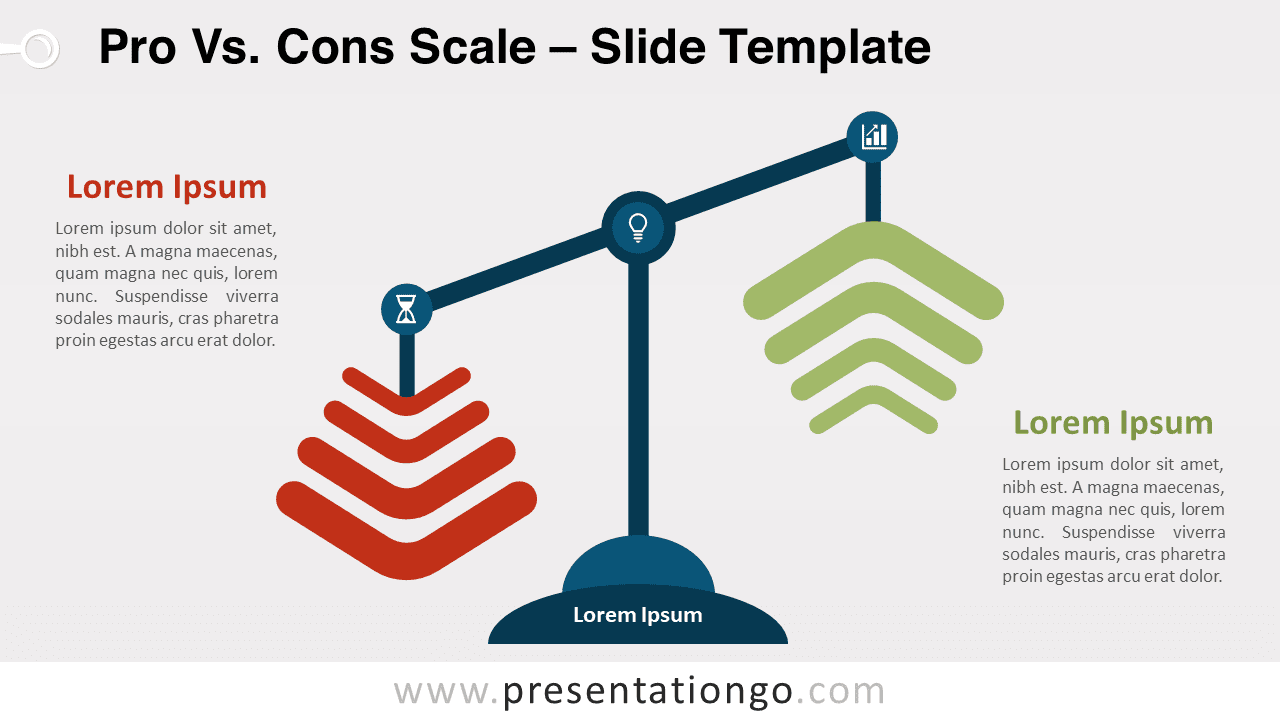


This ‘Pros Vs. Cons Scale’ template features:
- 2 unique slides
- Light and Dark layout
- Ready to use template with numbers, icons, and text placeholders
- Completely editable shapes
- Uses a selection of editable PowerPoint icons
- Standard (4:3) and Widescreen (16:9) aspect ratios
- PPTX file (PowerPoint) and for Google Slides
Free fonts used:
- Helvetica (System Font)
- Calibri (System Font)