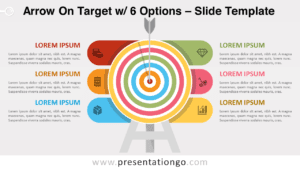
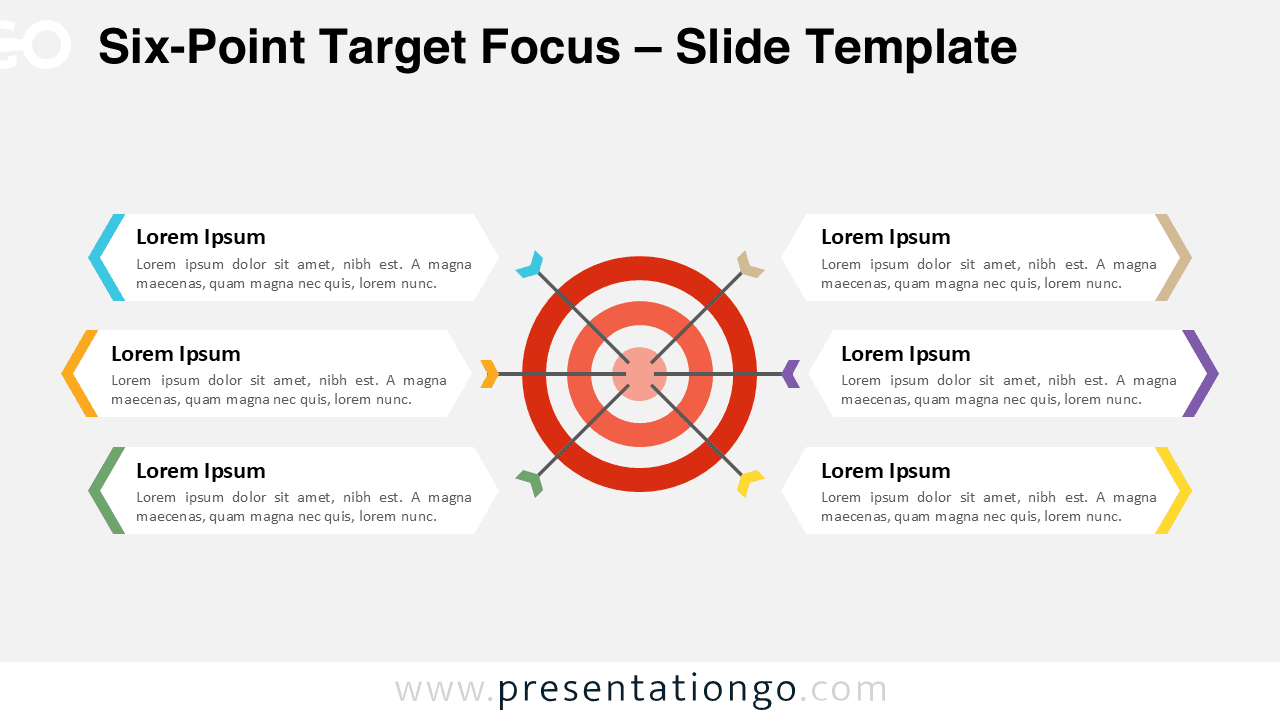
The Six-Point Target Focus displays six key elements radiating from a central bullseye target in a symmetrical layout designed for PowerPoint and Google Slides.
Communicate Central Vision with Six Supporting Elements
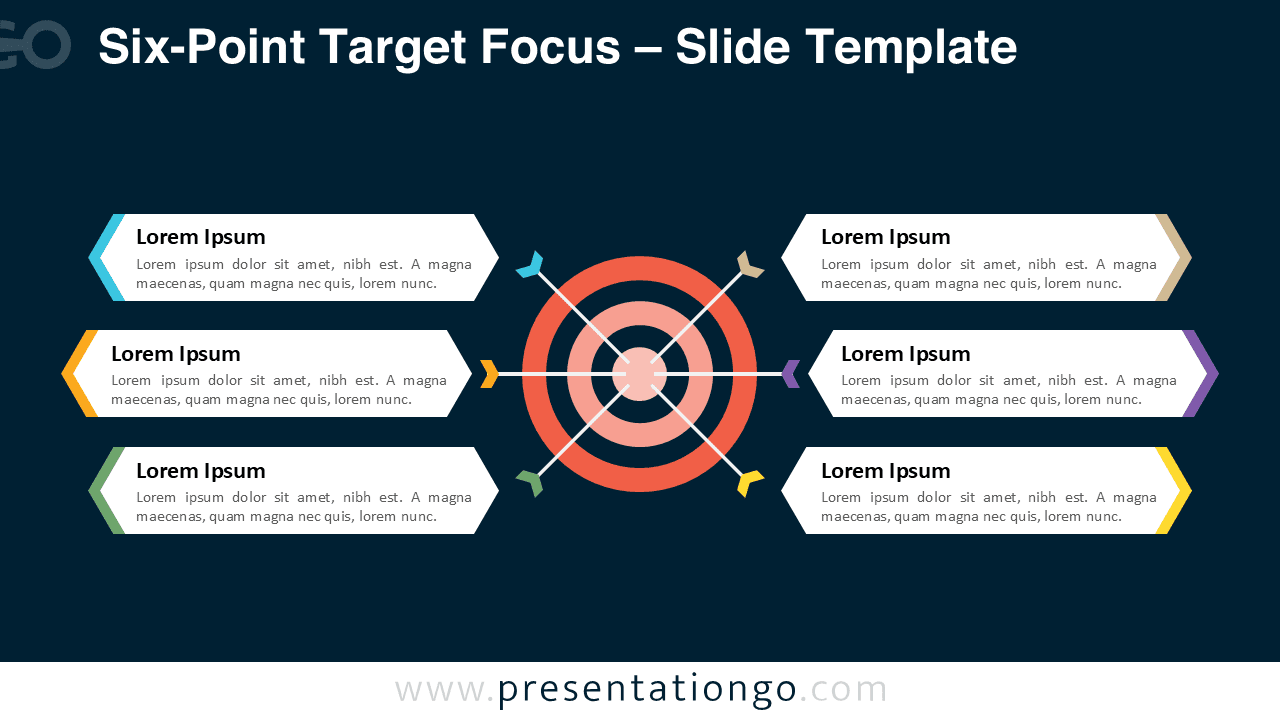
The layout presents a red bullseye target at the center, segmented with six arrows radiating outward in symmetrical fashion. Each arrow leads to a rectangular text box with angular tips that point directly to the target’s center. These text containers are evenly split—three on each side—and incorporate bold headers, descriptive placeholders, and color-coded arrow segments that match the corresponding path. The combination of concentric circles and connecting lines creates a sense of unified direction and focus, while also allowing for the segmentation of individual points.
Targets are widely used as metaphors in business and strategy presentations to represent goals, focus areas, and alignment. This diagram helps visualize how distinct initiatives or components contribute toward a shared mission. For instance, a project manager might use it to display six workstreams aligning with a final deliverable. A marketing team could illustrate how six campaigns reinforce a unified brand strategy. Similarly, an educator might highlight six learning objectives that culminate in one core outcome. The arrows pointing toward the bullseye underscore clarity, cohesion, and strategic targeting.
This presentation diagram includes two unique slide designs, each fully editable and pre-loaded with customizable text placeholders. You can personalize the shapes and colors to match your brand or style. It comes in both Standard (4:3) and Widescreen (16:9) formats, with support for light and dark themes. Whether you’re using PowerPoint or Google Slides, this template ensures seamless integration.
Download this six-part target diagram to visually link multiple strategies or goals to a single, central focus.
Widescreen (16:9) size preview:


This template offers:
- 2 unique slides
- Options for both light and dark themes
- Pre-populated with text placeholders
- Fully customizable shapes for complete control
- Available in both Standard (4:3) and Widescreen (16:9) ratios
- Offered in both PowerPoint PPTX and Google Slides formats