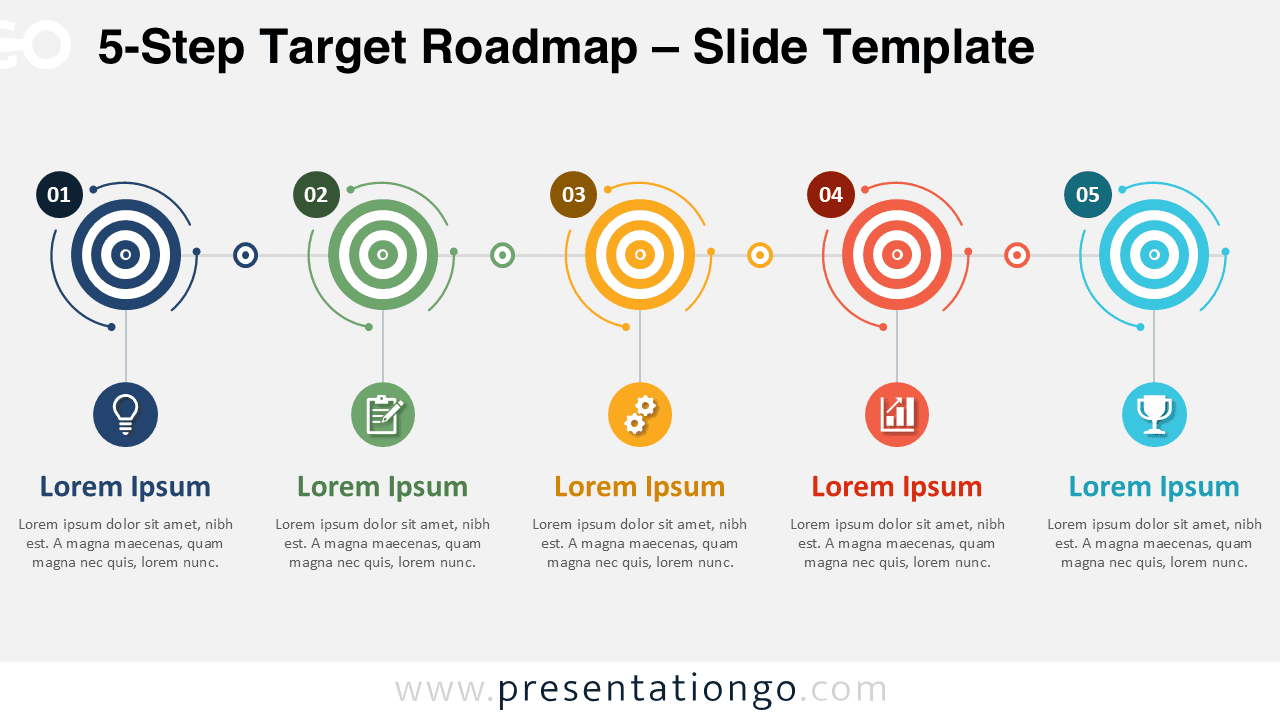
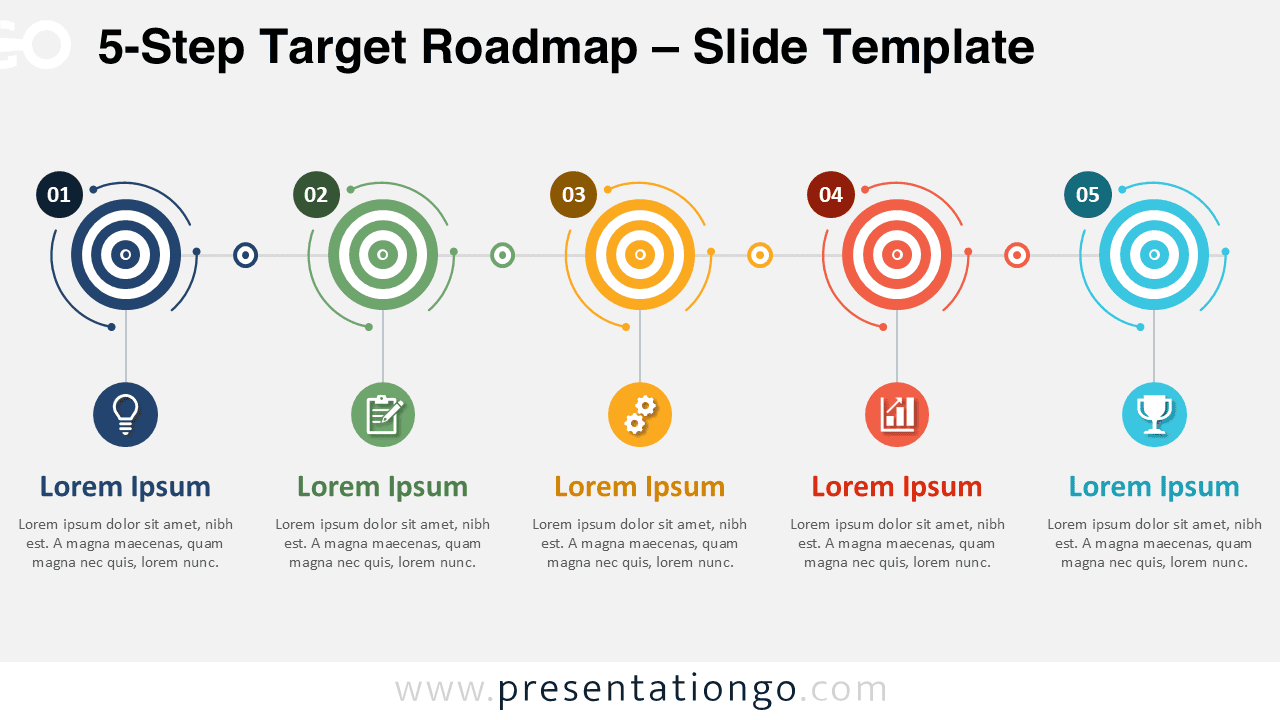
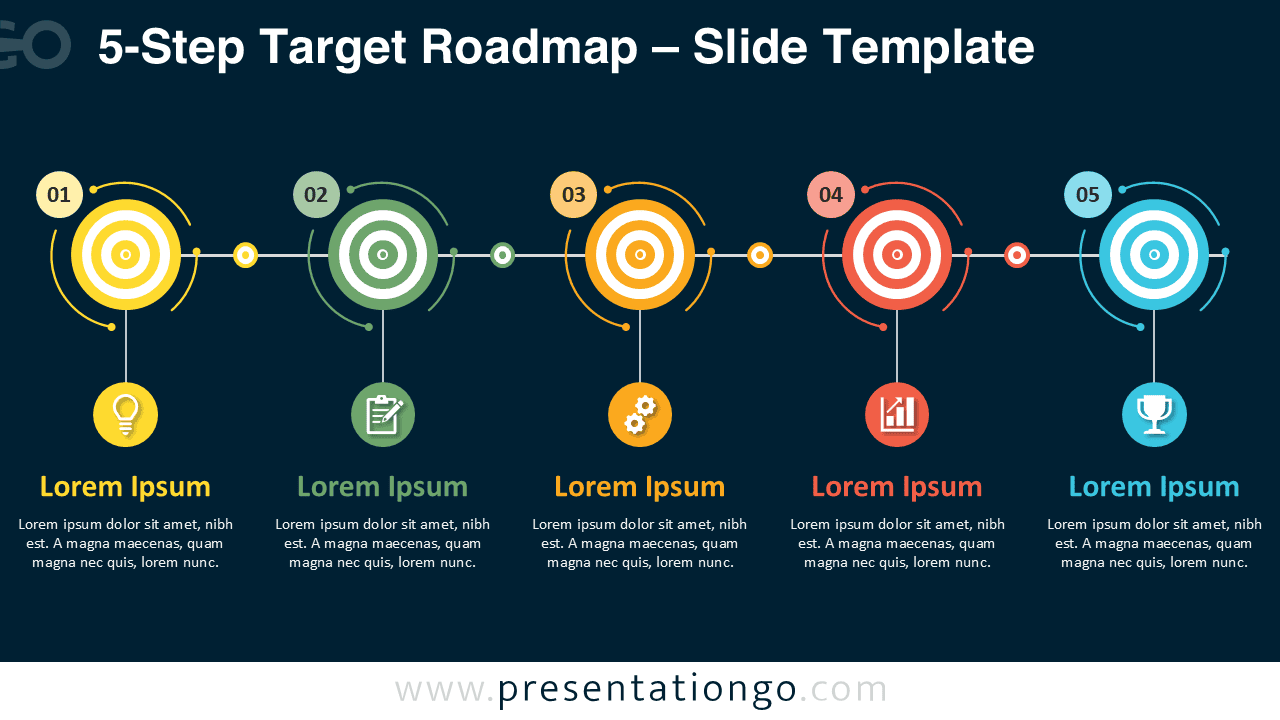
The 5-Step Target Roadmap is a clear and practical diagram for presenting goals, milestones, and progress in a structured sequence. It uses five target markers arranged from left to right, making it easy to explain a plan, strategy, or project journey. Each step includes a number, a title area, supporting text, and an icon placeholder, so your audience can follow the message quickly.
This diagram works well when you need to turn a complex plan into a simple visual story. You can use it to show business objectives, product development stages, action plans, performance goals, or team priorities. The horizontal structure helps viewers understand the order of each step without extra explanation.
Diagram Preview


Features and Customization Options
- Includes five editable target markers for goals, milestones, or process steps.
- Works with both PowerPoint and Google Slides.
- Uses icons from the Office icon library, making them easy to modify, replace, or recolor.
- Includes editable icon placeholders for business, planning, growth, and achievement topics.
- Allows you to customize text, numbers, shapes, and connectors to match your message.
- Supports many presentation uses, from strategy reviews to project updates.
- Helps simplify complex plans into a clean five-step visual sequence.
Design and Structure
The 5-Step Target Roadmap uses a balanced layout with repeated visual elements. Each step follows the same structure, which creates rhythm and improves readability. The target symbols reinforce ideas such as focus, direction, objectives, and measurable results. The numbered badges help guide the audience through the sequence.
The icon circles add quick meaning to each stage. You can keep the current icons or replace them with icons that match your topic. For example, you can use symbols for research, planning, execution, reporting, and success. This makes the diagram flexible for many industries and presentation contexts.
Practical Applications
- Show a five-step business strategy or action plan.
- Present project milestones during a status meeting.
- Explain goal-setting frameworks or performance targets.
- Map a team roadmap from idea to achievement.
- Visualize marketing, sales, or product development phases.
- Summarize training modules, workshop steps, or learning goals.
Summary
The 5-Step Target Roadmap gives you a simple way to present objectives and progress with strong visual impact. Its target-based structure helps your audience focus on each milestone, while the editable elements let you adapt the diagram to your own content. Use it in PowerPoint or Google Slides to communicate plans, goals, and strategic steps with clarity.