The Arrow Target Progress Diagram offers a clear and engaging way to present goals, objectives, or milestones in both PowerPoint and Google Slides. This visual layout features five colorful targets arranged along a horizontal path. Each target step includes space for descriptive text, making it easy to explain priorities or steps within a process. The clean structure helps audiences grasp the sequence of goals at a glance.
Diagram Preview
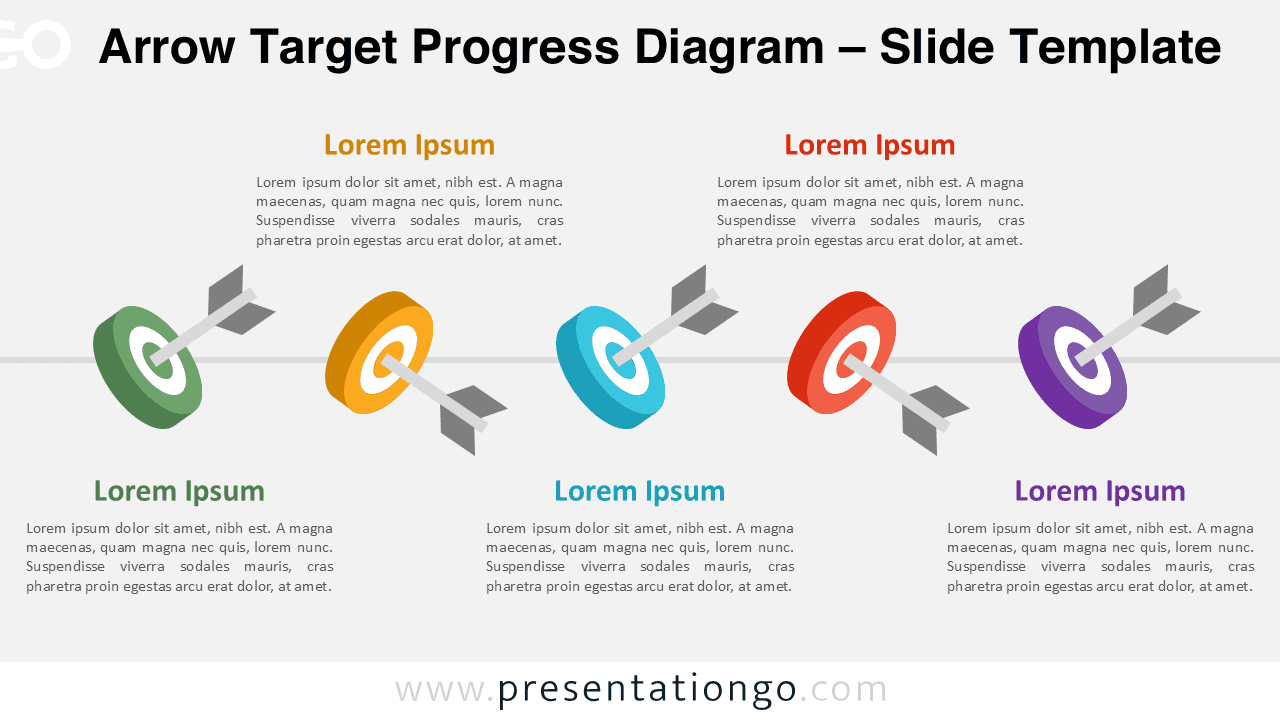
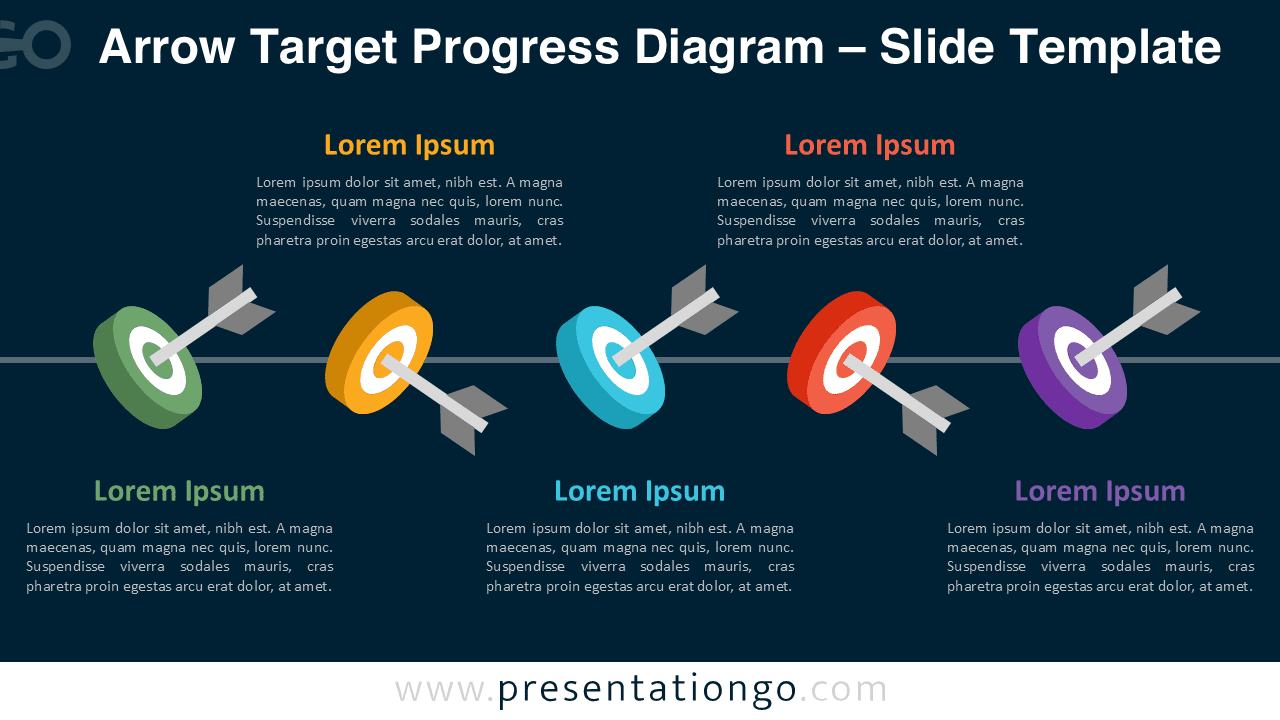


Diagram Features and Customization Options
- Five-step target layout with arrows showing goal progression
- Colorful circular targets designed for clarity and impact
- Fully editable shapes, text, and colors
- Works seamlessly in PowerPoint and Google Slides
- Simple to adjust for different sequences or progressions
- Supports 16:9 widescreen format for modern presentations
Design and Structure
The diagram features five targets placed along a sleek horizontal axis. The arrows passing through each target create a sense of motion and purpose, making the graphic useful for strategy and planning slides. Each target uses its own unique color to visually separate the steps. Labels and short descriptions sit above and below the targets, giving you space to outline specific milestones, KPIs, or objectives. The design is clean and modern, ensuring that the focus stays on the message.
Practical Applications
- Show five organizational goals or strategic priorities
- Present key milestones in a project timeline
- Explain performance objectives or KPIs
- Display a phased plan or roadmap
- Illustrate achievement progress in a business process
Summary
This Arrow Target Progress Diagram provides a straightforward way to communicate your goals or stages in a process. Its visual clarity and flexible design make it a strong addition to business, strategy, or planning presentations. Since everything is customizable, you can easily adapt the colors, text, or layout to fit your specific needs.