The 5-Step Icon Timeline is a free PowerPoint and Google Slides diagram for presenting five connected stages in a horizontal sequence. It combines circular icon markers with dedicated text panels to organize milestones, activities, or successive phases. Use it to communicate a structured progression without relying on lengthy explanations.
Diagram Preview
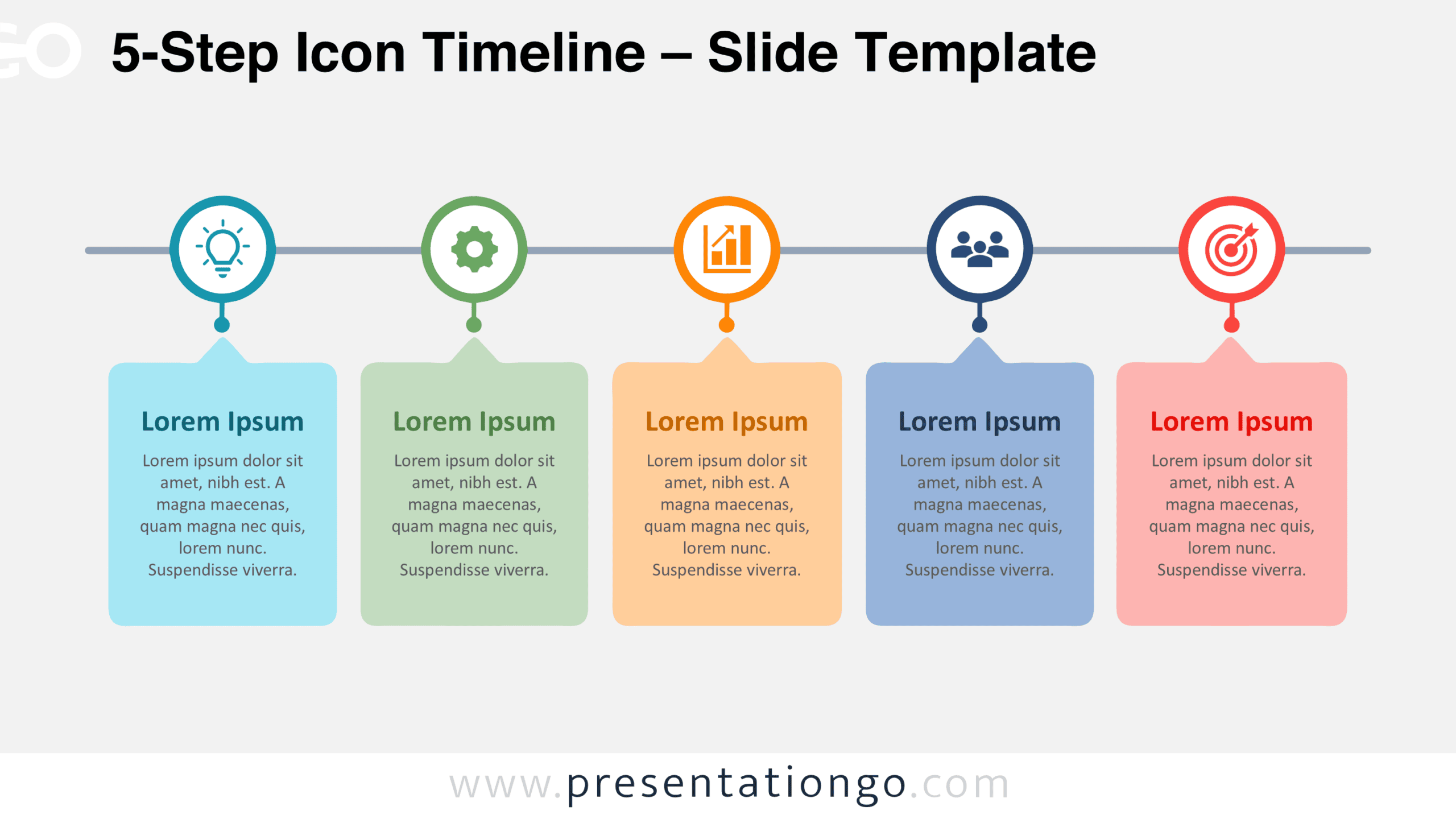
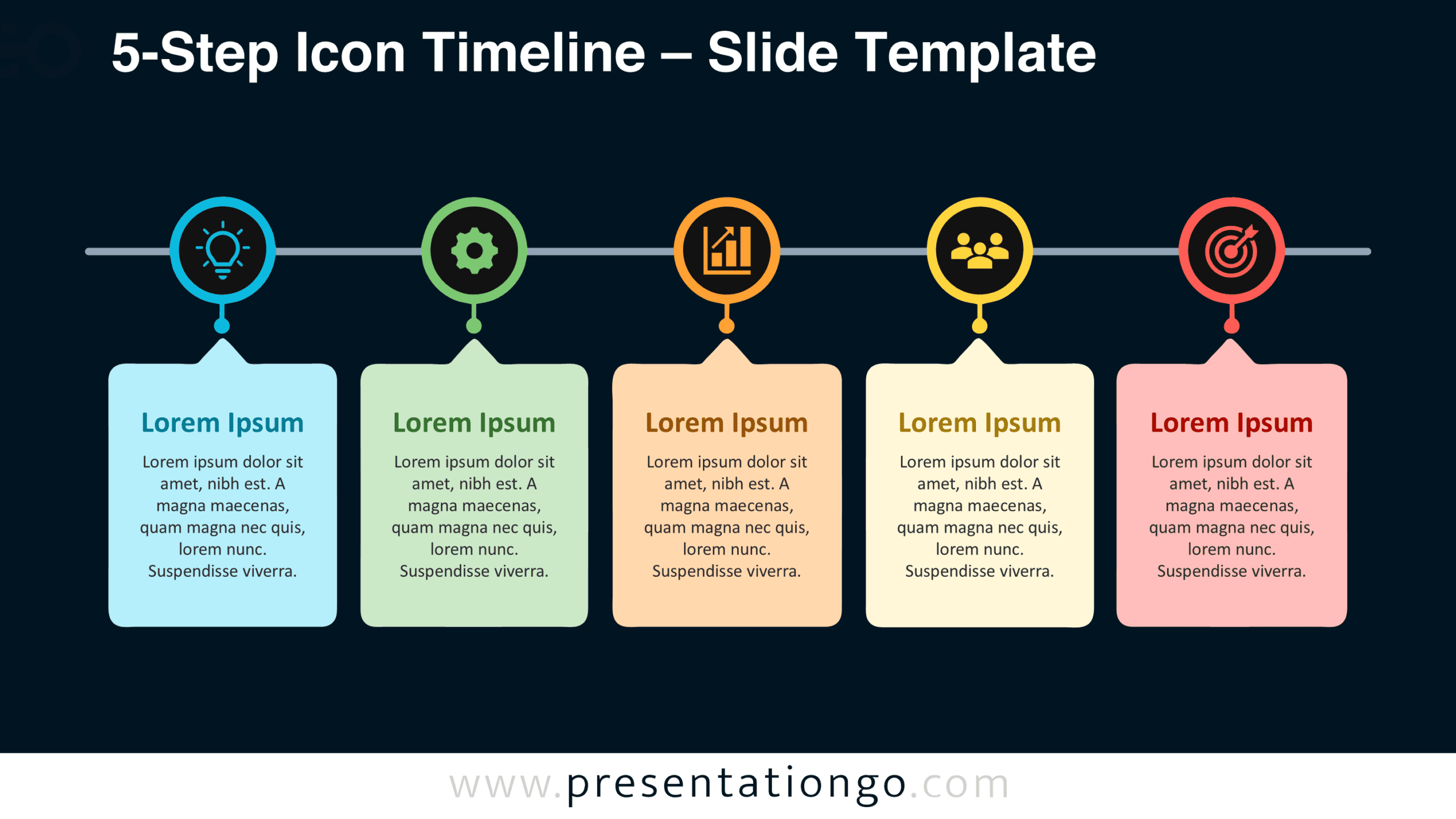
Explore the 5-Step Icon Timeline in the preview below. The diagram comes in two background versions, allowing you to select the layout that fits your presentation. Both versions maintain the same arrangement of milestones, connectors, and content areas.


Features and Customization Options
- Compatible with Microsoft PowerPoint and Google Slides.
- Five-step horizontal timeline with editable milestones.
- Editable text, shapes, connectors, and icon placeholders.
- Icons shown are for illustration purposes only.
- Icons come from the Office library and are easily modifiable.
- Adjust milestone labels and descriptions to suit your content.
- Includes both light and dark background versions.
Design and Structure
The diagram follows a single horizontal line that connects five evenly spaced circular markers. Each marker contains a centrally positioned icon representing a distinct stage. A short vertical connector extends downward from each circle and ends at a small node. Beneath these nodes, five separate panels contain headings and supporting descriptions. Each panel features rounded corners and an upward-pointing triangular tip that aligns with its corresponding milestone. This arrangement creates a direct visual relationship between every marker and its explanatory content.
The five panels share consistent dimensions, spacing, and text alignment, creating a balanced composition across the slide. Each panel provides room for a short heading followed by several lines of supporting text. The icon markers remain aligned along the same horizontal axis, while the content panels form a uniform row underneath. This two-level arrangement separates quick visual identification from detailed information. The overall structure supports left-to-right reading and keeps every stage equally prominent, making it suitable for sequences without a central or dominant step.
Practical Applications
- Outline five project milestones, from initial planning through final delivery.
- Present product development phases, including research, design, testing, launch, and evaluation.
- Map an employee onboarding journey across five scheduled activities.
- Explain the five stages of a customer acquisition process.
- Document an operational workflow from request submission to completion.
- Structure a training program into five consecutive learning modules.
- Show the progression of a marketing campaign from concept to performance review.
Summary
The 5-Step Icon Timeline brings milestone markers and supporting information into one consistent diagram. Its editable components let presenters adapt the five-stage structure to different subjects while retaining the original arrangement. Download this free resource for PowerPoint and Google Slides to build a focused presentation around a defined sequence of events or activities.