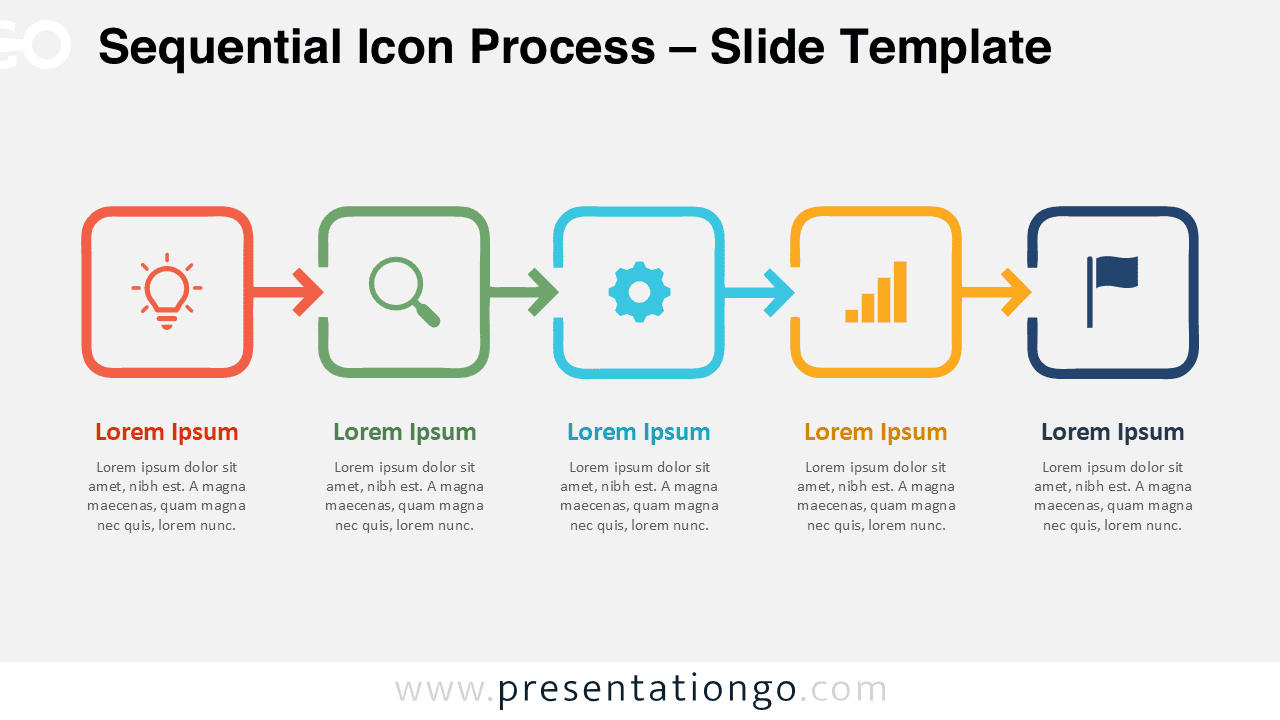
The Sequential Icon Process helps you present five connected stages in a clear, easy-to-follow sequence. Designed for PowerPoint and Google Slides, it combines individual step containers, directional arrows, editable text, and visual placeholders. Use it when your message needs a defined starting point, logical progression, and clear final stage.
Diagram Preview


Features and Customization Options
- Compatible with Microsoft PowerPoint and Google Slides
- Five-step process diagram, fully editable
- Editable connectors and flow arrows
- Fully editable in just a few clicks
- Icons are for illustration purposes only and come from the Office icon library
- Office icons are easy to replace, resize, recolor, or modify
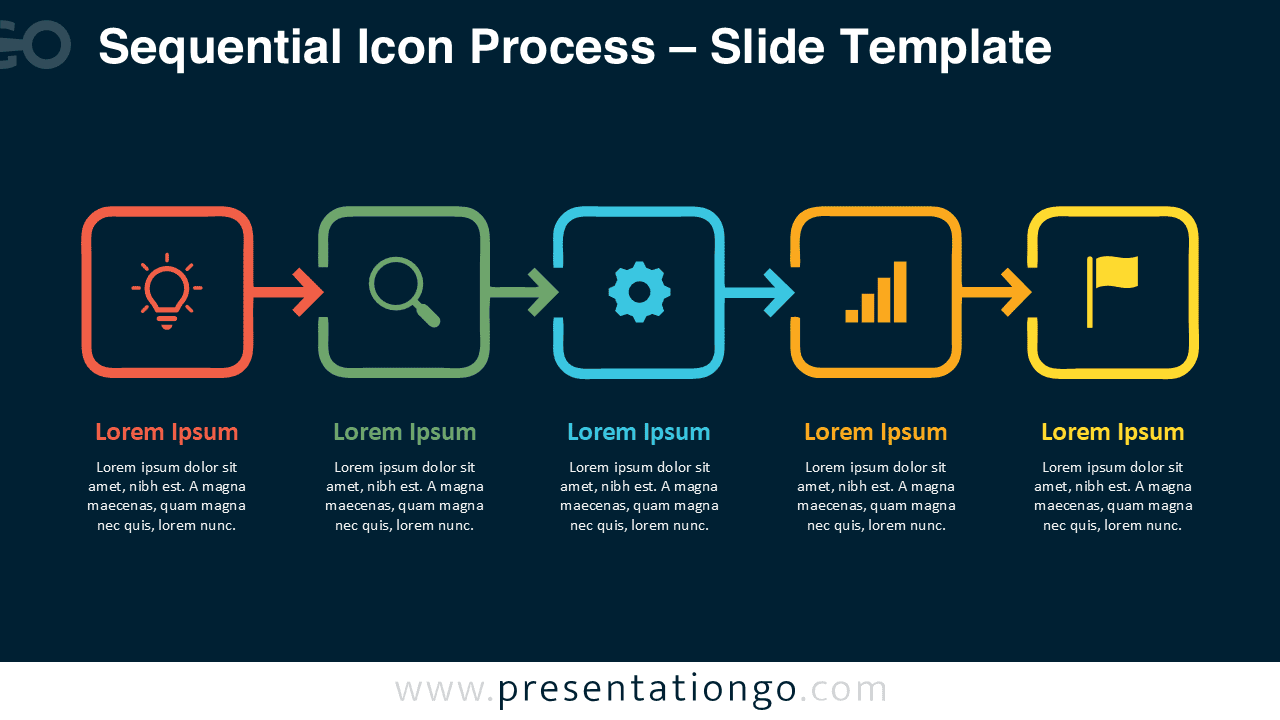
- Includes both light and dark background versions
Design and Structure
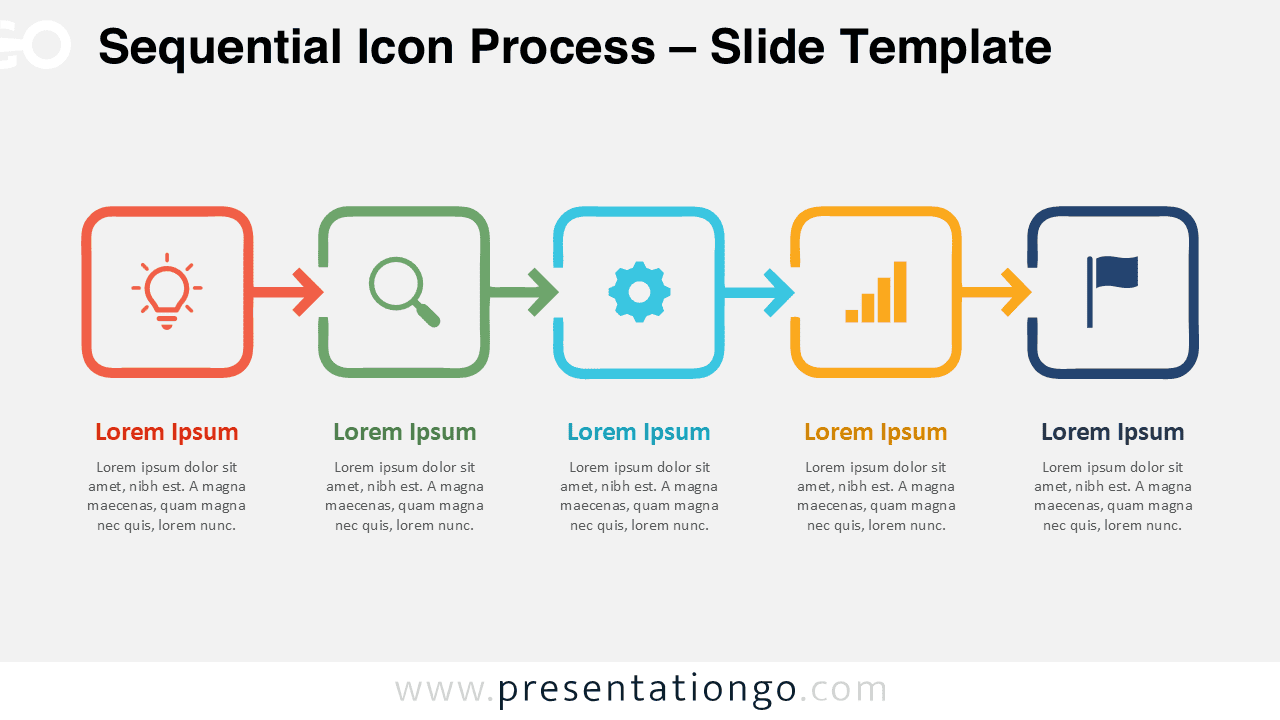
The Sequential Icon Process follows a straightforward horizontal flow from left to right. Five rounded containers form the main structure, while arrows create an immediate visual connection between each stage. Each step also includes a heading and supporting text area, giving you enough space to explain the progression without overloading the slide.
The icon placeholders add quick visual cues for each stage while keeping the structure flexible. You can adapt the five steps to represent almost any linear sequence. Replace the example text, adjust the shapes, modify the connectors, or substitute the Office icons to suit your topic. The consistent spacing also makes the diagram easy to scan during a presentation.
Practical Applications
- Explain a five-step business process or workflow
- Present project phases from planning through completion
- Visualize product development or innovation stages
- Outline a customer or user journey
- Show strategy execution across sequential milestones
- Describe operational procedures or implementation steps
- Present training, onboarding, or learning sequences
Summary
The Sequential Icon Process provides a simple way to organize five connected ideas into one coherent visual story. Its editable structure, clear directional flow, and adaptable icon placeholders make it useful for many business, educational, and project presentations in PowerPoint and Google Slides.