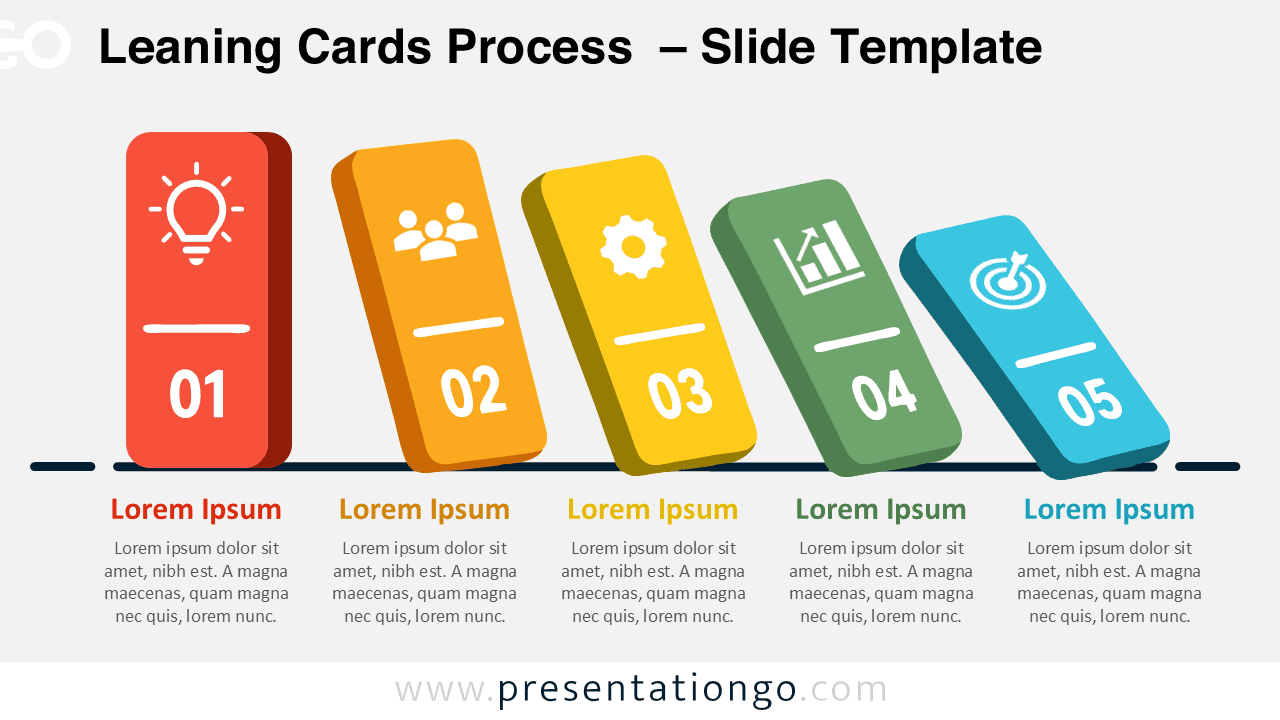
The Leaning Cards Process diagram turns a five-stage sequence into a clear and memorable story. Each numbered card creates a natural left-to-right flow, while the slight tilt adds movement without reducing readability. Use it in PowerPoint or Google Slides to explain a process, workflow, roadmap, or phased plan.
Diagram Preview
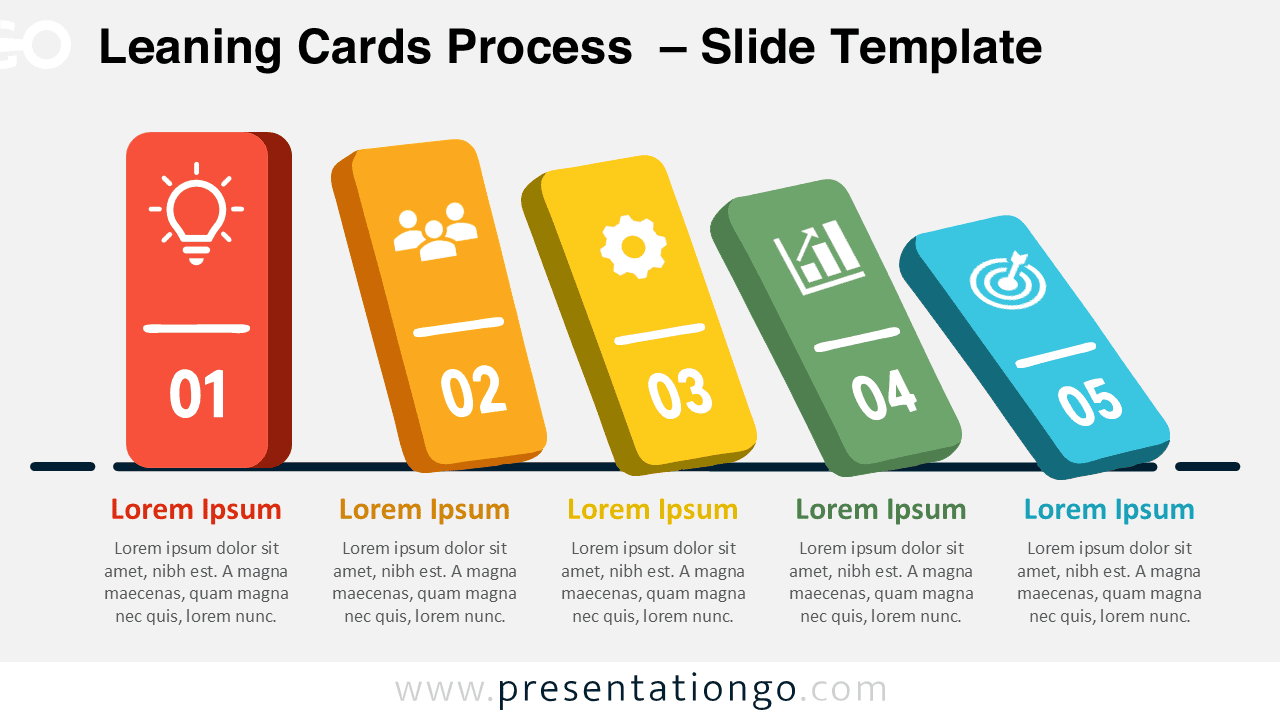
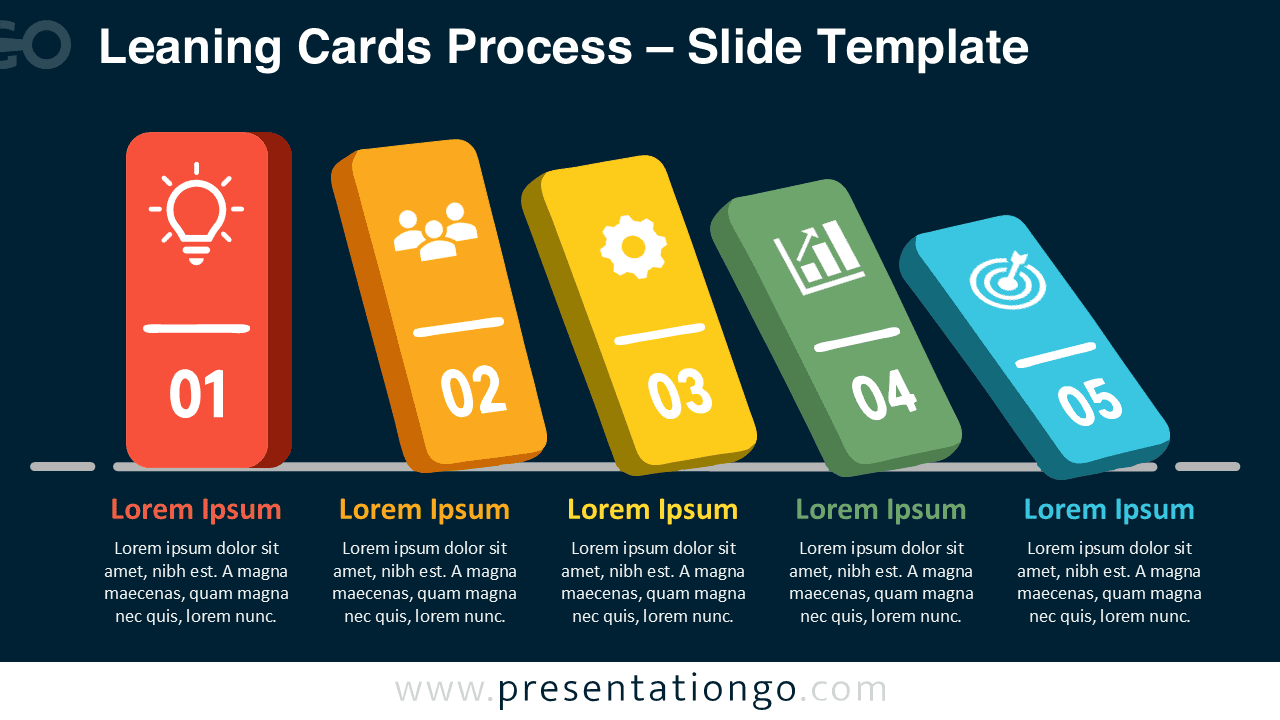
The layout presents five connected steps on one slide. Every stage combines a number, an icon, a heading, and a short description. The structure helps audiences scan the complete process quickly, then focus on each stage in order. Both supplied versions keep the same arrangement, so you can switch between slide styles without rebuilding your content.
Features and Customization Options
- Compatible with Microsoft PowerPoint and Google Slides
- Single-slide diagram, ready to drop into any deck
- 5-step process diagram, fully editable
- Editable text, shapes, sizes, and icon placeholders
- 100% editable vector shapes with no quality loss when resized
- Office library icons are for illustration purposes only and easily modifiable
- Includes both light and dark background versions
Design and Structure
The five cards share one consistent visual system, yet each step remains easy to distinguish. Their staggered angles create rhythm and guide the eye forward. A baseline anchors the composition, while the text blocks below give every stage equal importance.
The icon-and-text layout works well when each phase needs a visual cue and a concise explanation. Replace the sample labels with your own content, adjust the descriptions, and modify the icons from the Office library. Keep each heading brief to preserve the balanced spacing.
Practical Applications
- Explain a five-step business process
- Present project phases and milestones
- Summarize a strategic roadmap
- Describe a customer journey
- Outline a team workflow
- Introduce an implementation plan
Summary
The Leaning Cards Process diagram provides a polished framework for explaining five connected stages. Its editable structure supports quick updates, while the tilted cards make the sequence feel dynamic. Add your own text and replace the illustrative Office icons to match your subject, organization, and audience.