
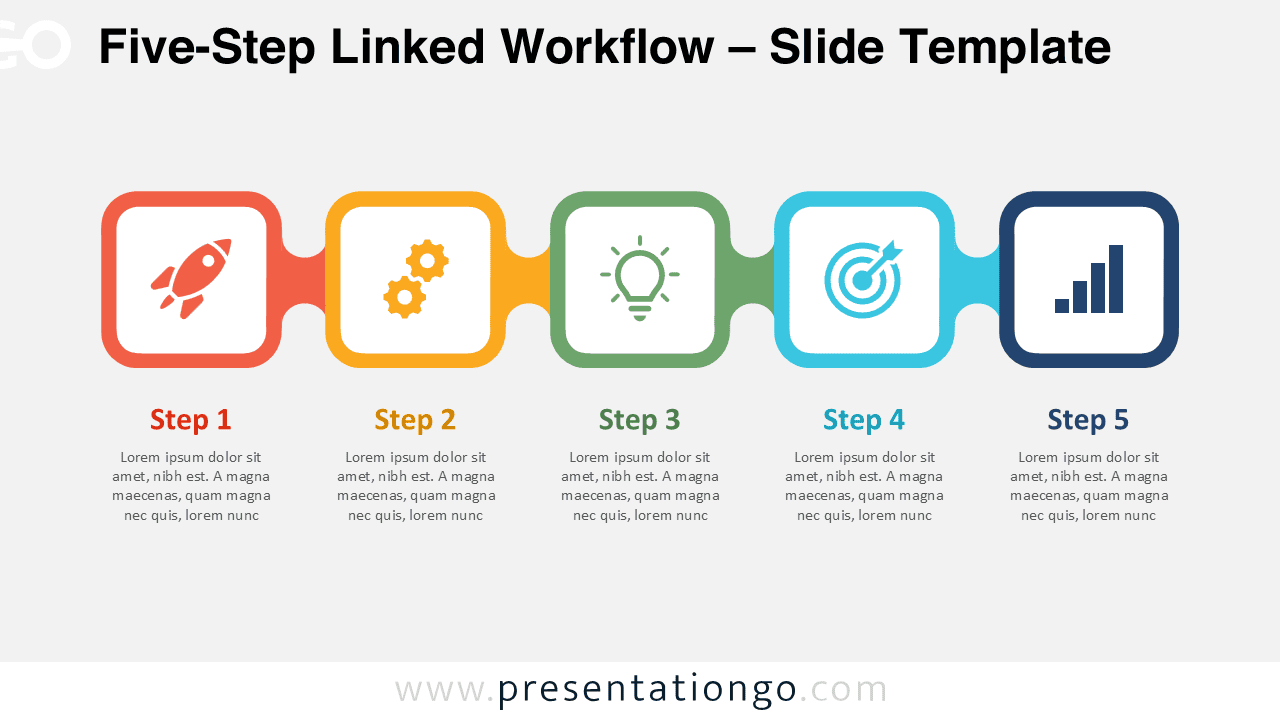
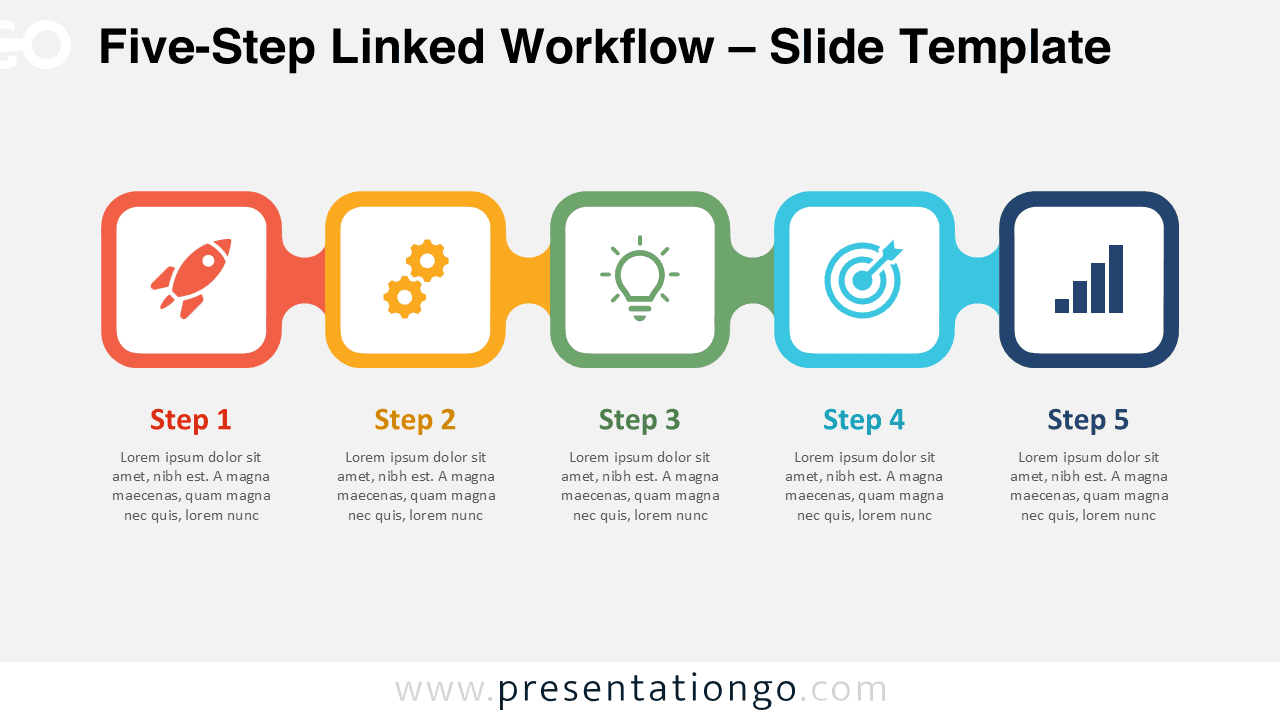
The Five-Step Linked Workflow is an editable process diagram for PowerPoint and Google Slides. Five connected modules create a continuous horizontal sequence for presenting stages, tasks, milestones, or related ideas. Each stage combines an icon placeholder, heading, and supporting text area, giving every step a consistent structure.
Diagram Preview
Features and Customization Options
- Compatible with Microsoft PowerPoint and Google Slides
- Five-step process diagram, fully editable
- Editable text, shapes, sizes, and icon placeholders
- Editable connectors between all five stages
- Icons from the Microsoft Office library for illustration purposes only, easily modified or replaced
- Add, remove, or adjust individual steps to fit your content
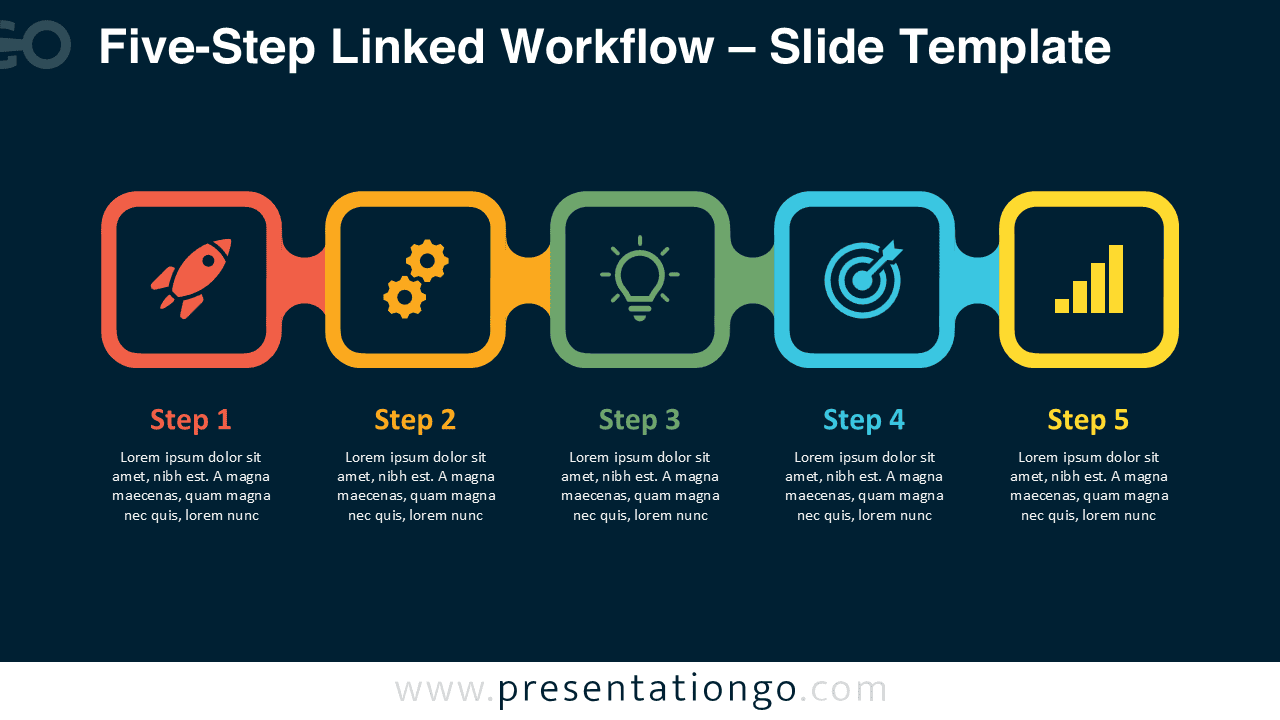
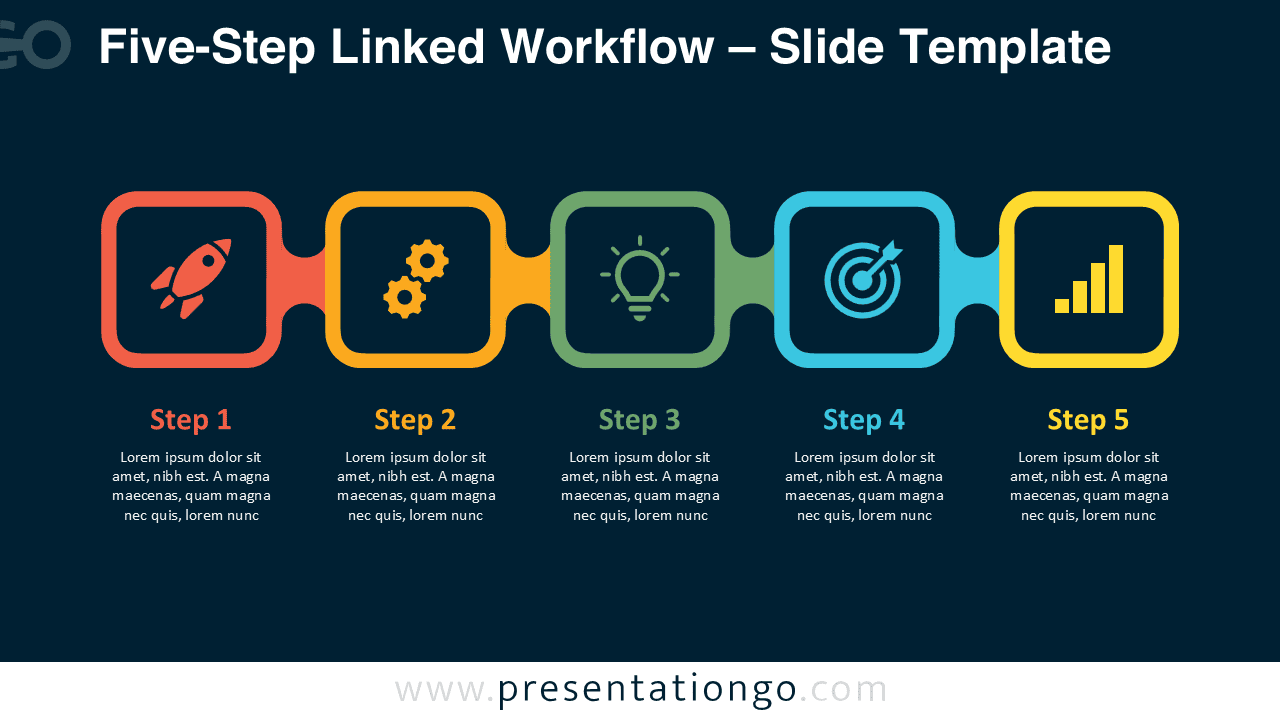
- Includes both light and dark background versions
Design and Structure
The diagram arranges five rounded modules along one horizontal path. Short connectors visually link each stage while keeping the sequence easy to follow. Every module provides a dedicated area for an icon, step label, and short description. This repeated structure helps readers compare stages while maintaining a clear progression from the first step to the fifth.
The Five-Step Linked Workflow works particularly well when a topic follows a defined sequence. You can replace the sample icons, edit the labels, rewrite the descriptions, resize the shapes, or adapt the connectors. The icon placeholders can also support different subjects when the original illustrations do not match your presentation. Because each stage remains visually distinct, the layout can support both sequential explanations and five-part frameworks.
Practical Applications
- Explain a five-stage business process or operational workflow
- Present project phases from launch through completion
- Structure a product development or implementation sequence
- Show a marketing, sales, or customer journey process
- Outline five milestones in a strategic roadmap
- Break down training material into five consecutive stages
- Connect actions, objectives, and measurable outcomes
Summary
The Five-Step Linked Workflow provides a structured way to present five connected stages in PowerPoint and Google Slides. Its editable modules, text areas, connectors, and Office library icon placeholders make it suitable for processes, roadmaps, project plans, and other sequential presentations.





