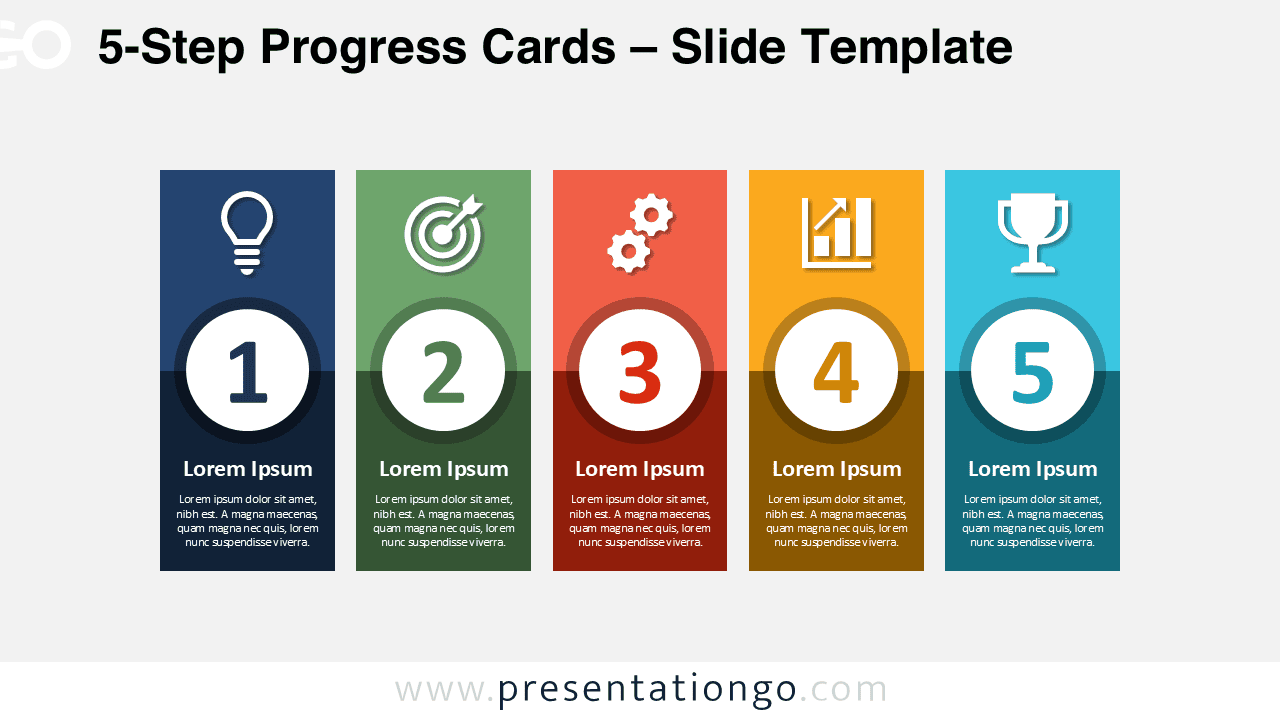
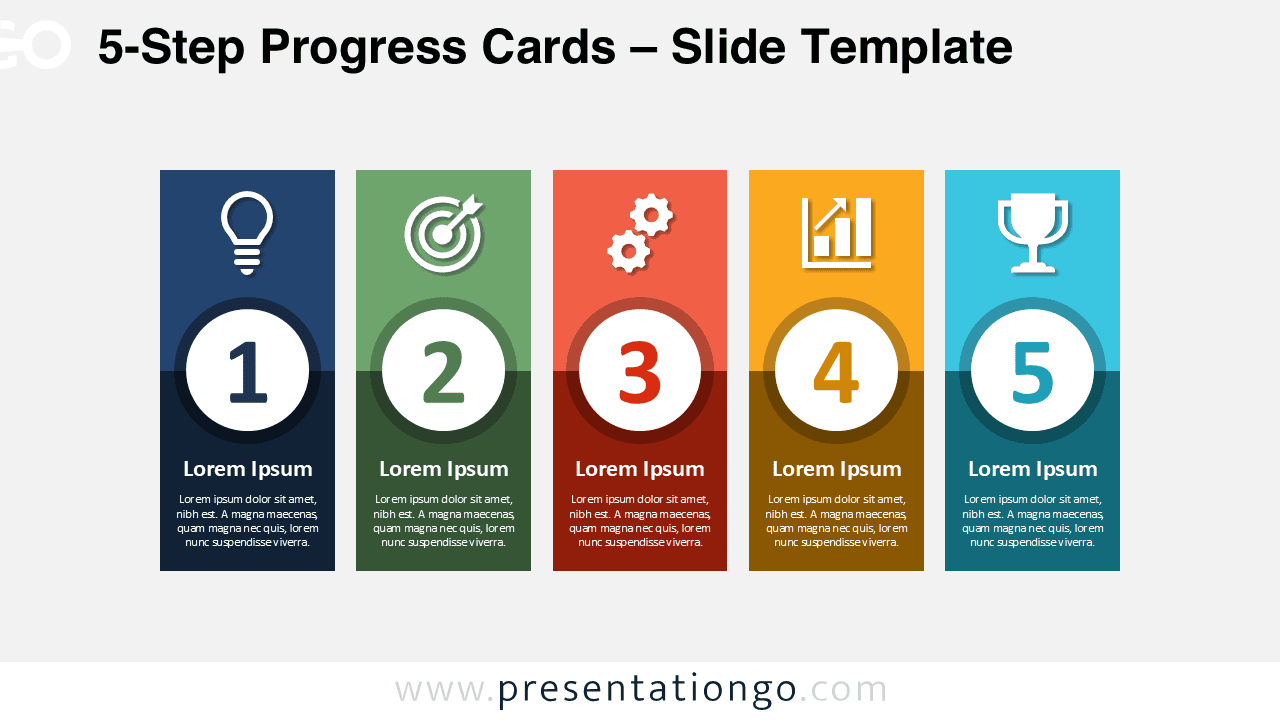
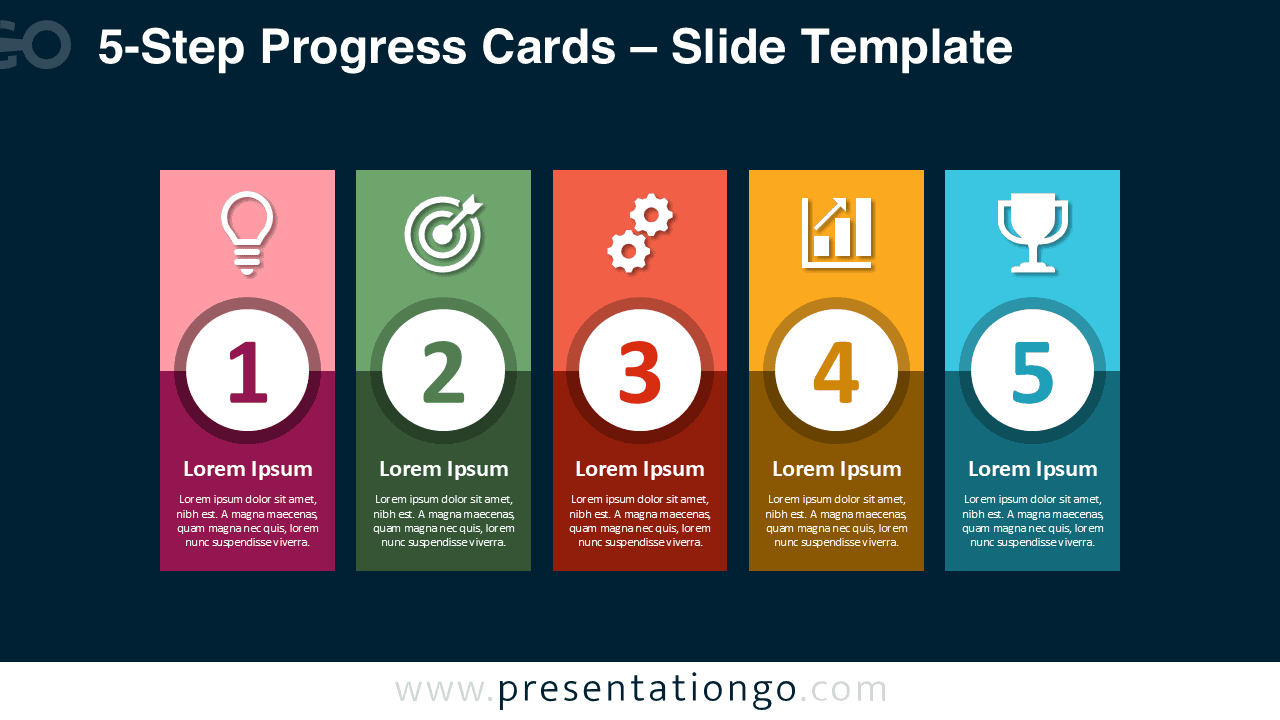
The 5-Step Progress Cards diagram offers a straightforward way to present a sequence without making the slide feel complicated. Five evenly arranged cards guide the audience from one stage to the next, while large numbers make the progression easy to follow. Each card also provides dedicated space for a heading, supporting text, and a visual symbol. This structure works especially well when every stage deserves equal attention.
The layout is useful for presenters who need to explain a process, plan, or progression in a logical order. Rather than placing information in a dense list, the 5-Step Progress Cards separate the content into clear visual units. That makes the message easier to scan during meetings, workshops, project reviews, and business presentations.
Diagram Preview


Features and Customization Options
- Five clearly separated cards for presenting sequential stages.
- Large numbered circles create an immediate visual hierarchy.
- Editable text areas support titles, descriptions, milestones, or key actions.
- Individual shapes can be resized, repositioned, or adjusted to suit your content.
- Icons come from the Microsoft Office icon library and are easily modifiable.
- Office icons can be replaced, resized, recolored, or adapted directly in PowerPoint.
- The icon areas also work as editable placeholders for your own symbols or graphics.
- The diagram is designed for use in both PowerPoint and Google Slides.
Design and Structure
The design follows a simple left-to-right reading pattern. Each stage uses the same card structure, so the audience can understand the hierarchy almost immediately. The icon appears at the top, followed by a prominent number, a short heading, and supporting text. Repeating this structure across all five stages creates consistency without making the slide repetitive.
The vertical card format also keeps information contained. That helps presenters avoid long text blocks while still giving each step enough room for a concise explanation. Because all five sections share equal visual weight, the diagram works best for processes where no single phase should dominate the slide.
Practical Applications
- Present a five-step business process from start to finish.
- Explain project phases, implementation stages, or delivery milestones.
- Build a five-part action plan for teams or clients.
- Show a strategy moving from initial idea to final achievement.
- Organize onboarding, training, or operational workflows.
- Summarize product development or service delivery stages.
- Present a structured roadmap with five key checkpoints.
- Break a complex topic into five easy-to-understand sections.
Summary
The 5-Step Progress Cards diagram combines a familiar process structure with enough flexibility for many presentation topics. Its numbered stages make progression obvious, while the card-based layout keeps supporting information organized. Editable Office icons add another useful layer of customization without requiring separate graphic assets.
Use this diagram when you need to turn a five-part process into a presentation that feels structured, readable, and easy to discuss. Whether you are presenting a strategy, workflow, project plan, or milestone sequence, the layout gives every stage a clear place and keeps the audience focused on the progression.