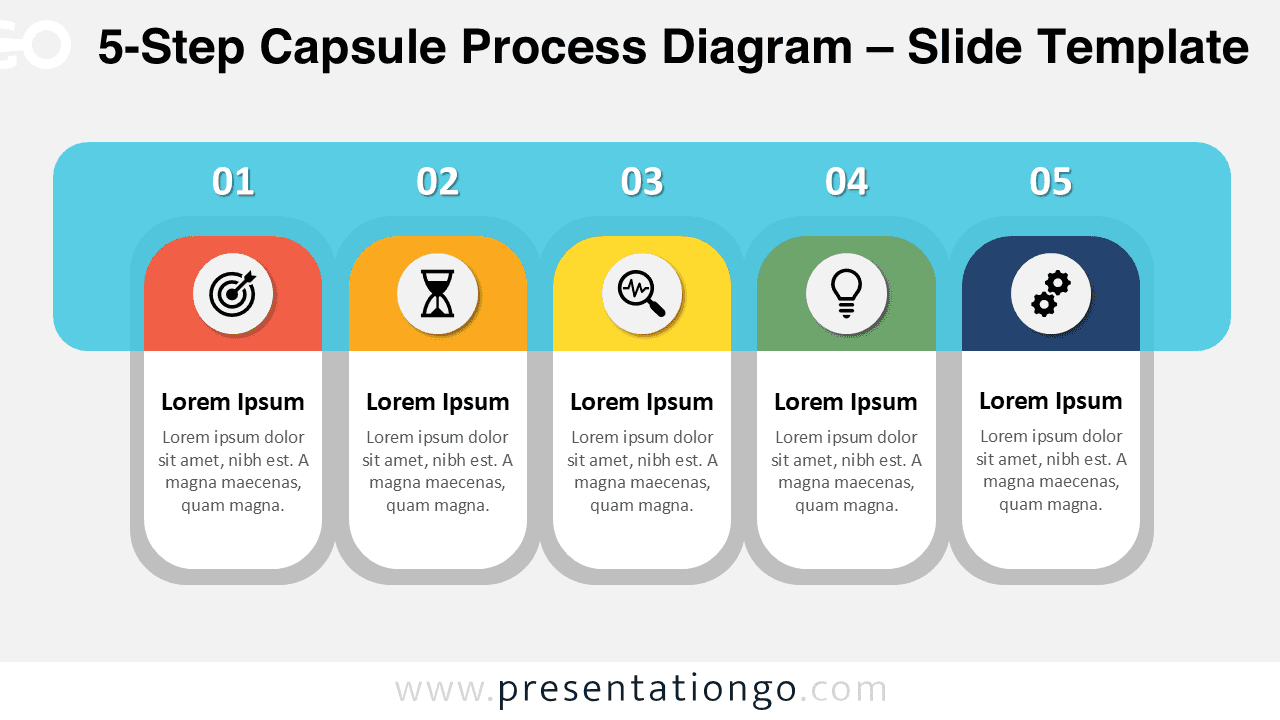
The 5-Step Capsule Process Diagram for PowerPoint and Google Slides helps you present structured workflows with clarity and visual impact. This modern linear layout highlights five distinct stages using color-coded capsules and icon placeholders. It allows you to explain strategies, processes, or project phases in a clear and engaging way.
Diagram Preview


Features and Customization Options
- Five clearly defined steps arranged in a horizontal layout
- Color-coded capsule headers for visual separation
- Editable icon placeholders for each stage
- Fully customizable text, colors, and shapes
- Available for PowerPoint and Google Slides
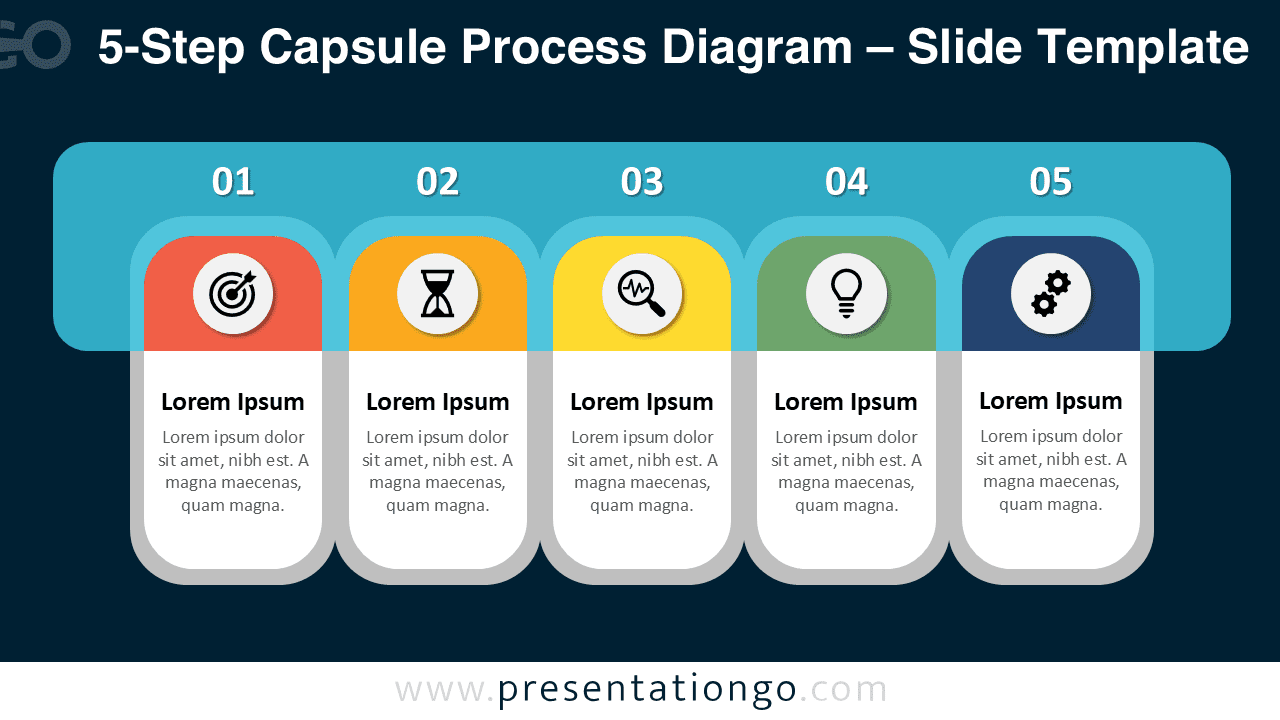
- Light and dark background versions included
Design and Structure
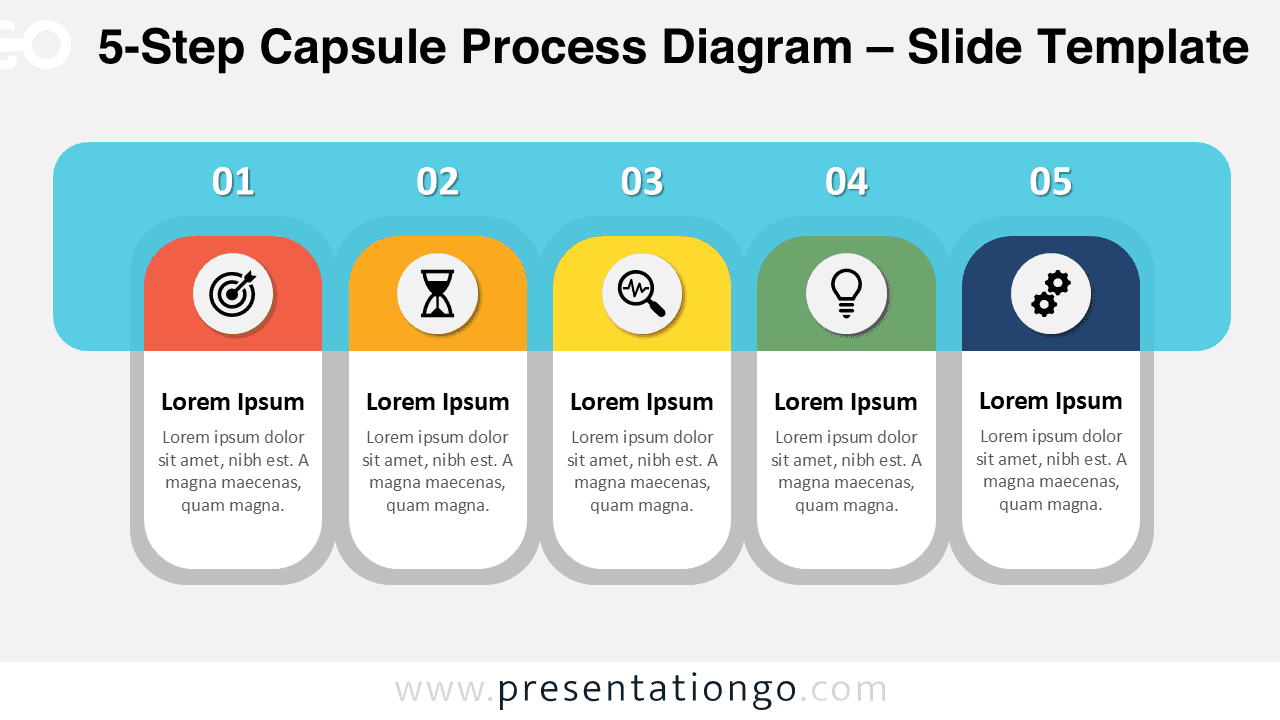
This diagram uses a rounded capsule design to emphasize each stage of your process. A prominent top banner displays step numbers, creating a strong visual hierarchy. Beneath each number, a colored capsule contains a circular icon placeholder that reinforces the theme of each phase.
The vertical card layout ensures consistent alignment and readability. Each step includes a bold title and supporting text, making it easy to summarize key information. The combination of vibrant accent colors and a balanced layout keeps your audience focused while maintaining a professional tone.
Practical Applications
- Business strategy presentations
- Project management overviews
- Marketing campaign planning
- Product development phases
- Operational workflows
- Training and onboarding materials
Summary
The 5-Step Capsule Process Diagram provides a clean and structured way to present sequential information. Its modern capsule design, editable icon placeholders, and dual background options make it suitable for both corporate and creative presentations. Use it to communicate complex processes in a simple, visually organized format.