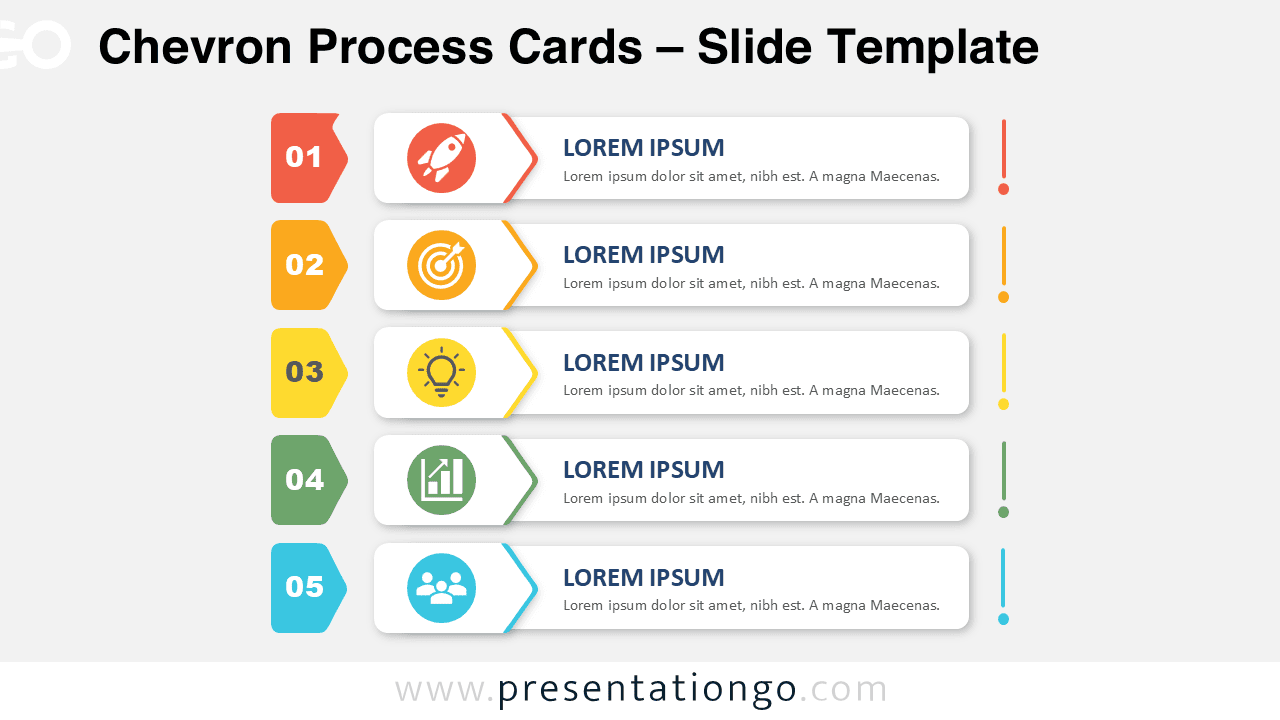
Chevron Process Cards help you present a five-step sequence in a clear and structured way. The diagram combines numbered markers, chevron accents, editable content cards, and simple icon placeholders. Its balanced layout makes each stage easy to scan while keeping the full process connected. You can use it in PowerPoint and Google Slides for business, education, planning, or training presentations.
Diagram Preview
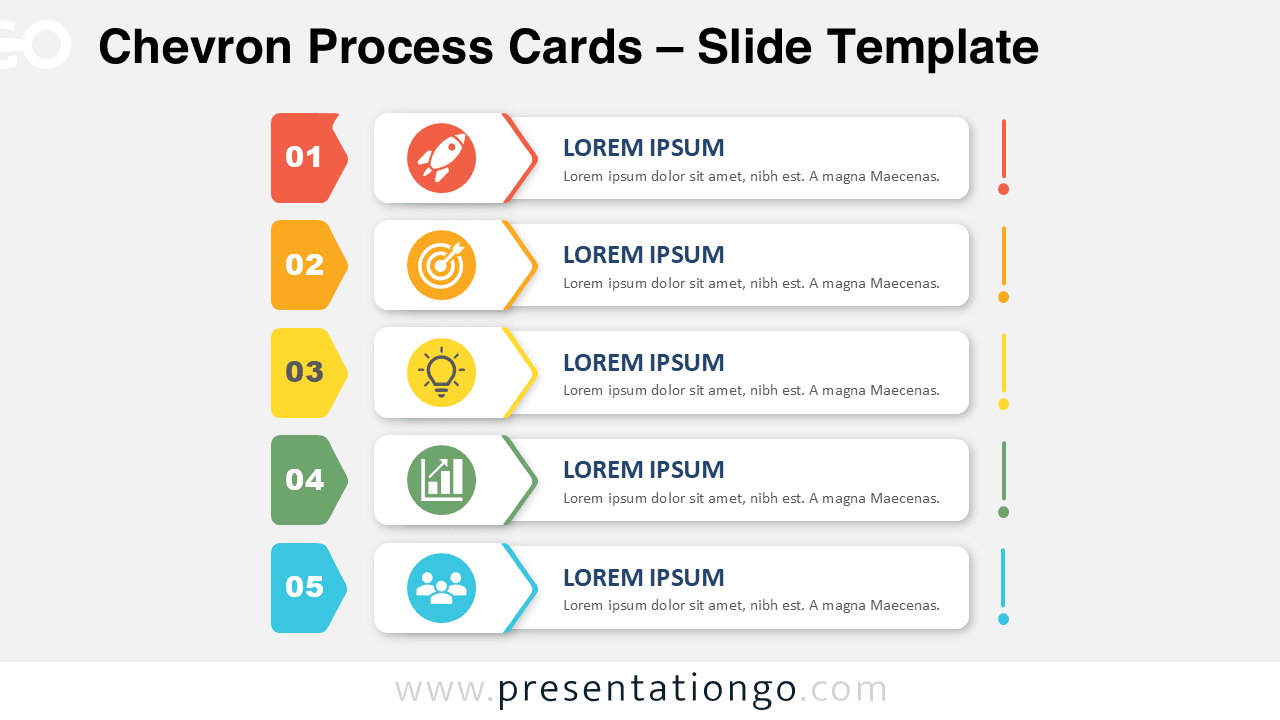
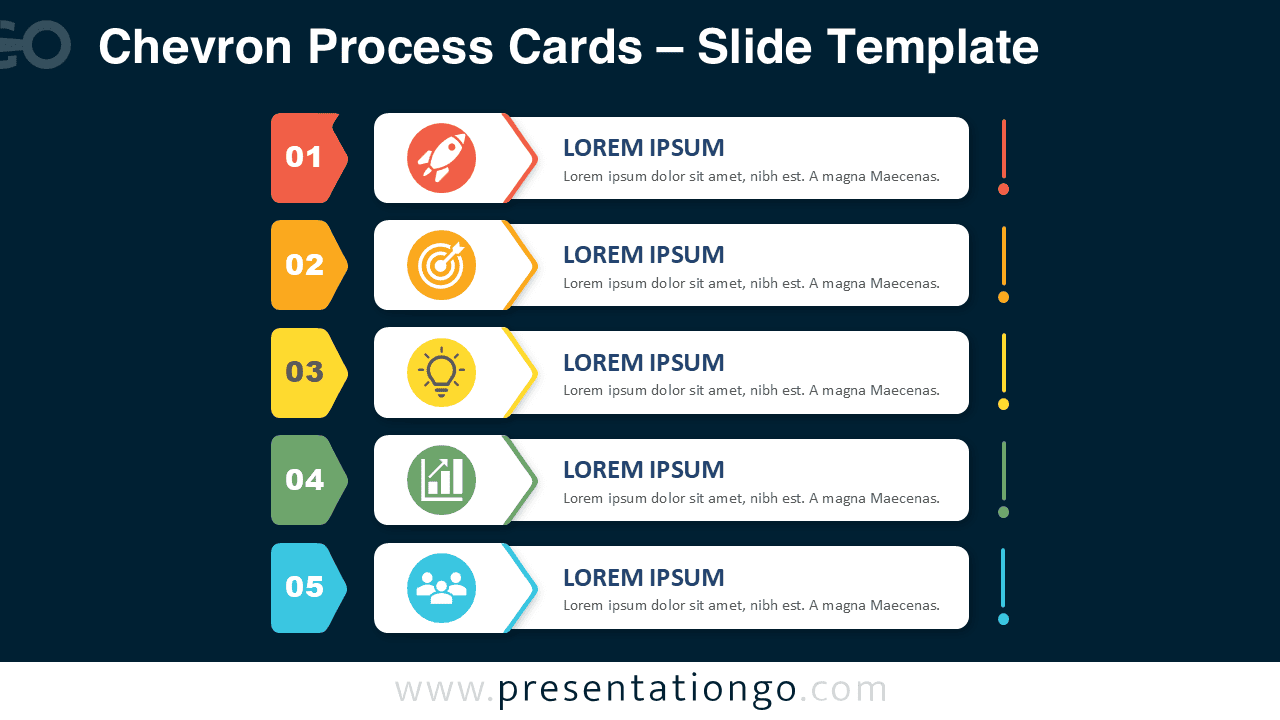


The diagram includes five stacked cards arranged in a vertical sequence. Each card provides space for a short heading and a supporting description. Numbered markers guide the audience from the first stage to the final one, while the chevron details reinforce the direction of the process. The layout remains consistent across both slide versions, so you can choose the option that best fits your presentation.
Features and Customization Options
- Five editable process stages
- Customizable headings and descriptions
- Editable numbered chevron markers
- Resizable shapes and text areas
- Icons included for illustration purposes only
- Icons sourced from the Office icon library
- Office icons are easy to modify or replace
- Compatible with PowerPoint and Google Slides
Design and Structure
Chevron Process Cards use a practical card-based structure that keeps information organized without making the slide feel crowded. The numbered labels create an obvious reading order, while the matching visual accents connect each step to its content. The icon placeholders give every stage a quick visual cue, yet the text remains the main focus.
You can shorten the descriptions for a high-level overview or expand them for more detailed explanations. The card format also helps maintain consistent spacing and hierarchy. This makes the diagram useful for both formal presentations and quick internal updates. Because every element is editable, you can adapt the design to your brand, topic, or audience.
Practical Applications
- Explain a five-step business process
- Present project phases and milestones
- Outline a product development workflow
- Describe a customer journey
- Summarize a strategic action plan
- Organize employee onboarding steps
- Structure training or classroom content
- Present a marketing or sales sequence
Summary
Chevron Process Cards provide a simple way to turn a five-part sequence into a polished visual story. The diagram offers clear progression, practical editing options, and enough space for concise explanations. Use it to communicate workflows, plans, or staged ideas with greater clarity. Download the diagram and customize the text, shapes, and Office library icons to match your presentation.