
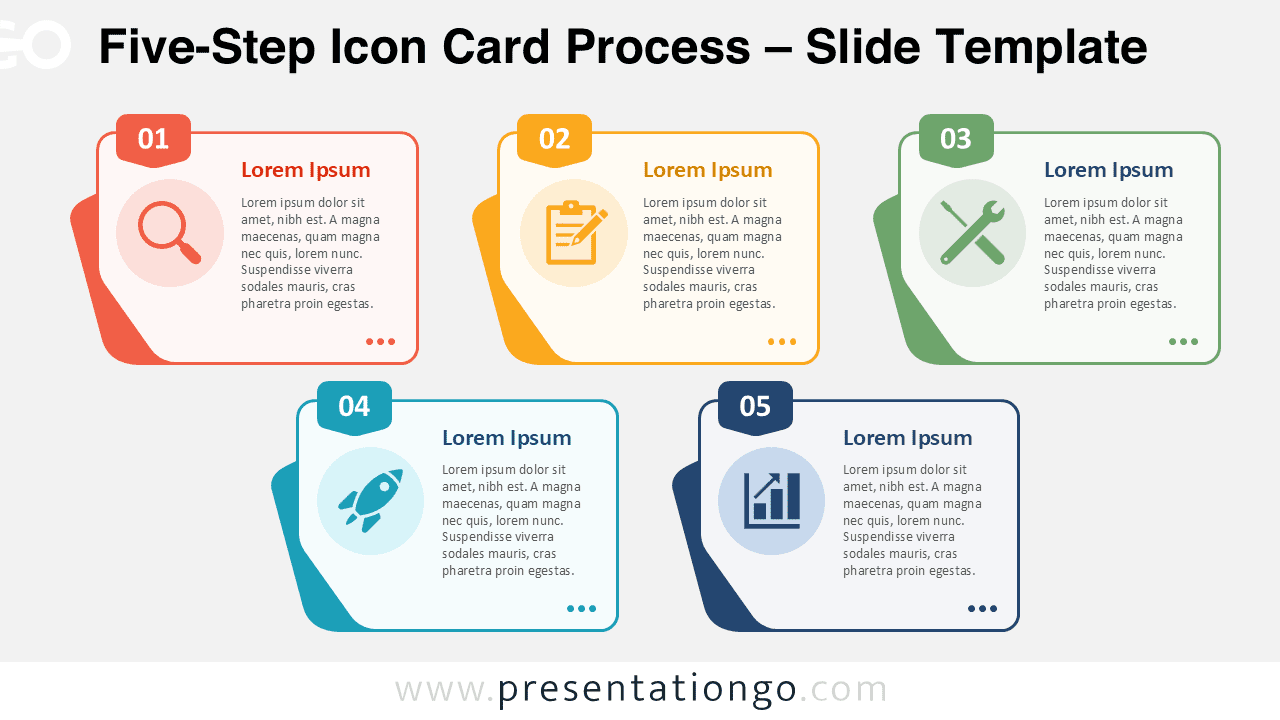
The Five-Step Icon Card Process helps you explain a sequence with clarity and visual structure. This editable diagram works well when you need to present five stages, actions, milestones, or service steps in a professional format. Each numbered card gives one step its own space, so your audience can follow the flow without confusion. The layout also supports short explanations, making it useful for business, training, marketing, and project presentations.
Diagram Preview


Features and Customization Options
- Includes five editable step cards with numbered badges.
- Uses icons from the Microsoft Office icon library.
- Lets you modify, replace, resize, or recolor icons easily.
- Provides editable text placeholders for titles and short descriptions.
- Works in PowerPoint and Google Slides.
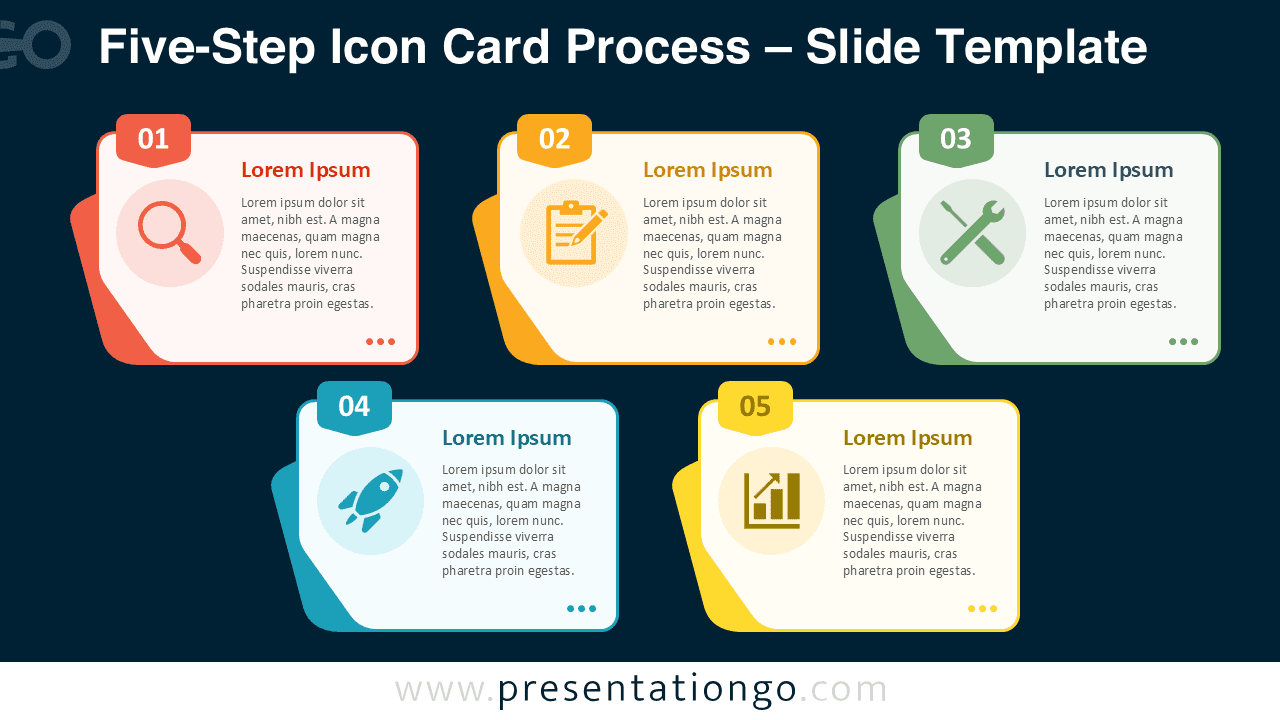
- Includes versions for standard and dark presentation styles.
- Helps you present workflows, phases, tasks, or process stages.
- Allows quick customization for business, education, or marketing content.
Design and Structure
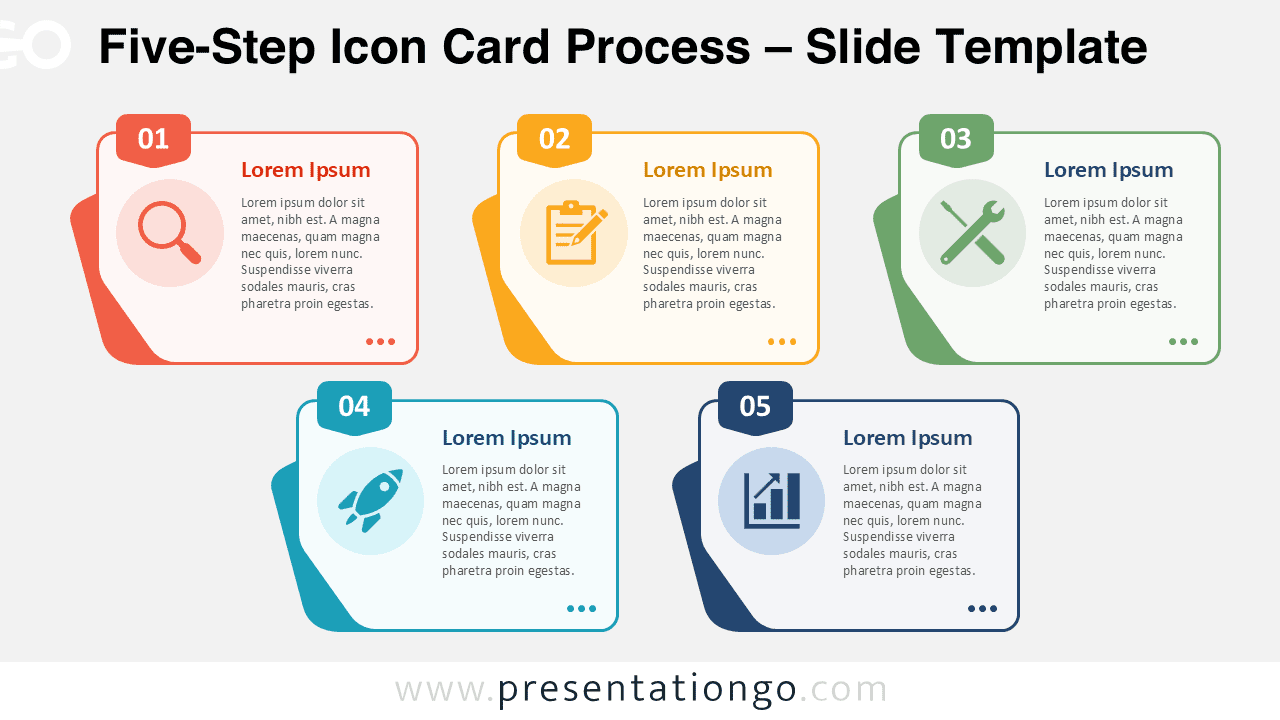
The Five-Step Icon Card Process uses a clear card-based composition. Each card combines a number, an icon placeholder, a title, and a short text area. This structure keeps information organized and helps viewers compare all five steps at a glance. The layered card effect adds depth while keeping the diagram simple and readable.
The arrangement places three cards on the first row and two cards on the second row. This balanced layout avoids a crowded horizontal sequence. It also gives each step enough room for concise explanations. You can use the cards as independent points or connect them as one complete workflow.
Practical Applications
- Explain a five-step business process.
- Present a project workflow or implementation roadmap.
- Describe product development phases.
- Show customer journey stages.
- Organize onboarding or training modules.
- Summarize a service delivery process.
- Structure marketing, sales, or strategy steps.
Summary
The Five-Step Icon Card Process gives you a flexible way to present structured information in PowerPoint and Google Slides. Its editable cards, Office icons, and clear layout make it suitable for many professional topics. Use it to turn a five-part process into a visual story that is easy to understand, customize, and reuse.





