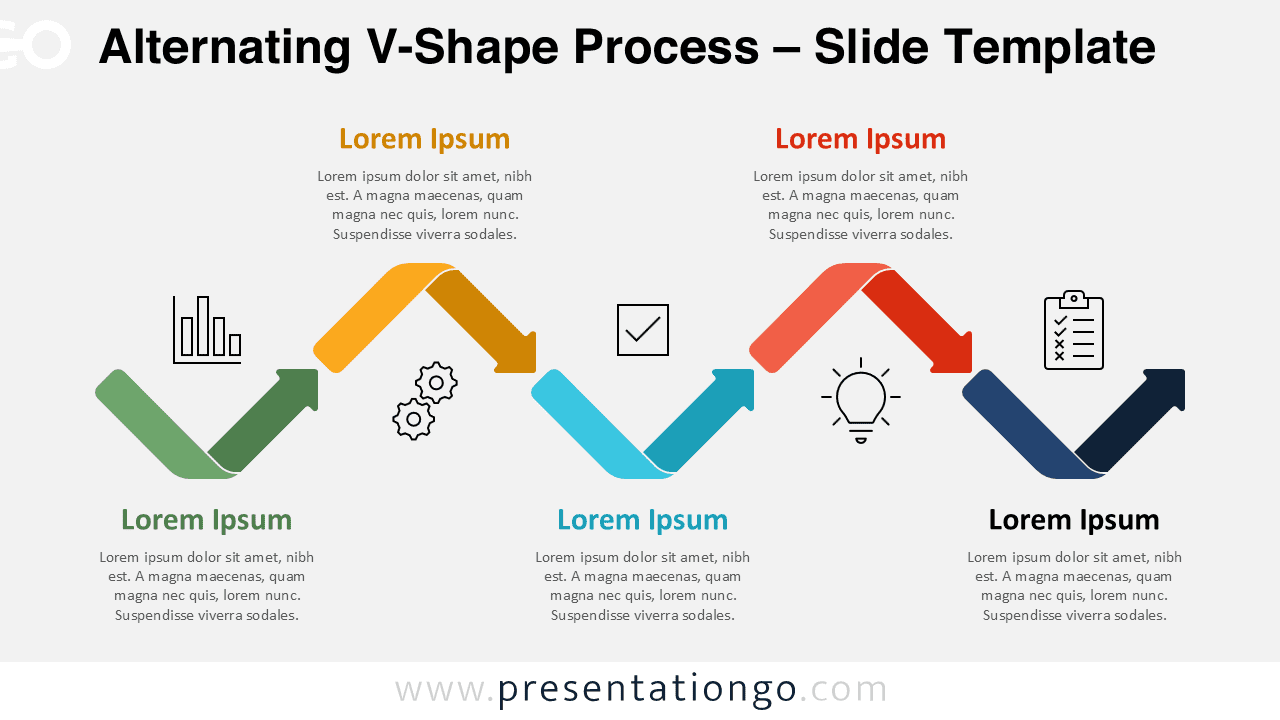
The Alternating V-Shape Process diagram offers a modern and visually engaging way to present workflows and sequential steps. Designed for PowerPoint and Google Slides, this diagram uses a dynamic zigzag structure that guides your audience through each stage of a process with clarity and impact.
Diagram Preview


Features and Customization Options
- Fully editable shapes, colors, and text
- Compatible with PowerPoint and Google Slides
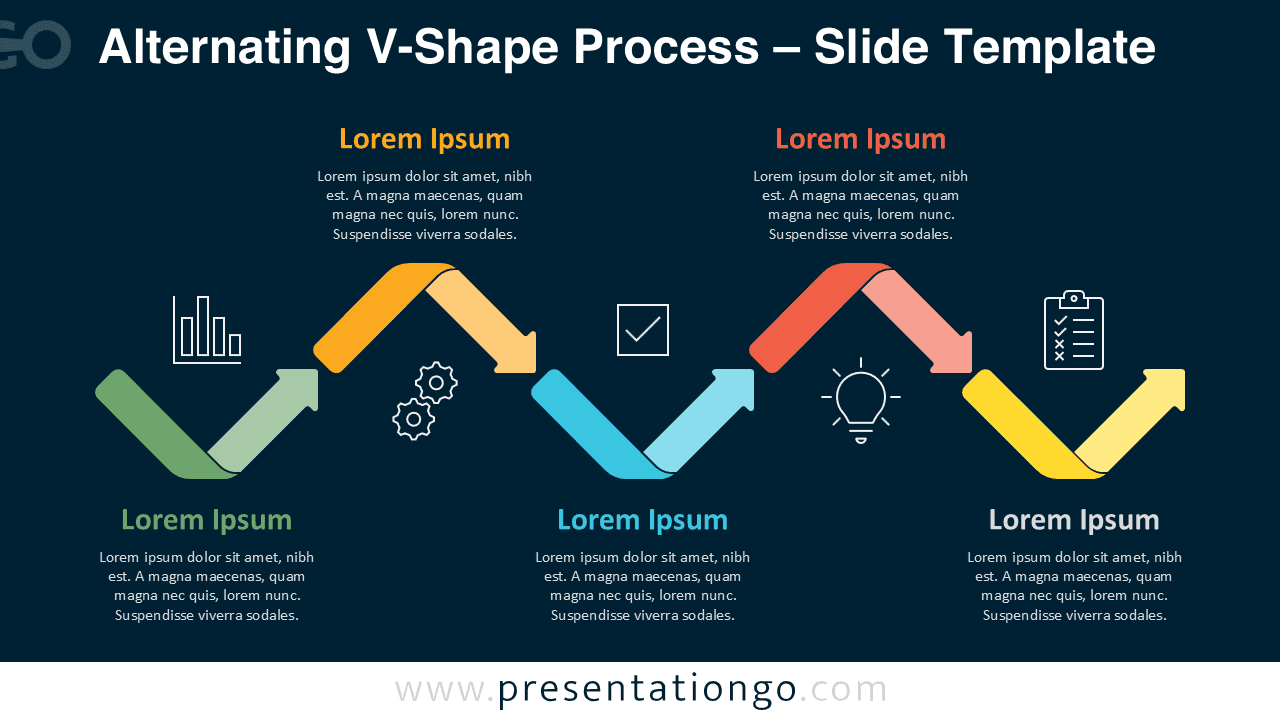
- Includes two slide versions (light and dark backgrounds)
- Clear step-by-step visual flow
- Modern flat design with clean typography
- Includes icons from the Office icon library, easily modifiable
Design and Structure
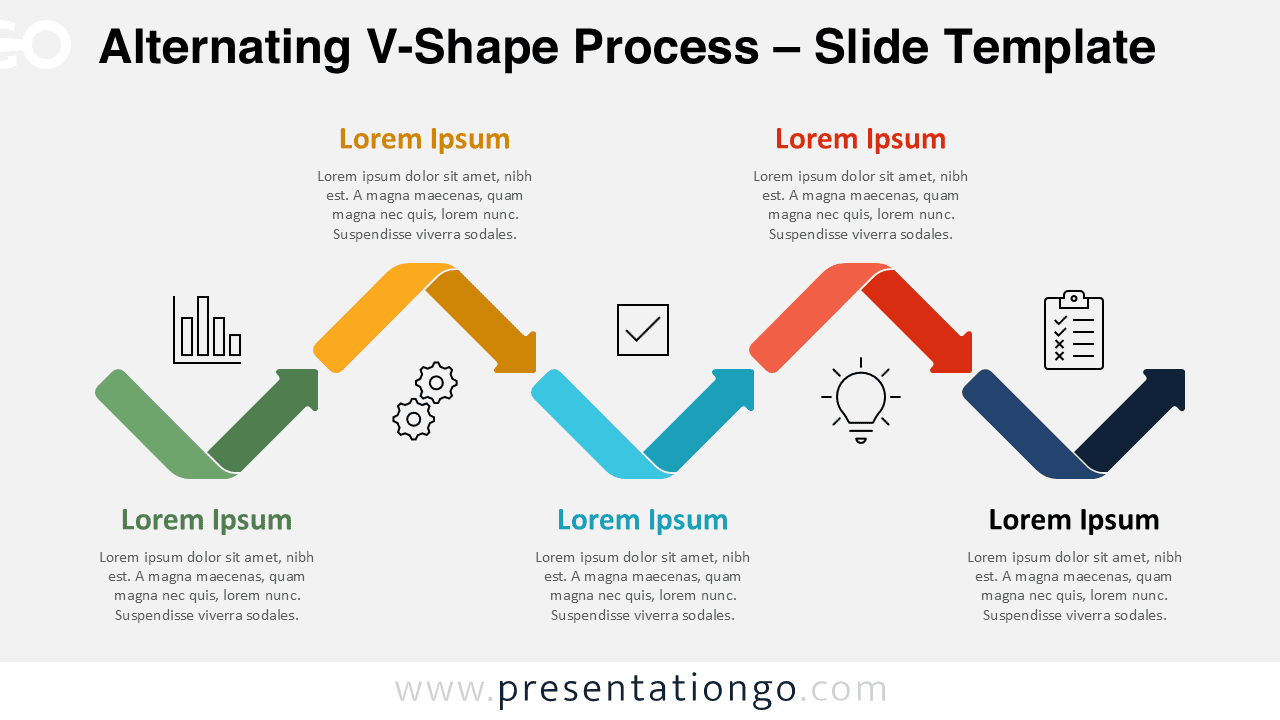
This diagram features a sequence of alternating V-shaped arrows arranged in a horizontal flow. Each segment represents a distinct step, reinforced by color coding and supporting icons. The zigzag layout creates a natural visual rhythm, making it easy to follow even complex processes.
The use of bold colors enhances differentiation between steps, while the minimal icon style adds clarity without overwhelming the design. The alternating direction of the arrows adds visual interest and reinforces progression, making the diagram suitable for storytelling and structured explanations.
Practical Applications
- Business process presentations
- Project lifecycle visualization
- Strategic planning and execution steps
- Product development stages
- Workflow and operational processes
Summary
The Alternating V-Shape Process diagram is a versatile and professional tool for presenting structured information. Its clean design and intuitive flow make it ideal for business, education, and consulting presentations. With full customization options and compatibility across platforms, it helps you communicate ideas effectively and visually.