
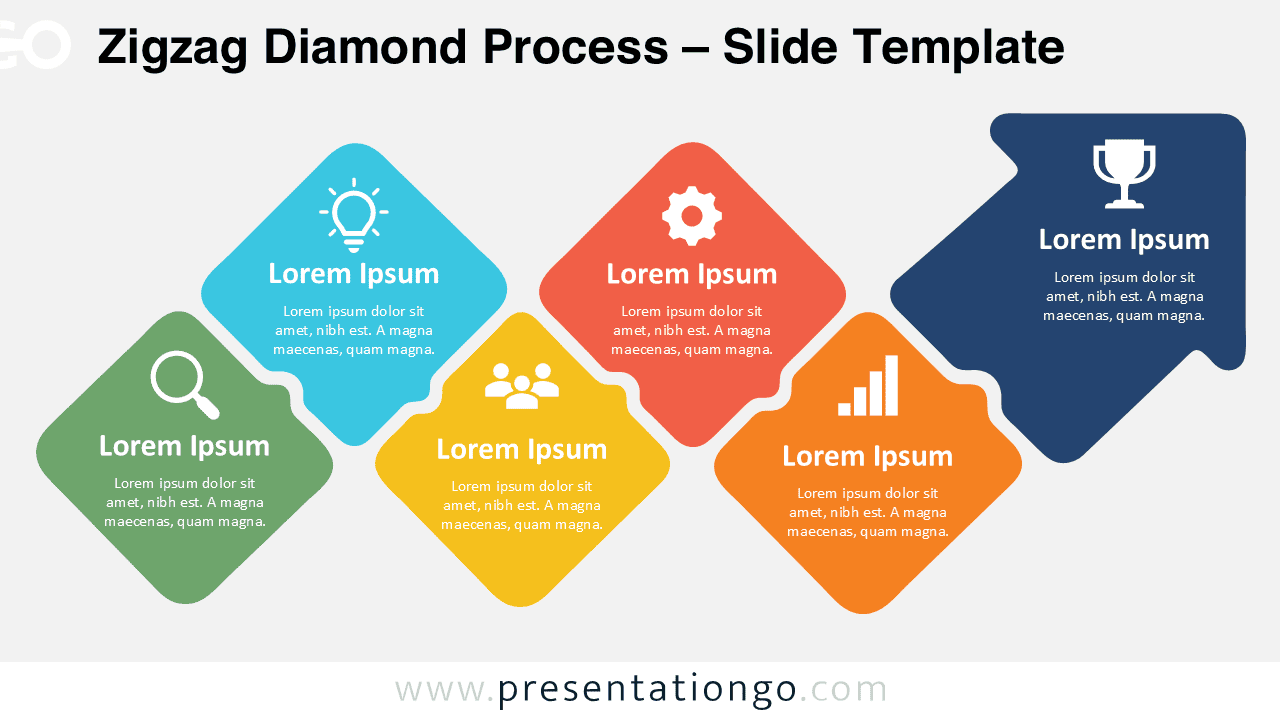
The Zigzag Diamond Process is a flexible diagram for PowerPoint and Google Slides that presents a structured sequence with a dynamic visual flow. It can work as a 5-step process or a 6-step process when the final arrow head is treated as a concluding stage.
Diagram Preview


Features and Customization Options
- Compatible with Microsoft PowerPoint and Google Slides
- 5- or 6-step process diagram, fully editable
- Editable text, shapes, colors, and icon placeholders
- Icons are for illustration purposes only
- Icons come from the Office icon library and are easily modifiable
- Includes both light and dark background versions
Design and Structure
The diagram uses a sequence of rounded diamond shapes arranged in an alternating path that guides the eye naturally across the slide. This structure adds movement without making the content feel crowded, which helps you explain a process in a way that remains easy to follow. The final arrow element strengthens the sense of progression and gives the layout a clear destination.
One of the most useful aspects of this design is its flexibility. You can present it as a 5-step process by focusing on the five main content blocks, or as a 6-step process by counting the arrow head as the final stage, outcome, or call to action. Each section includes room for a title, supporting text, and an icon placeholder, so you can adapt the diagram quickly to different business, educational, or planning contexts.
Practical Applications
- Show a 5-step or 6-step business process
- Explain a strategic roadmap
- Present project phases and milestones
- Visualize a transformation journey
- Outline a customer or user journey
- Map a workflow from analysis to outcome
- Present goals, progress, and final results
Summary
The Zigzag Diamond Process combines a clear step-by-step structure with a more engaging visual rhythm than a standard horizontal process. Its adaptable layout lets users frame the content as either five stages or six stages, which expands its usefulness across many presentation scenarios. With editable text, shapes, connectors, and icon placeholders, this diagram offers a practical and polished solution for PowerPoint and Google Slides users who need a flexible process layout.







