
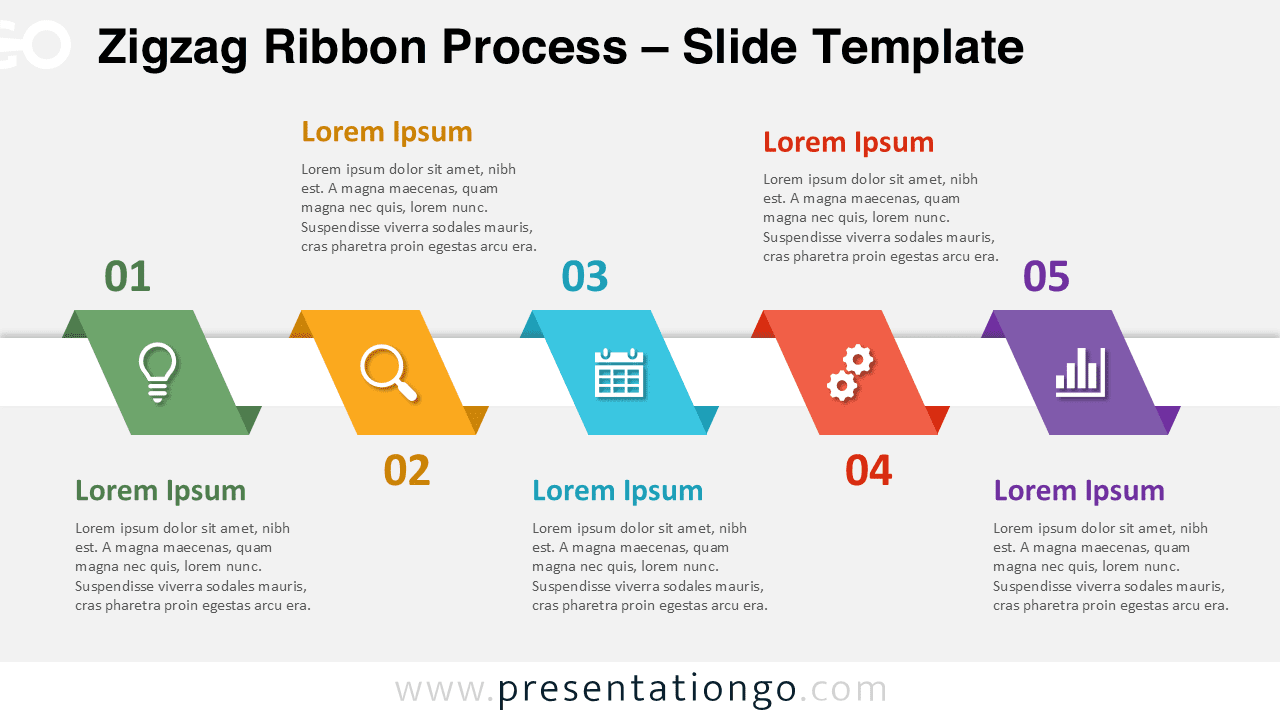
The Zigzag Ribbon Process diagram offers a dynamic and visually engaging way to present sequential workflows. Designed for PowerPoint and Google Slides, this diagram helps you communicate complex processes with clarity and style. Its colorful ribbon layout naturally guides the audience through each step, making it ideal for structured storytelling.
Diagram Preview


Features and Customization Options
- Includes 5 clearly defined steps for process visualization
- Fully editable shapes, colors, and text
- Compatible with PowerPoint and Google Slides
- Modern zigzag ribbon layout for visual impact
- Includes editable icon placeholders for customization
Design and Structure
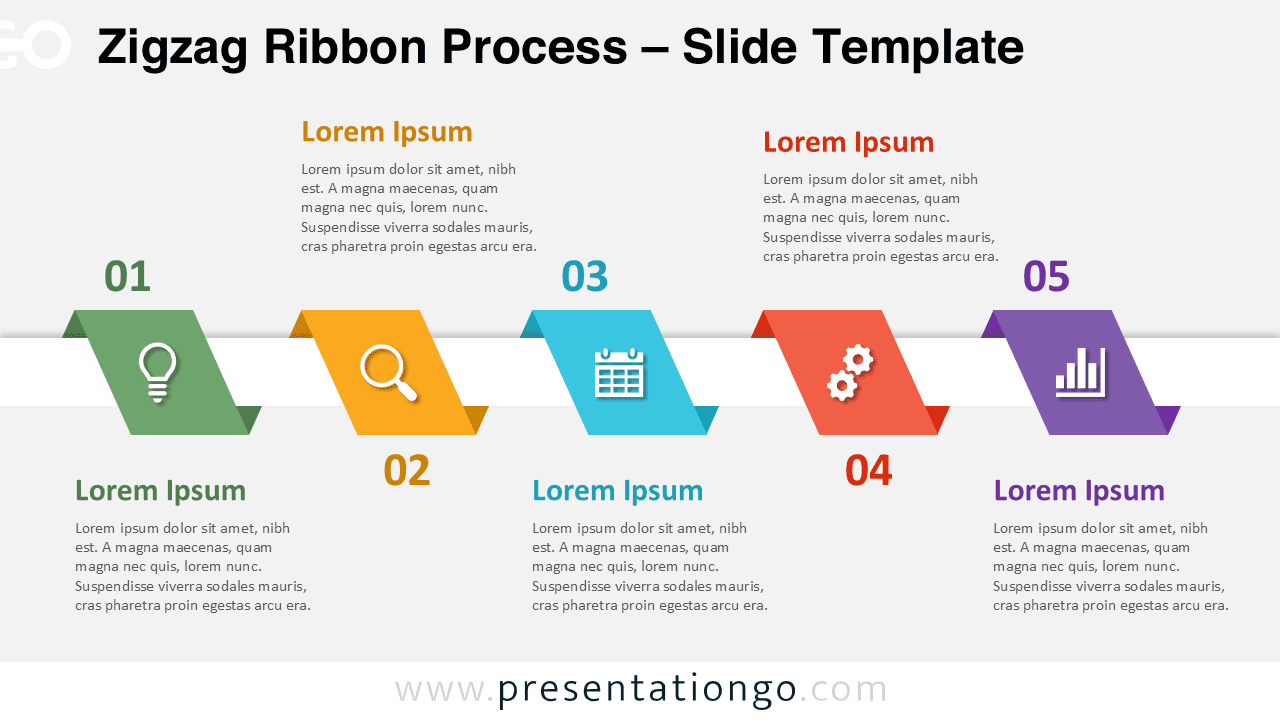
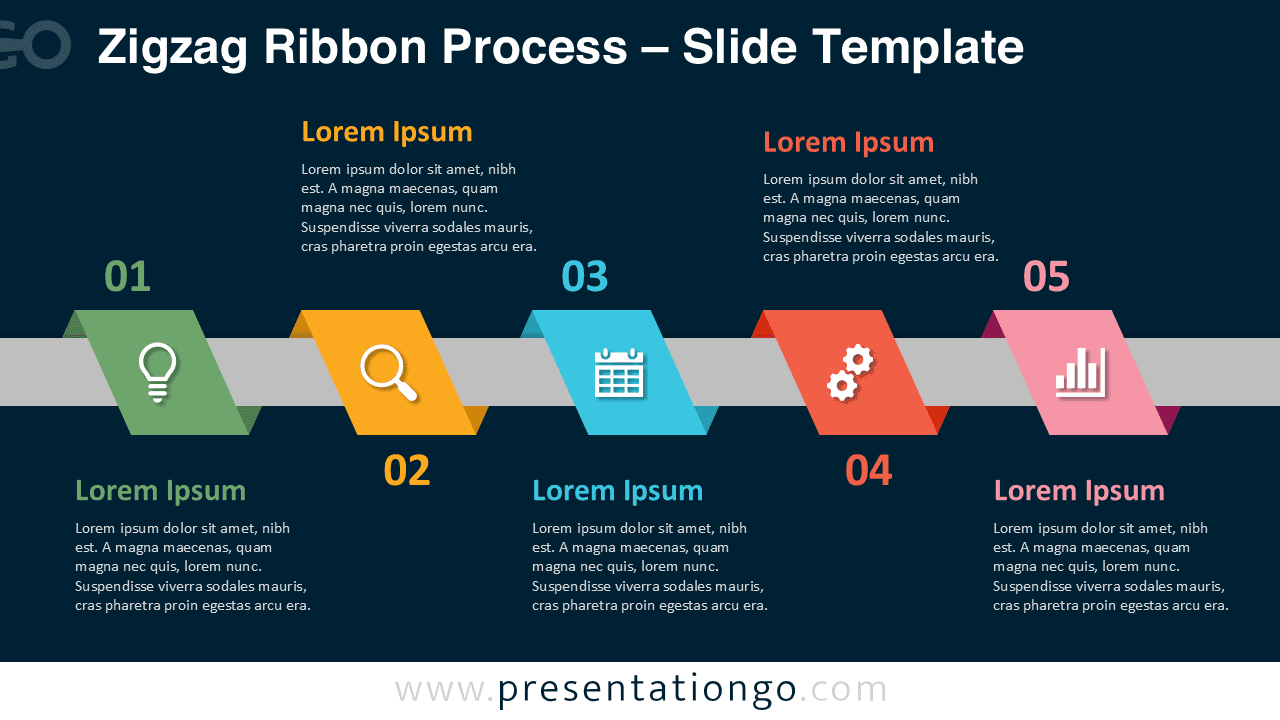
This diagram uses a horizontal zigzag ribbon structure to represent a continuous process. Each step is displayed as a tilted parallelogram, creating a sense of movement and progression. The alternating placement of text blocks above and below the central axis improves readability while maintaining visual balance. Bright, distinct colors separate each step, ensuring clarity and focus throughout the presentation.
Practical Applications
- Business process presentations
- Project lifecycle visualization
- Marketing funnel explanation
- Strategic planning workflows
- Step-by-step training materials
Summary
The Zigzag Ribbon Process diagram combines clarity, flexibility, and modern design. It allows presenters to explain processes effectively while keeping audiences engaged. With fully editable elements and customizable icons, this diagram adapts easily to different industries and presentation needs.







