

The Five-Stage Zigzag Timeline helps you present a clear sequence without crowding the slide. It turns five milestones into a connected visual path that audiences can follow at a glance. PowerPoint and Google Slides users can apply the diagram to project updates, monthly plans, process reviews, and strategic roadmaps. You can adapt every label, text field, shape, connector, and icon to match your message.
Timeline Preview
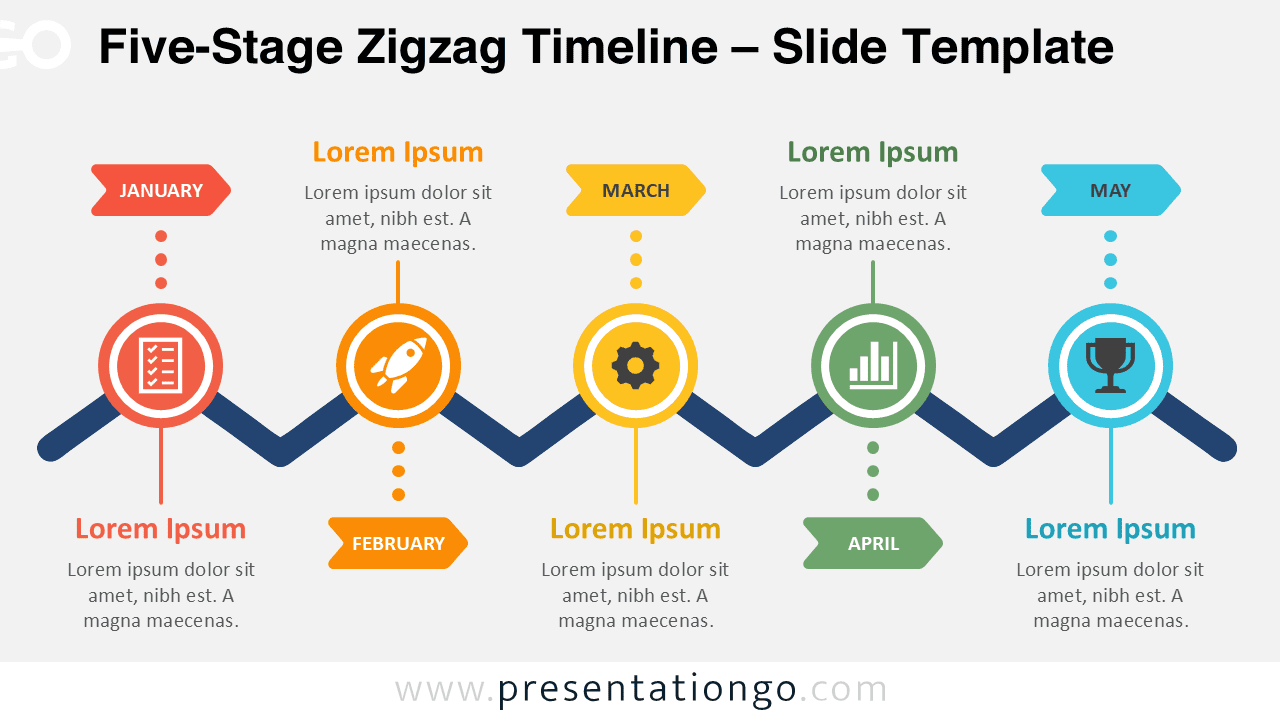


The preview shows five circular milestones arranged along an alternating zigzag line. Each stage pairs a short heading with supporting text, which keeps the story structured and easy to scan. The two included versions let you place the same content into different presentation settings without rebuilding the layout.
Features and Customization Options
- Compatible with Microsoft PowerPoint and Google Slides
- Includes 2 editable slides across 1 layout
- Editable timeline with adjustable milestones
- Editable text, shapes, colors, and icon placeholders
- Office library icons for illustration purposes only
- Editable icons that are easy to recolor, resize, or replace
- Includes both light and dark background versions
Design and Structure
The diagram uses a single continuous path to link every stage. That connection gives the sequence a strong sense of movement while preserving a clear reading order. Alternating text blocks create breathing room and separate each milestone from its neighbors. Round markers provide consistent visual anchors, while the surrounding labels establish a steady rhythm.
The icon placeholders add quick context without competing with the main message. The left-to-right flow helps viewers understand progress immediately. You can shorten the copy for executive updates or expand it for training and planning sessions. The balanced structure also keeps each stage visible, even when several details require explanation.
Practical Applications
- Present a five-step process from start to finish
- Map monthly goals, deadlines, or campaign phases
- Track project milestones and team responsibilities
- Explain a product launch or implementation plan
- Summarize a customer journey or service workflow
- Structure lessons, modules, or training stages
- Compare planned progress with completed work
Summary
The Five-Stage Zigzag Timeline gives complex plans a simple, memorable structure. It balances visual movement with practical editing, so you can build a focused narrative quickly. Use it to guide audiences through milestones, decisions, and actions in a format that remains clear from beginning to end. With editable content and flexible icon placeholders, the diagram adapts to many professional and educational topics.



