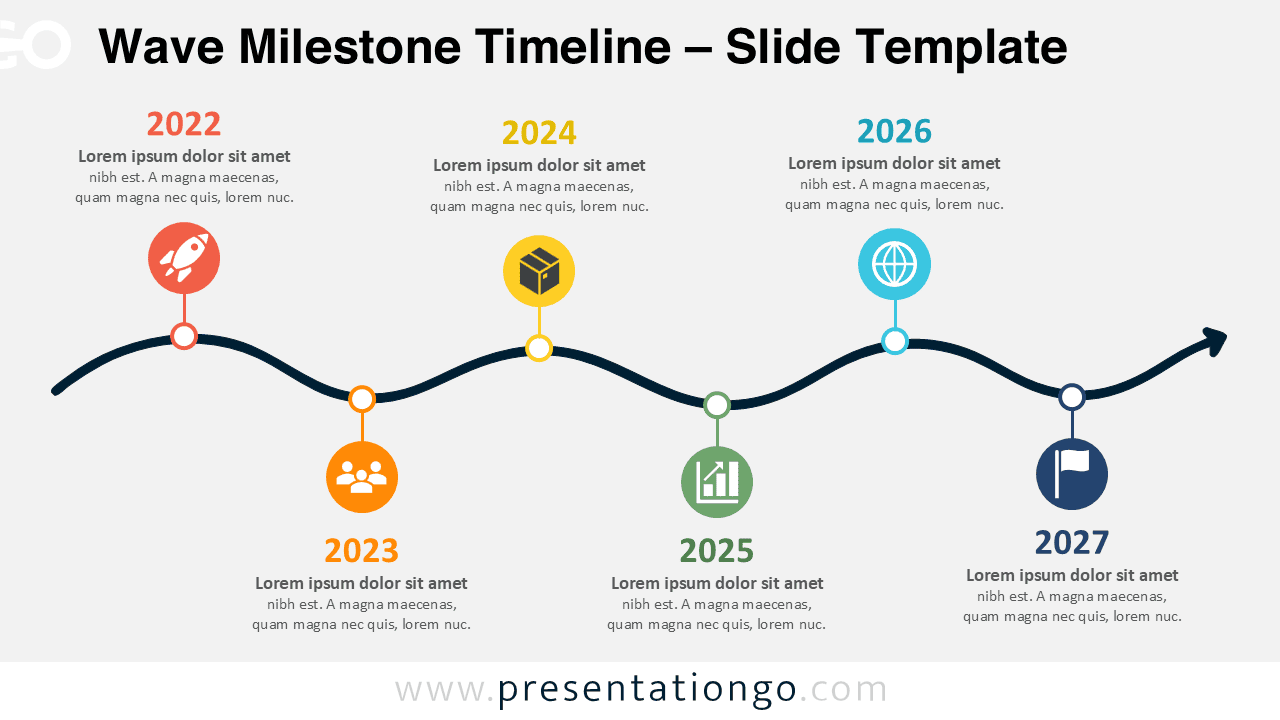
The Wave Milestone Timeline offers a clear way to present events, achievements, phases, or plans in chronological order. Its flowing path connects six milestones while alternating the content above and below the timeline. This arrangement keeps each stage visually distinct without interrupting the overall sequence.
Designed for PowerPoint and Google Slides, the diagram works well when a standard straight timeline feels too rigid. Each milestone combines a date, supporting text, and an illustrated icon placeholder. You can adapt the content to match project roadmaps, company histories, strategic plans, or long-term objectives.
Diagram Preview
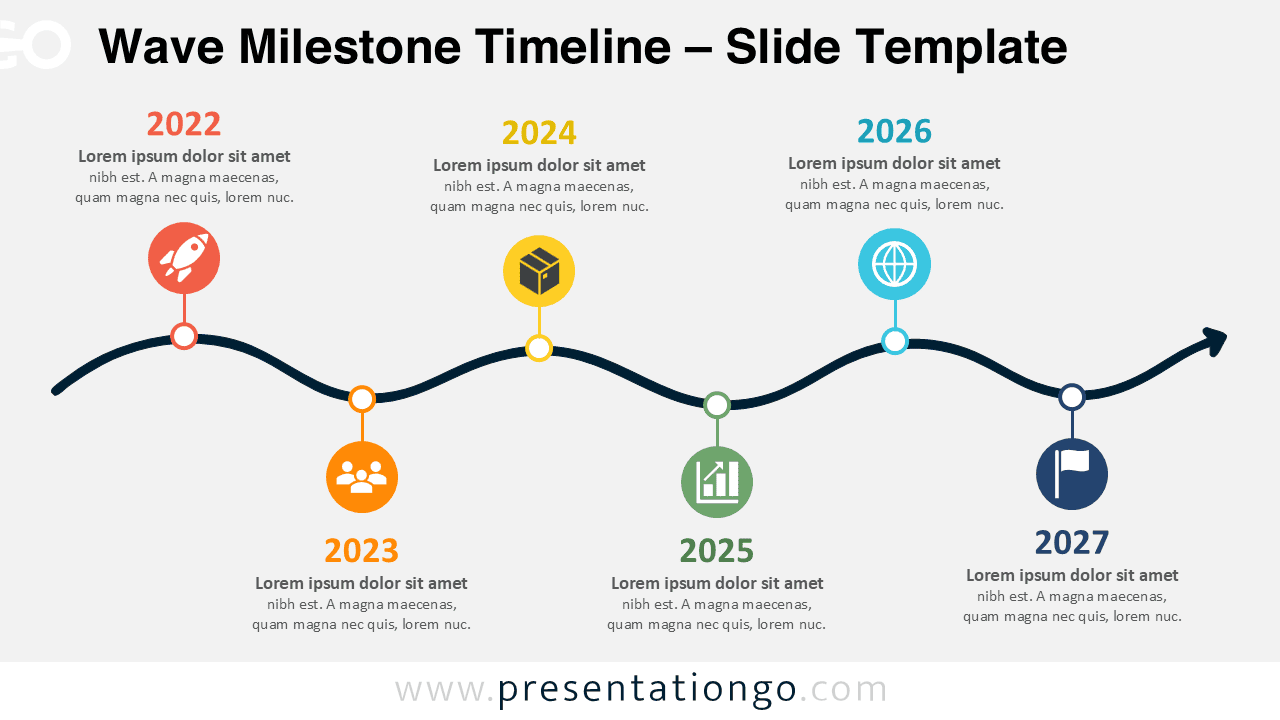
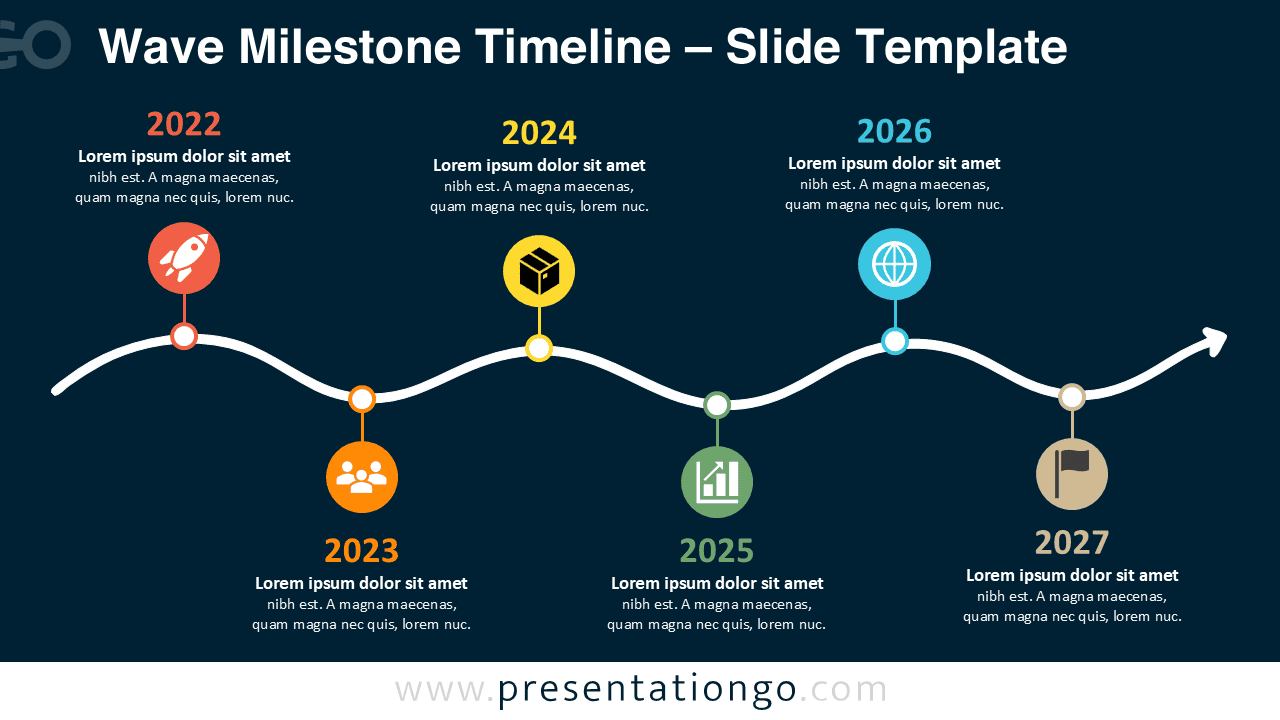


The Wave Milestone Timeline uses six evenly distributed points along a smooth horizontal path. Alternating positions provide room for short explanations while keeping the progression easy to follow. The final arrow reinforces forward movement and gives the timeline a natural sense of continuation.
Features and Customization Options
- Compatible with PowerPoint and Google Slides — 16:9 widescreen
- 2 slides × 2 backgrounds (light and dark)
- Editable timeline with adjustable milestones and dates
- Editable text, shapes, and icon placeholders
- Icons are for illustration only, sourced from the Office icon library, and easily modifiable
- Includes both light and dark background versions
Design and Structure
The diagram follows a six-stage sequence from left to right. Milestones alternate across the wave, which separates neighboring events and gives each point sufficient space. Short connector lines link every milestone marker to its corresponding icon, date, and description.
The editable structure makes the layout suitable for many narratives. Replace the sample years with dates, phases, releases, achievements, or targets. You can also update the text, resize individual elements, and modify the Office library icons to suit your subject.
Practical Applications
- Present a multi-year business roadmap
- Summarize important company milestones
- Map project phases and delivery dates
- Show product development or release stages
- Explain a strategic transformation journey
- Highlight achievements across several years
- Outline future objectives and planned initiatives
Summary
The Wave Milestone Timeline combines chronological structure with a more dynamic visual path. Its six editable points help audiences follow progress without overcrowding the slide. Use it to turn dates, stages, or achievements into a concise visual story in PowerPoint or Google Slides.