The Icon Milestone Timeline provides a clear way to present six years of progress in one structured visual. Designed for PowerPoint and Google Slides, it connects annual milestones along a horizontal path. Each year receives a prominent marker, while supporting content alternates above and below the timeline. This arrangement keeps information easy to scan without making the slide feel crowded.
You can use the diagram to explain company history, annual achievements, project development, or strategic progress. The six-stage structure creates a natural chronological flow. It also gives every milestone enough space for a short heading and supporting explanation.
Diagram Preview
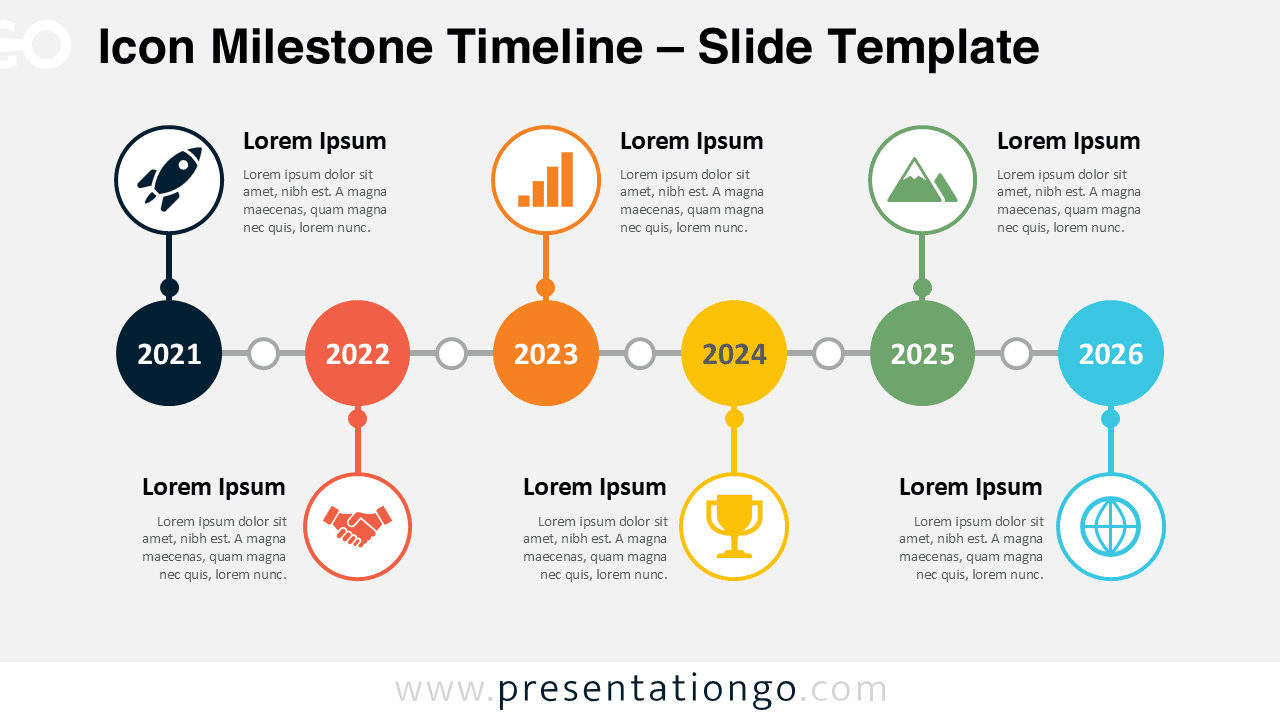
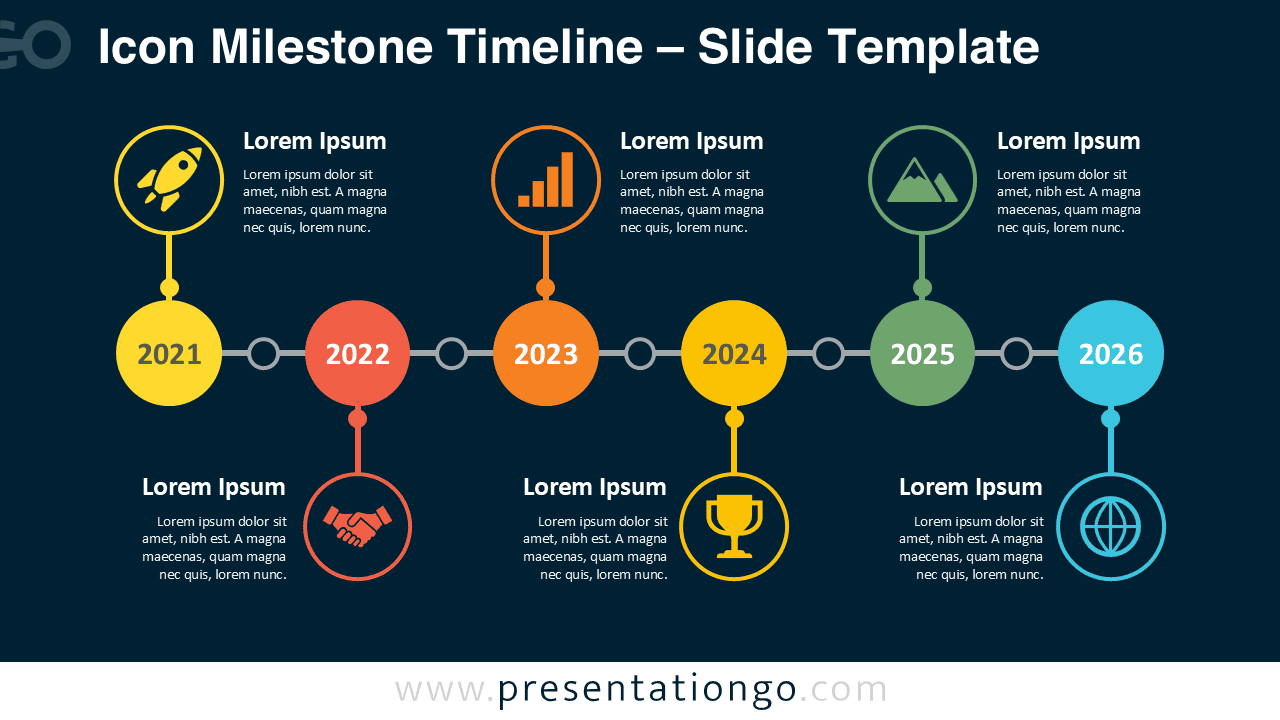


The Icon Milestone Timeline combines six dated milestones with connected content areas and visual symbols. The alternating layout creates a balanced reading path from left to right. Circular icon placeholders help distinguish selected milestones and add visual context. The slide works equally well for past achievements, current progress, or forward-looking plans.
Features and Customization Options
- Compatible with Microsoft PowerPoint and Google Slides
- Single-slide template, ready to drop into any deck
- Editable timeline with adjustable milestones and dates
- Fully editable in just a few clicks
- Icons are for illustration purposes only and come from the Microsoft Office icon library
- Office icons are easily modified, resized, or replaced
- Includes both light and dark background versions
Icon Milestone Timeline Design and Structure
The diagram follows a straightforward six-stage chronological structure. Large circular markers identify each year, while smaller connector points maintain continuity between milestones. Supporting text areas alternate above and below the central line. This approach improves readability and gives each stage a distinct visual position.
Selected milestones include editable icon placeholders that reinforce the surrounding message. The example symbols represent themes such as launches, performance, partnerships, achievements, and global reach. These icons come from the Microsoft Office icon library and serve illustration purposes only. You can modify or replace them to match your presentation topic.
Practical Applications
- Present company history across six important years
- Highlight annual business milestones and achievements
- Explain the evolution of a product or service
- Summarize project progress across multiple years
- Build a chronological strategic roadmap
- Show organizational growth or transformation
- Present key stages in a long-term initiative
- Review past results and future objectives
Summary
The Icon Milestone Timeline turns six chronological stages into a clear and engaging presentation slide. Its connected structure guides viewers naturally through each year. Alternating text areas provide room for concise explanations, while editable Office icon placeholders add useful visual cues. Use the diagram in PowerPoint or Google Slides for business histories, project updates, strategic roadmaps, and other milestone-based stories.