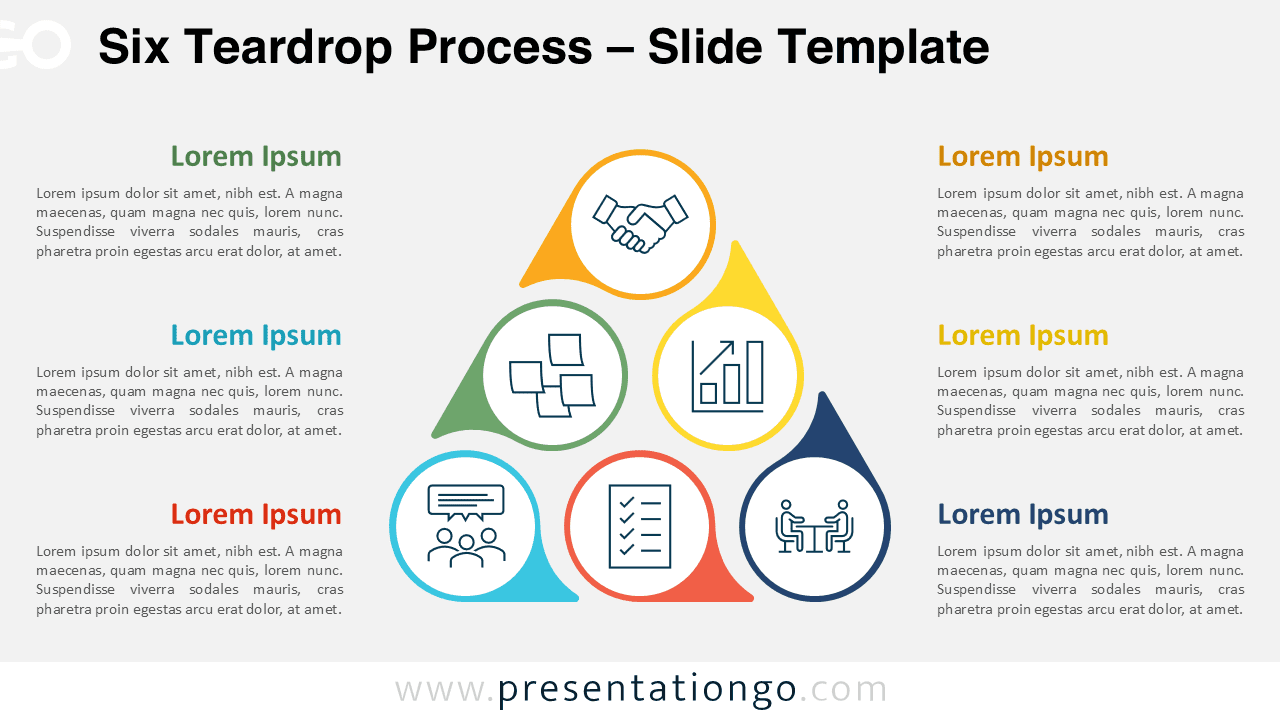
The Six Teardrop Process organizes complex workflows into six distinct stages arranged in a triangular hierarchy, designed for PowerPoint and Google Slides presentations.
Communicate Six Ideas Through a Visual Triangle
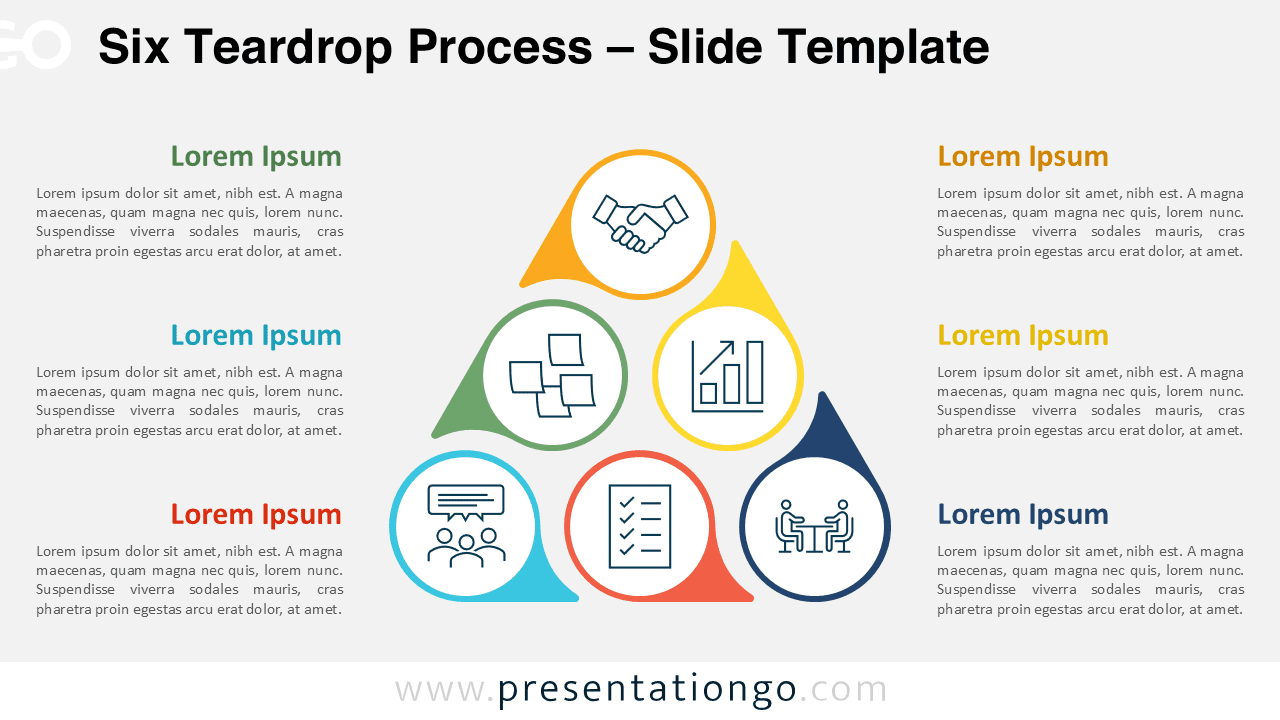
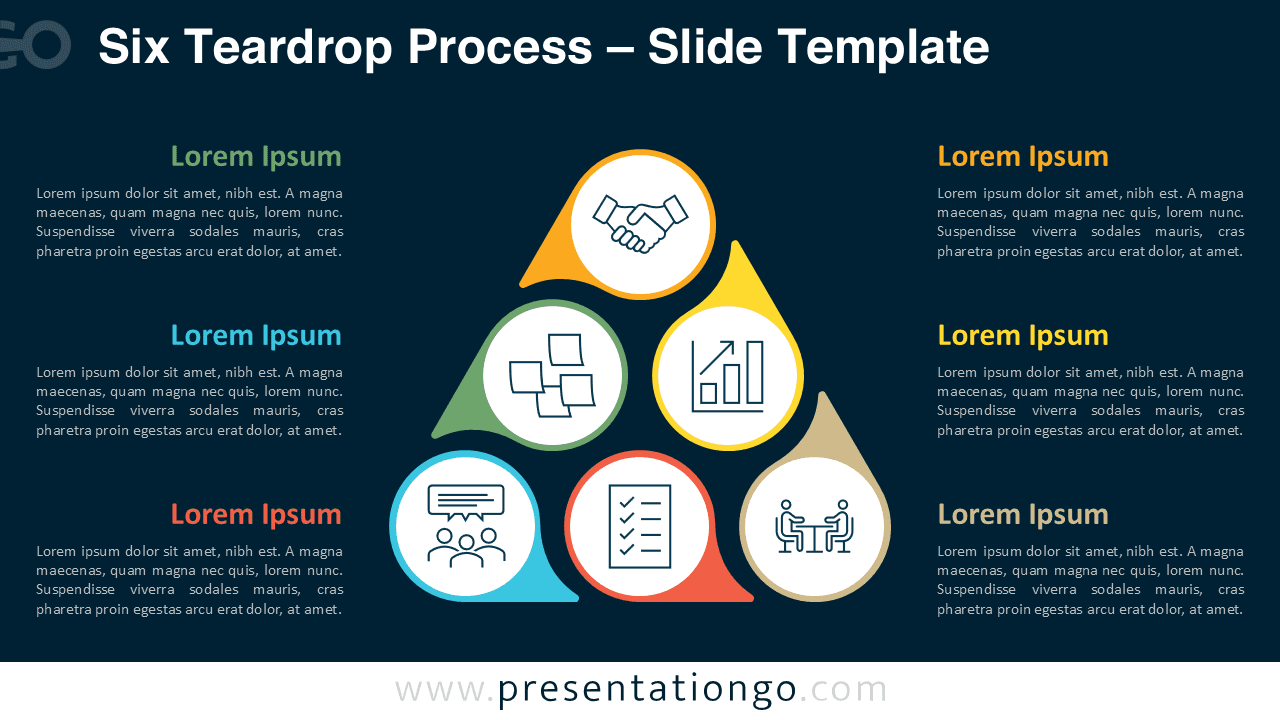
Each element is enclosed in a teardrop-shaped pointer, forming three distinct rows—one at the top, two in the middle, and three at the base. This hierarchical pyramid format encourages intuitive visual navigation. Every teardrop holds a circular icon that visually anchors each step. On either side of the central formation, paired text blocks clearly connect to the main icons, ensuring symmetry and balanced information delivery. Colors and symbols differentiate each item, enhancing recognition and clarity across the design.
Process diagrams like this one serve to outline workflows, systems, or interconnected components. The teardrop configuration, with its built-in top-to-bottom flow, enables easy storytelling across six ideas, stages, or phases. It’s equally effective for presenting linear or circular processes where each element connects logically to the next. Whether illustrating business development, product cycles, strategic pillars, or role assignments in a team, this design offers visual clarity. For example, you might use it to map a six-step project lifecycle, showcase a feedback loop, or categorize six interdependent roles.
This template includes two unique slide layouts with both light and dark theme backgrounds. Pre-filled icons and editable placeholders simplify customization. Every shape and color can be adjusted to suit your branding or topic. It is available in Standard (4:3) and Widescreen (16:9) formats, ensuring compatibility with PowerPoint PPTX and Google Slides.
Download this six-step diagram template to present structured processes or categorized concepts with clarity and visual order.
Widescreen (16:9) size preview:


This template offers:
- 2 unique slides
- Options for both light and dark themes
- Pre-populated with icons and text placeholders
- Fully customizable shapes for complete control
- Available in both Standard (4:3) and Widescreen (16:9) ratios
- Offered in both PowerPoint PPTX and Google Slides formats