
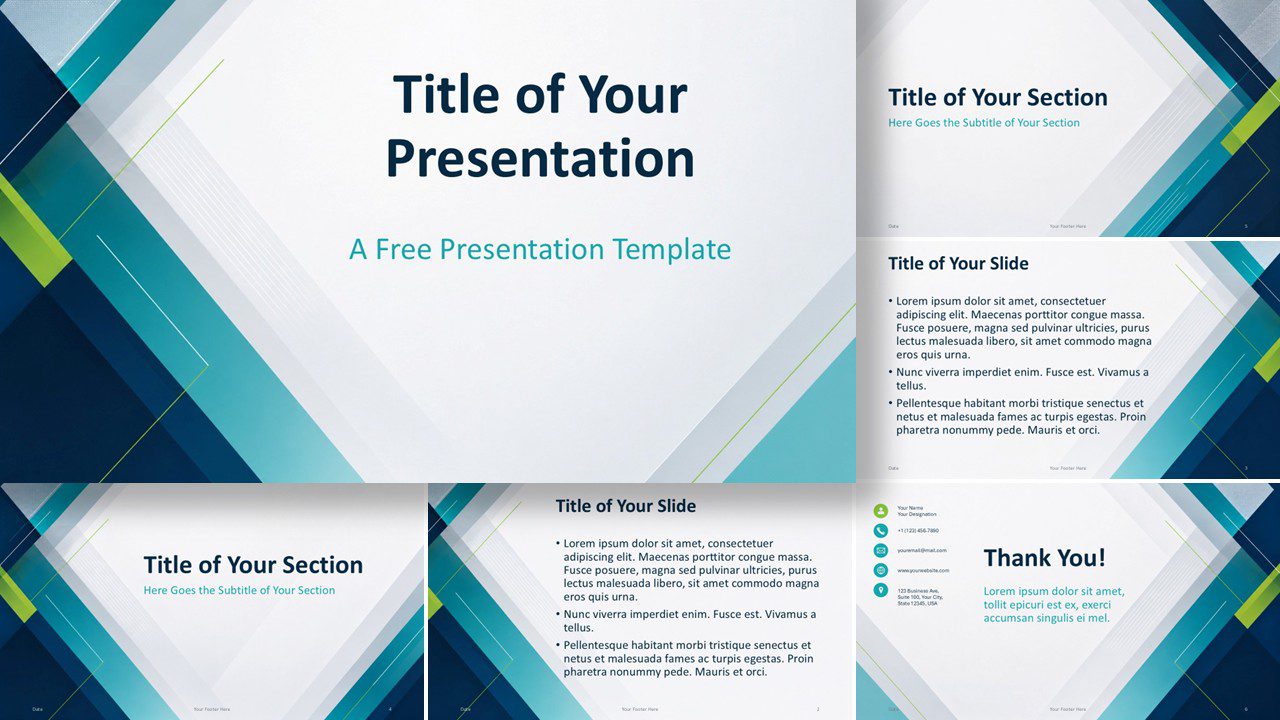
The Teal Geometry presentation template gives business and creative teams a clean framework for clear, confident communication. It combines sharp diagonal forms with generous white space and a focused visual hierarchy. Use it in PowerPoint and Google Slides for proposals, reports, lessons, project updates, and internal briefings.
Template Preview
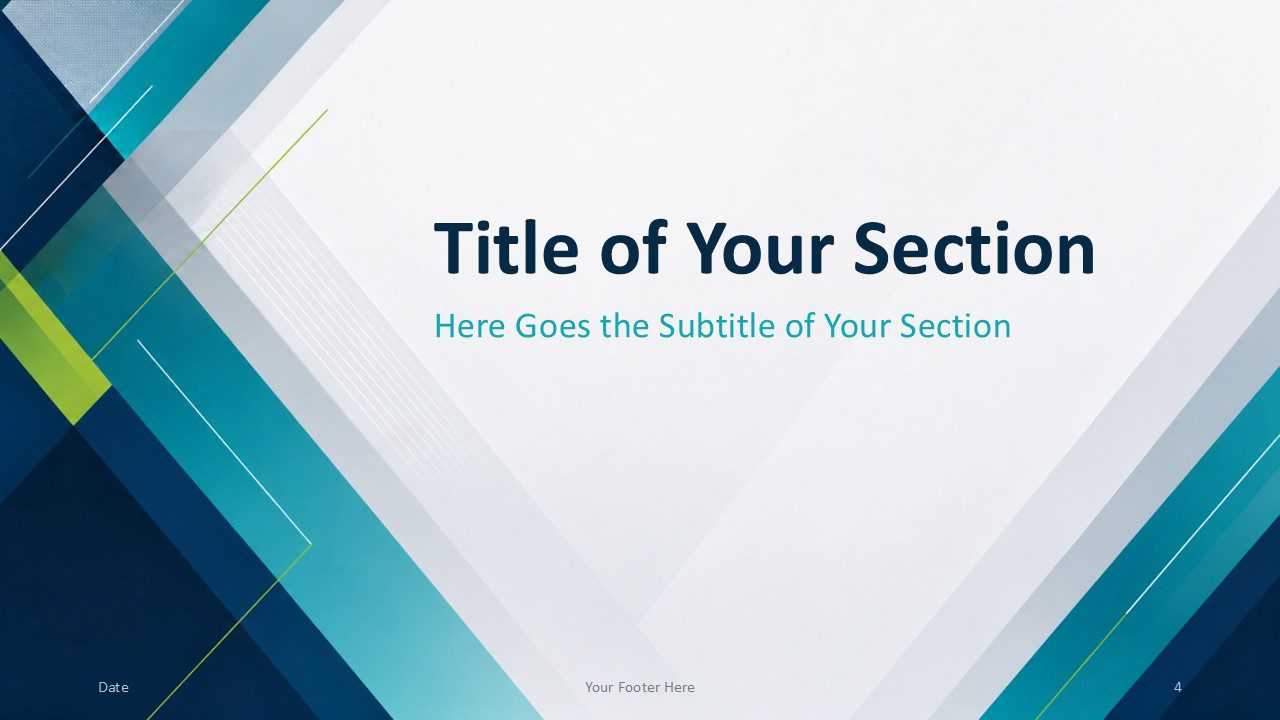
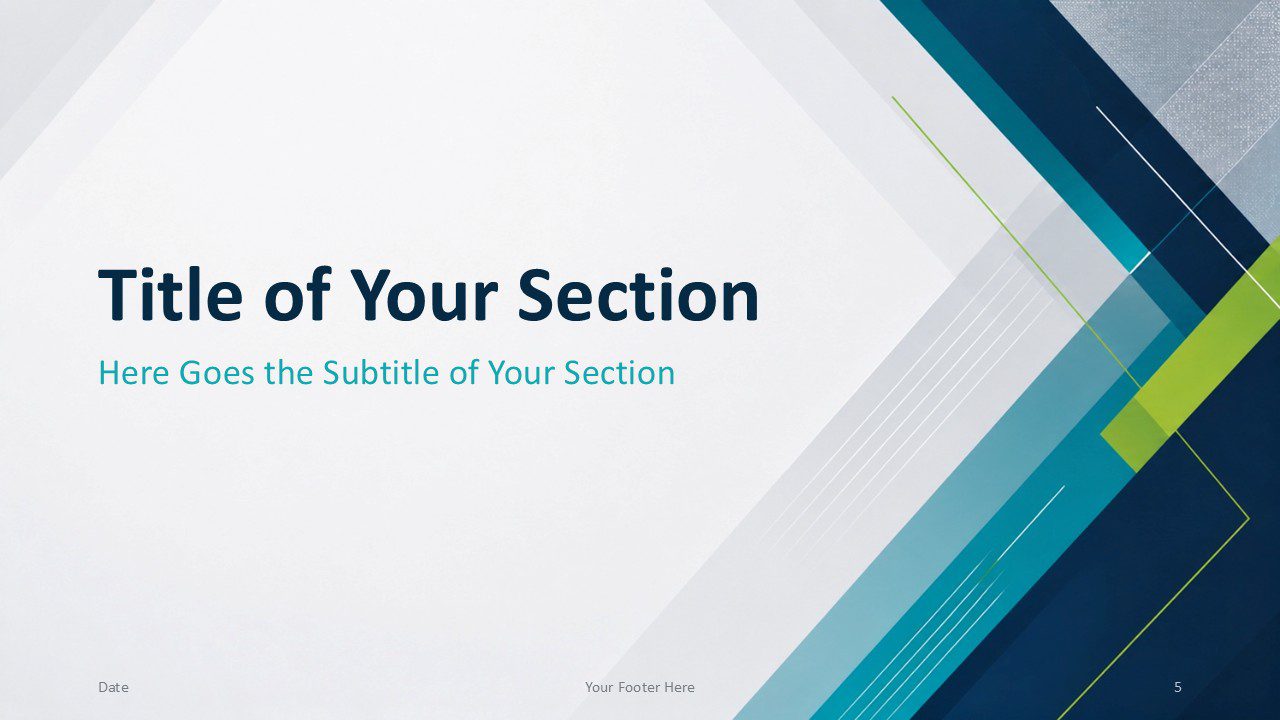
The seven-slide set includes six presentation layouts and one dedicated color palette and font reference. Together, the slides create a consistent story from the opening title to the final contact information. Each layout balances geometric energy with practical content space.


Features and Customization Options
- 6 professionally designed slides
- Works with PowerPoint and Google Slides
- Fully editable layouts
- Modern geometric design
- 2 title and content layouts
- 2 section divider slides
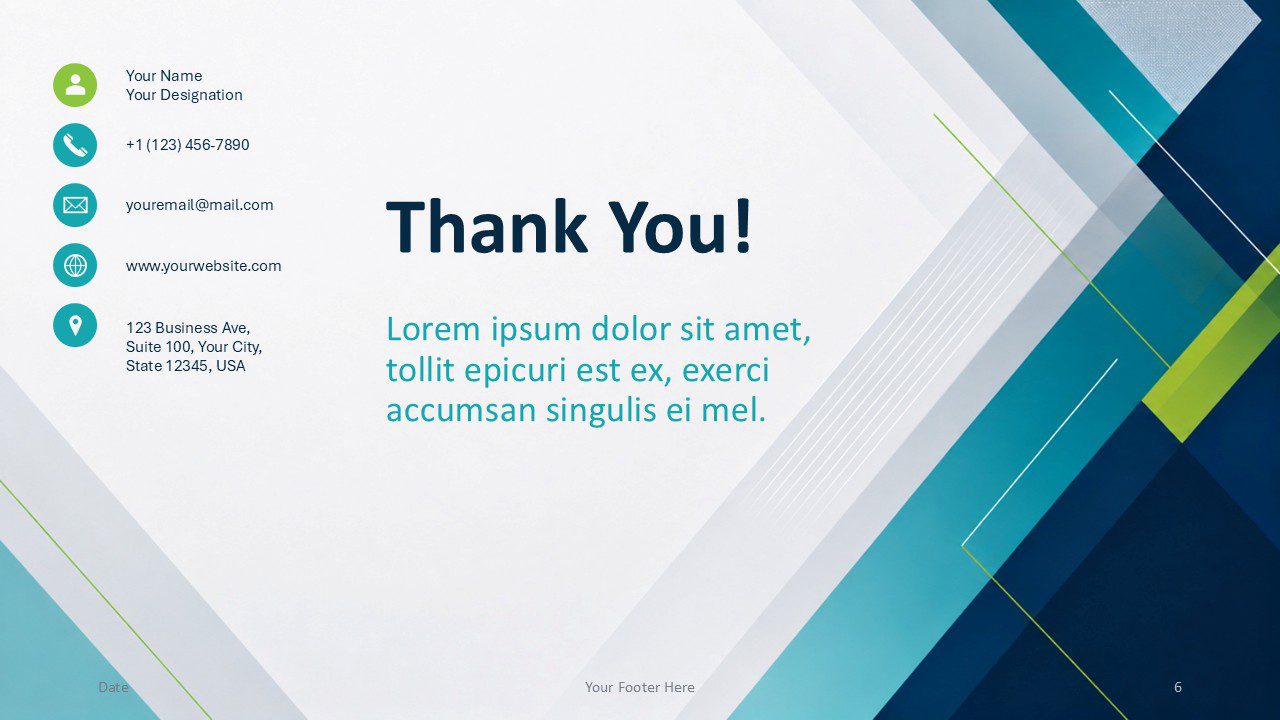
- Dedicated thank you and contact slide
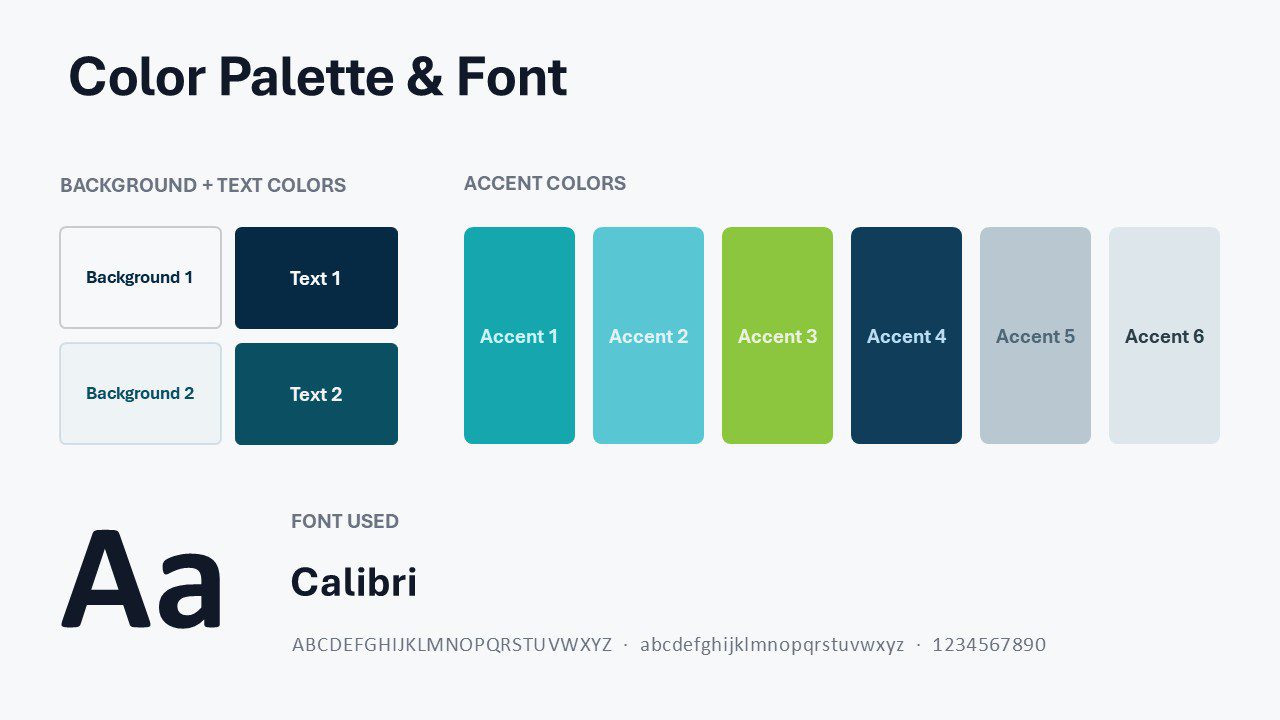
- Custom teal-inspired color palette included
- Calibri font for clear readability
- Ideal for business and technology presentations
Design Overview
Teal Geometry uses layered diagonal bands to frame content without crowding it. Deep navy establishes authority, while teal and lime accents add freshness. Subtle translucent overlays soften the geometry and preserve a polished corporate tone.
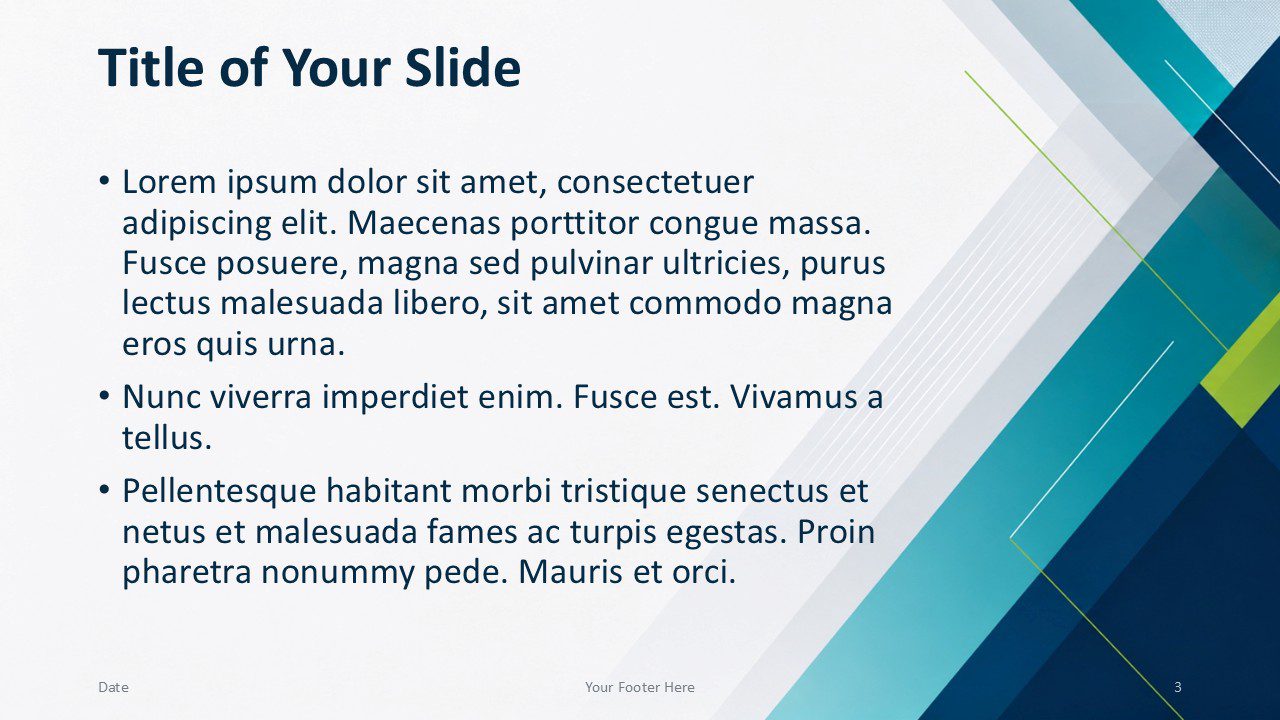
The layouts alternate decorative weight between the left and right edges. This variation keeps the deck dynamic while maintaining a consistent structure. Large headings and spacious text areas improve scanning during live presentations.
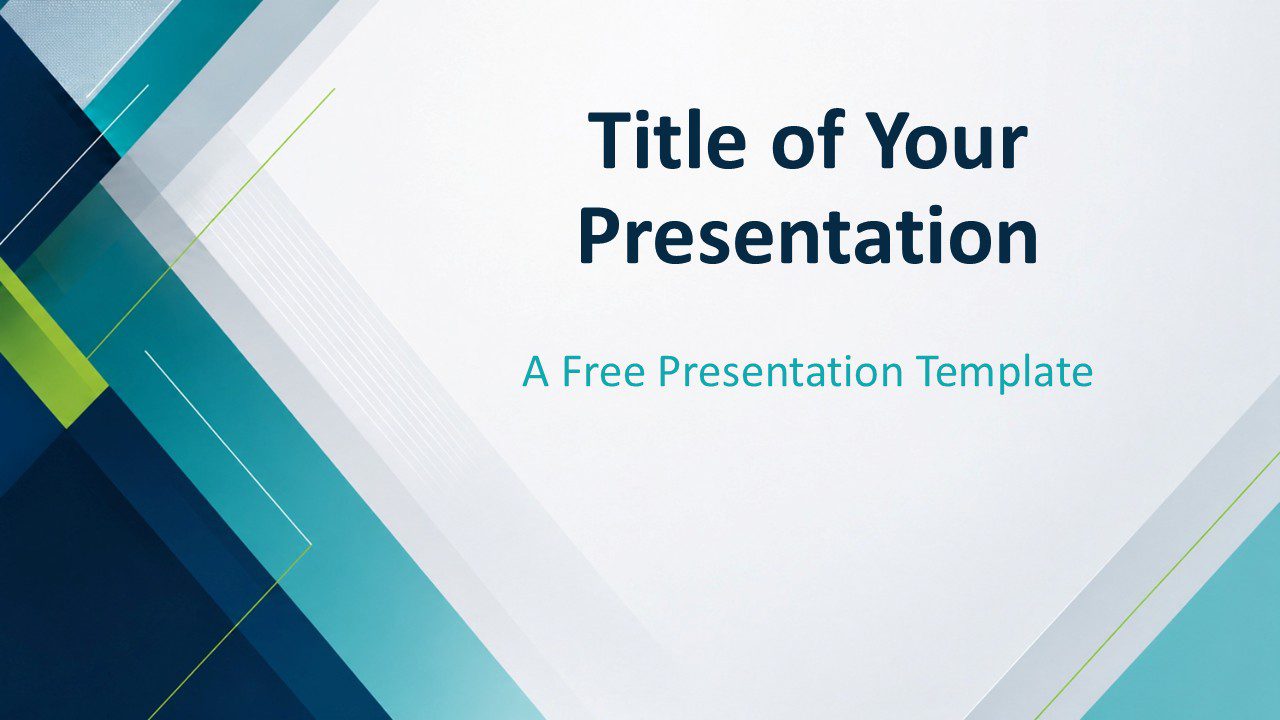
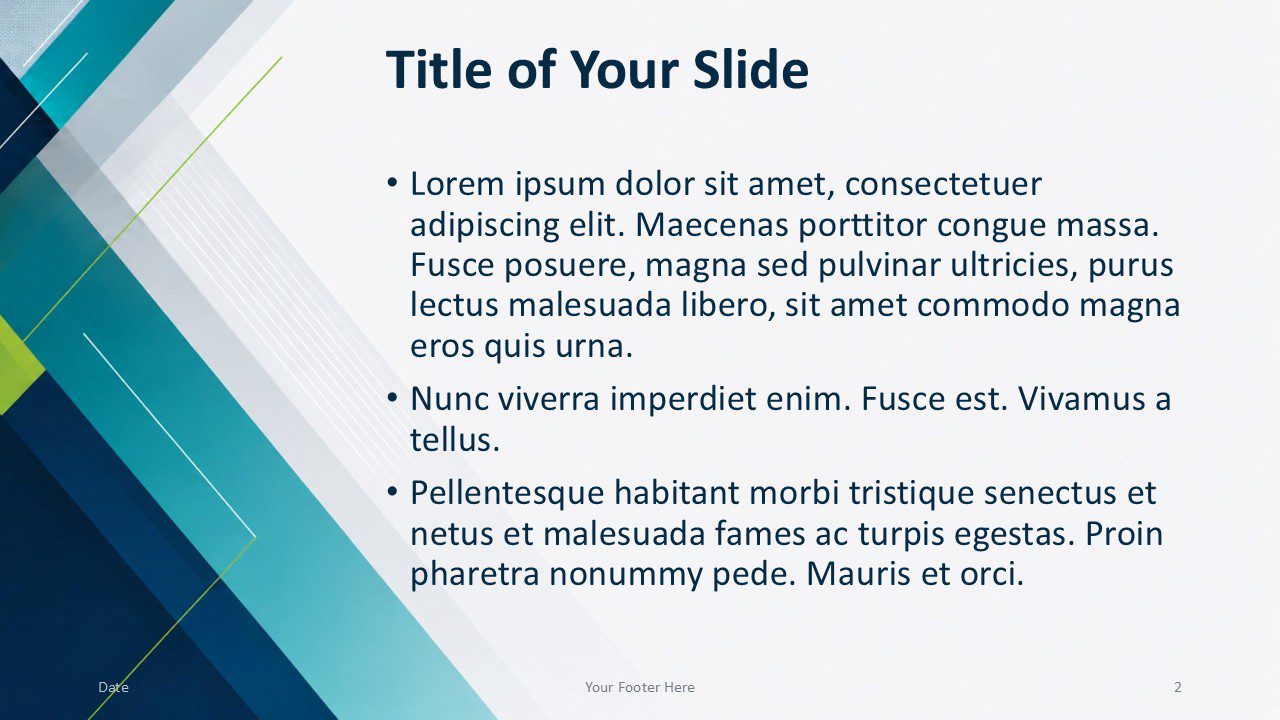
The cover slide creates immediate impact with a bold title area and strong asymmetrical framing. Two content slides provide mirrored layouts for longer explanations, supporting points, or structured updates. The section dividers introduce clear transitions while maintaining the visual identity.
The closing slide combines a prominent thank-you message with organized contact information. This structure helps presenters finish with a clear call to action. The final reference slide documents the colors and typography for consistent editing.
Custom Teal and Lime Color Palette
The custom palette combines Teal, Sky Teal, Lime Green, Deep Navy, Steel Mist, and Pale Blue. These accents reinforce the template’s energetic geometry while keeping business content clear, balanced, and professional.
Practical Applications
The Teal Geometry presentation template adapts well to many professional settings. Consultants can organize recommendations, milestones, and client-facing summaries. Project teams can present decisions, progress updates, and next steps. Educators can structure lessons, workshops, and training sessions.
- Corporate proposals and reports
- Project and status updates
- Technology presentations
- Training and education
- Marketing plans and reviews
- Consulting presentations
Marketing teams can adapt the layouts for campaign planning, brand reviews, or performance reporting. Technology companies can use the geometric styling for product briefings and innovation topics. The balanced design also suits academic, engineering, and operational presentations.
Summary
Teal Geometry combines modern visual energy with practical presentation structure. Its editable layouts support clear storytelling across PowerPoint and Google Slides. The included custom palette keeps every slide coordinated while allowing easy brand customization.
Choose this template when you need a professional design that feels structured, fresh, and versatile. Its clean typography and angular framing help important content remain clear throughout the presentation.



