
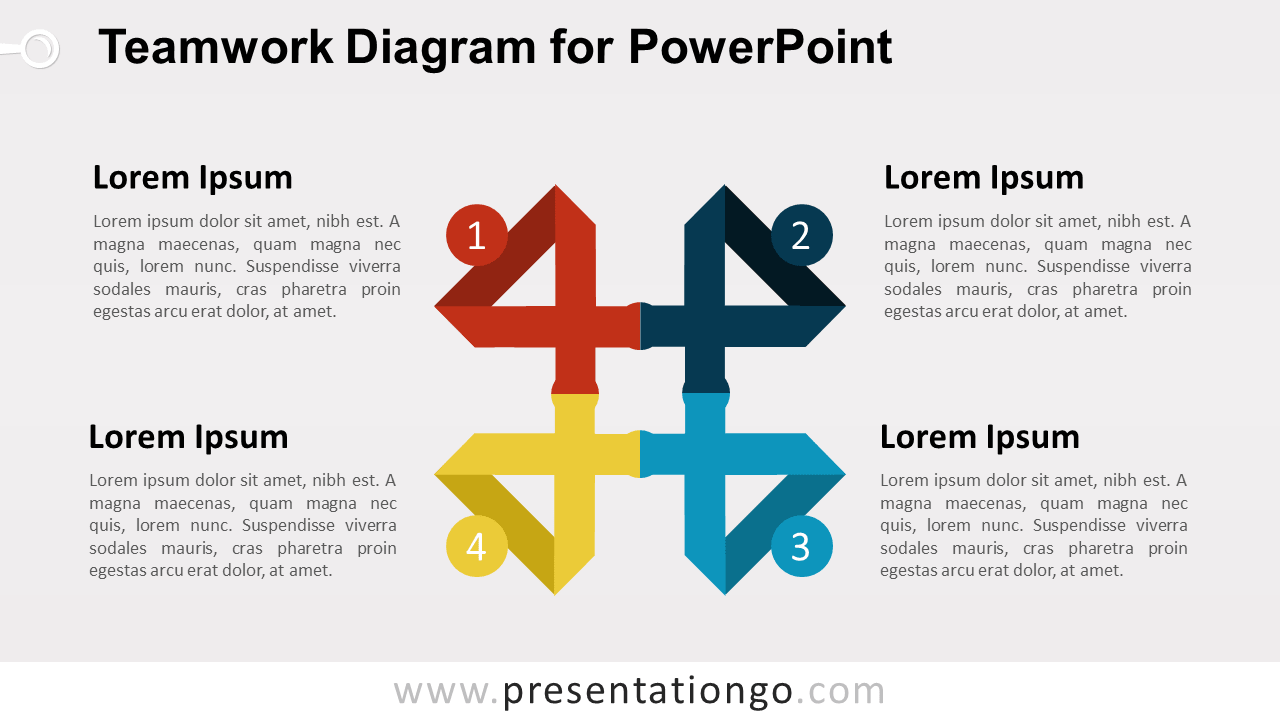
The Teamwork Matrix Diagram for PowerPoint presents four connected elements through an interlocking directional structure. Each numbered section links visually with the others and includes a dedicated text area, making the diagram useful for teams, roles, responsibilities, departments, priorities, or collaborative activities.
Diagram Preview


Features and Customization Options
- Includes 16:9 and 4:3 versions for Microsoft PowerPoint
- Includes 2 editable slides with matching layouts
- 4-part teamwork matrix diagram, fully editable
- Editable text, shapes, numbering, and sizes
- Interconnected directional shapes for four related elements
- 100% editable vector shapes — no quality loss when resized
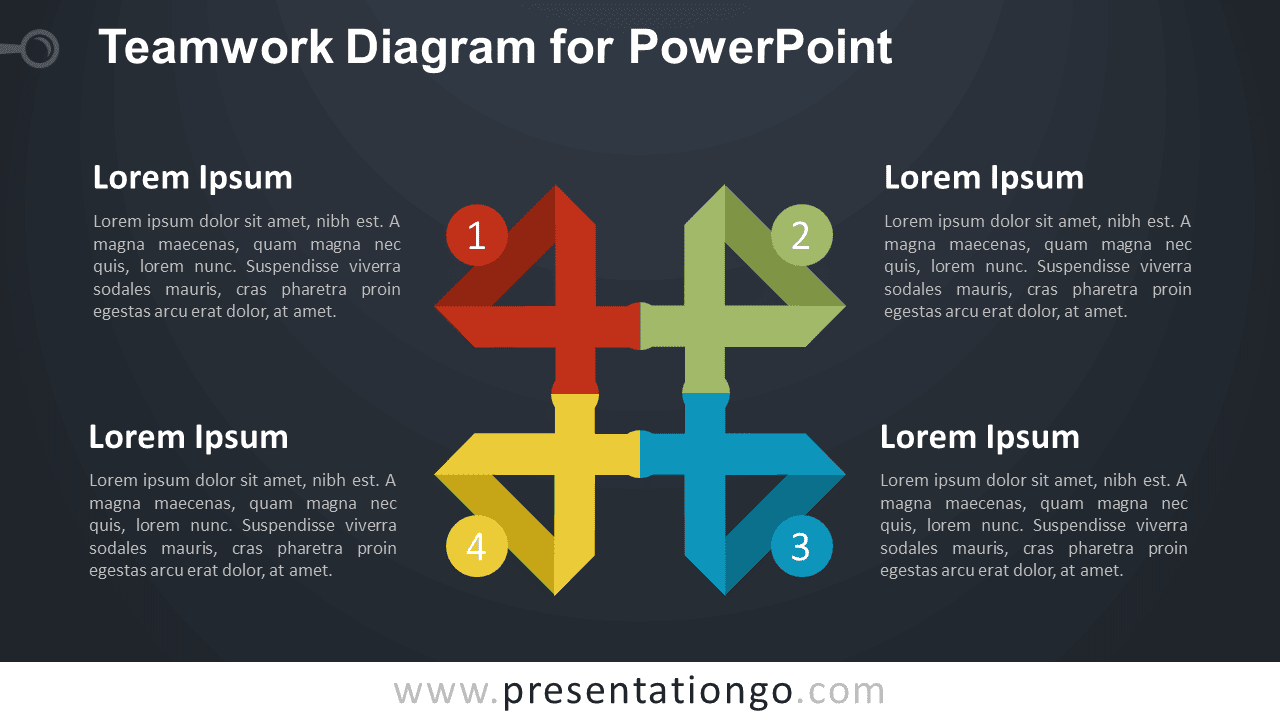
- Includes both light and dark background versions
Design and Structure
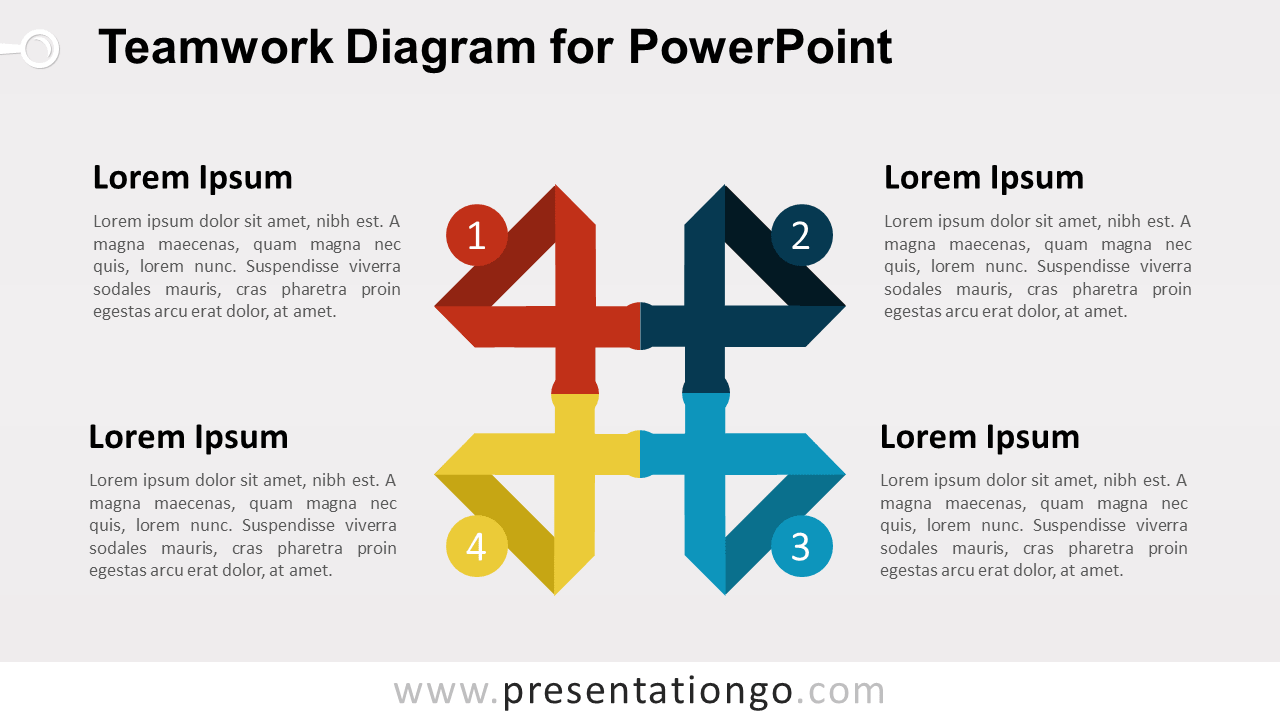
The Teamwork Matrix Diagram uses four interlocking directional shapes arranged in a compact 2×2 structure. Each section points outward while remaining connected at the center, reinforcing the idea of separate roles or functions working within one shared system. Numbered markers identify the four components, while surrounding text blocks provide space for headings and supporting details.
You can edit the numbering, labels, descriptions, shapes, and dimensions directly in PowerPoint. The four-part structure works for collaborative models, team responsibilities, departmental relationships, shared objectives, and other frameworks where separate elements contribute to a common outcome. Both 16:9 and 4:3 PowerPoint sizes are included.
Practical Applications
- Present four team roles or responsibilities
- Show collaboration between departments
- Organize four connected business functions
- Explain shared priorities or objectives
- Map responsibilities across a project team
- Present four elements of a collaborative framework
Summary
The Teamwork Matrix Diagram provides an editable PowerPoint layout for presenting four interconnected roles, teams, functions, or priorities. Its interlocking structure and dedicated text areas make relationships between the four components easy to explain.



