
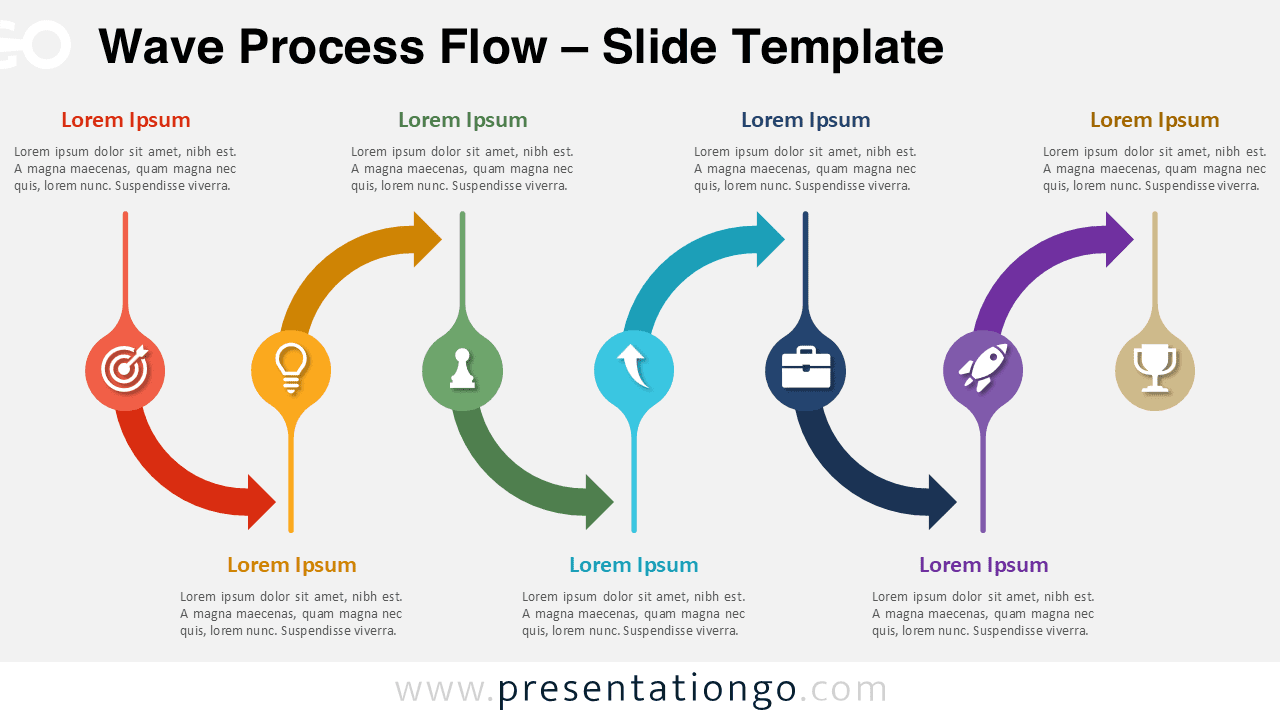
The Wave Process Flow diagram offers a dynamic and visually engaging way to present step-by-step processes. Designed for PowerPoint and Google Slides, this layout uses smooth curved arrows to guide your audience through each stage of a workflow. Its modern design ensures clarity while maintaining a professional appearance.
Diagram Preview


Features and Customization Options
- Fully editable shapes and text elements
- Compatible with PowerPoint and Google Slides
- Includes smooth curved arrows for visual flow
- Comes with vibrant and contrasting color schemes
- Includes editable icon placeholders for each step
- Icons can be easily replaced using the built-in Office icon library
- Easy to adapt for different types of content
Design and Structure
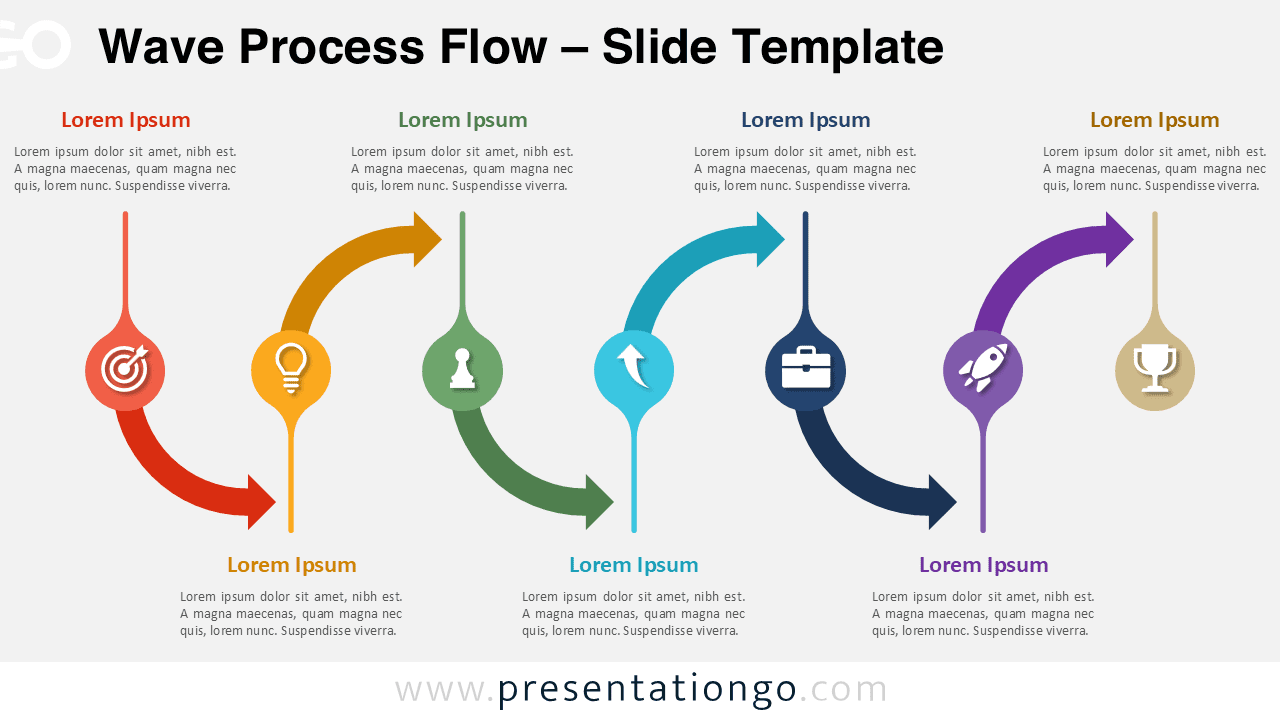
This diagram is built around a horizontal wave structure that connects multiple steps seamlessly. Each stage is represented by a circular node paired with an icon, making it easy to identify and understand each part of the process. The curved arrows create a natural flow that enhances storytelling and keeps the audience engaged.
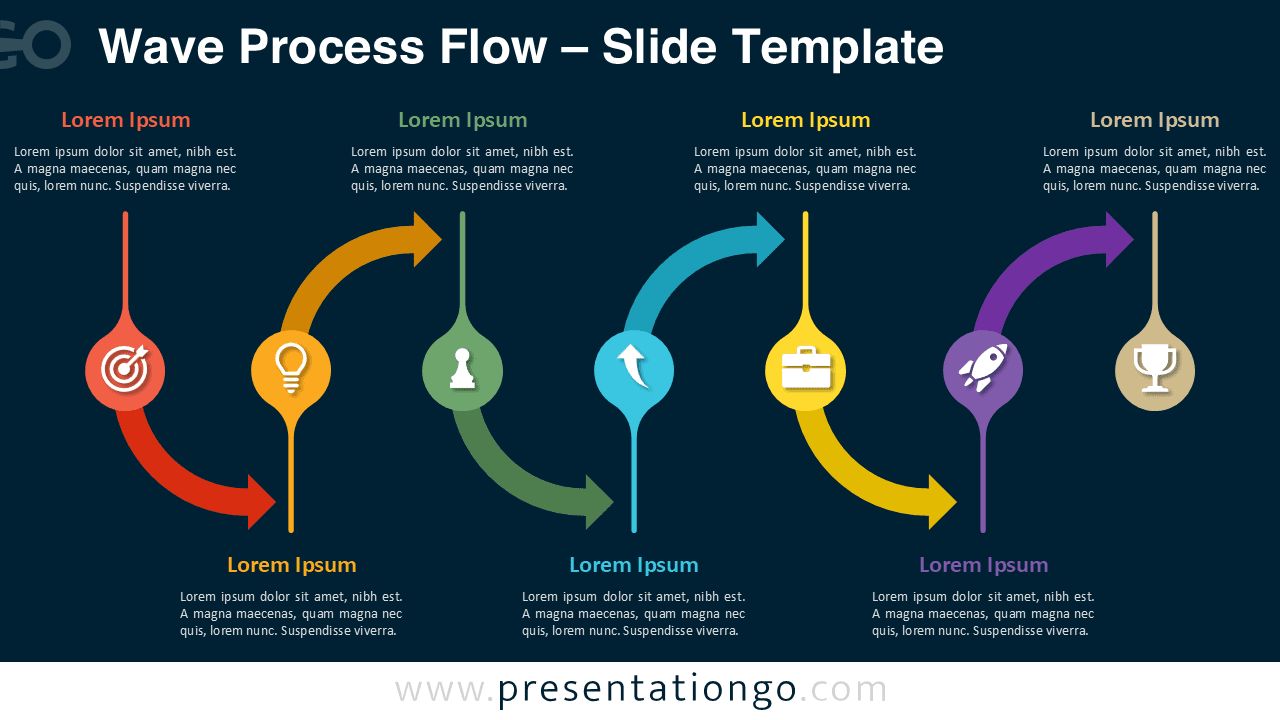
Two slide variations are included: one with a light background and another with a dark background. This flexibility allows you to match the diagram with different presentation themes while maintaining visual consistency.
Practical Applications
- Explaining business processes and workflows
- Presenting customer journeys or user experiences
- Illustrating product development stages
- Showing strategic planning steps
- Communicating growth or transformation paths
Summary
The Wave Process Flow diagram is an excellent choice for professionals who want to present complex processes in a clear and visually appealing way. Its combination of smooth transitions, vibrant colors, and editable icons makes it both practical and engaging for a wide range of presentation needs.





