The Business Growth Tree Diagram helps you explain how strong foundations support long-term business success. This editable infographic uses a central tree structure to connect roots, support systems, strategic drivers, and visible outcomes. It works well for PowerPoint and Google Slides presentations that need a clear visual model for growth, planning, or transformation.
Diagram Preview
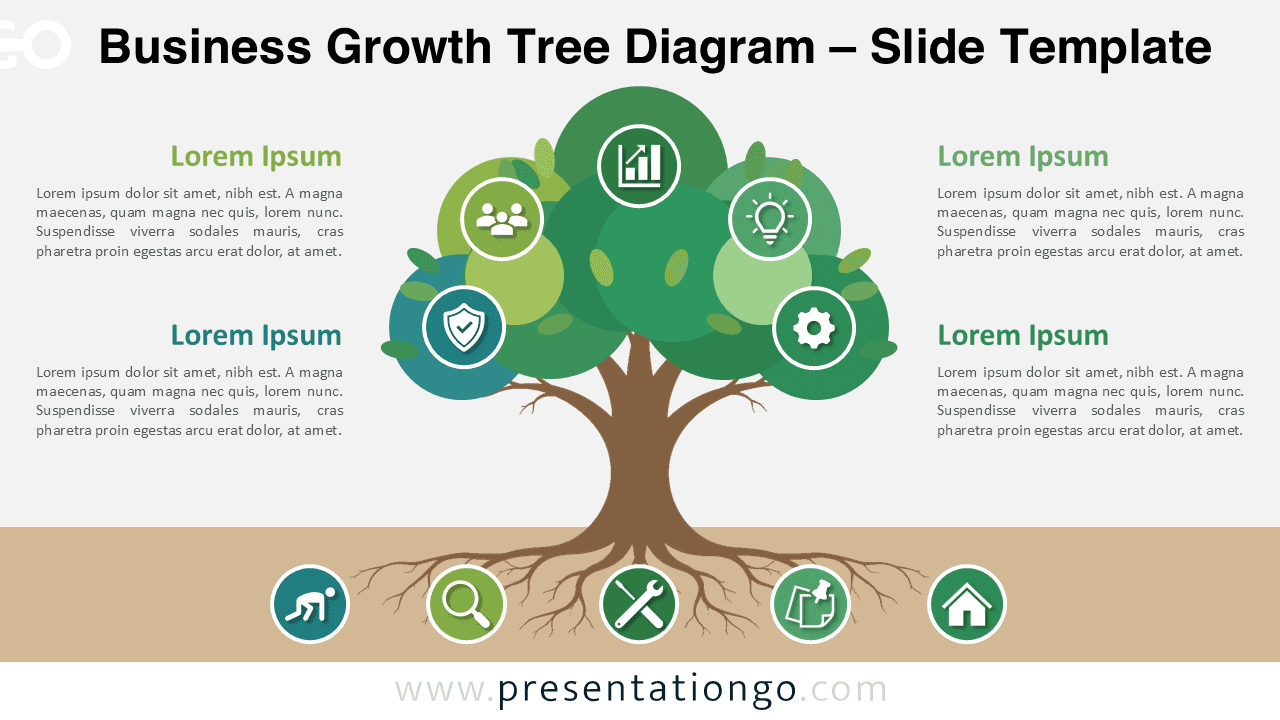
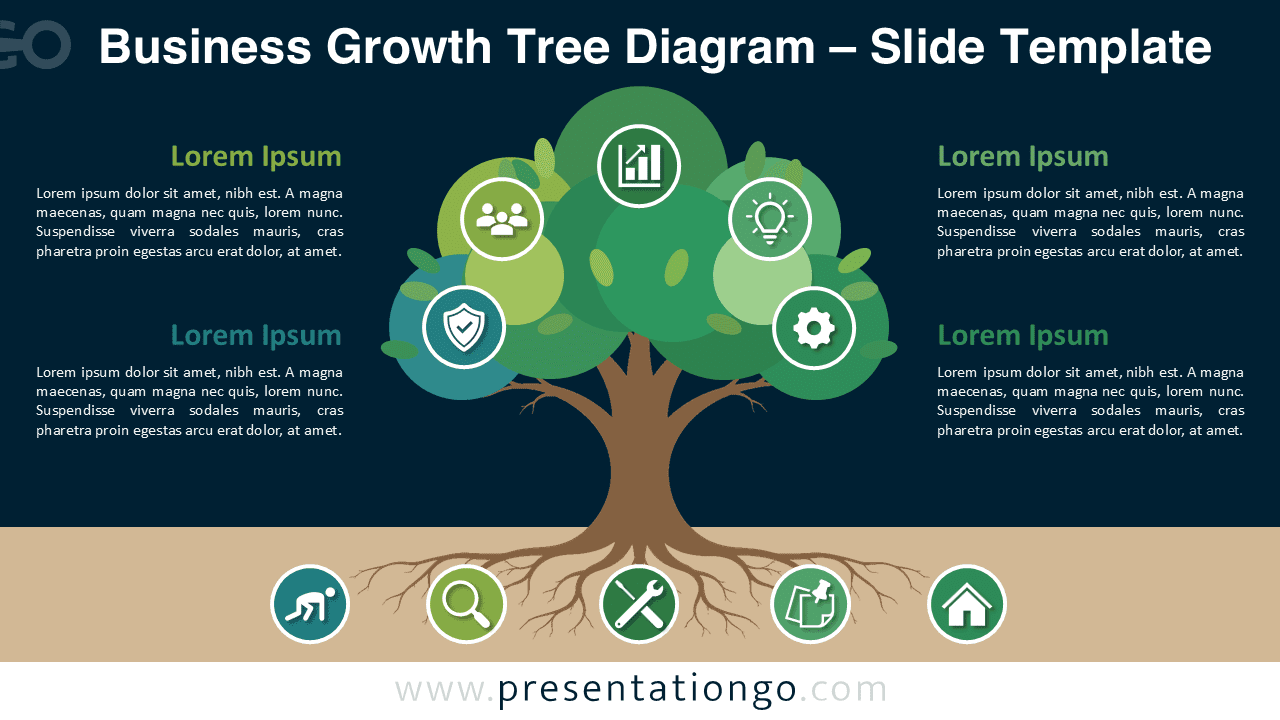
This diagram places the tree at the center of the slide. The crown represents growth, performance, and future results. The roots suggest the systems, resources, and actions that support that growth. Text areas on both sides help you explain key points without crowding the visual structure. Circular icon placeholders add meaning and guide the audience through the main ideas.
Diagram Features and Customization Options
The Business Growth Tree Diagram includes editable shapes, text placeholders, and icon elements. The icons come from the Office icon library, so you can modify, replace, resize, or remove them easily in PowerPoint. You can also adapt the text areas, adjust the structure, and personalize the layout to match your message.
- Editable tree infographic for PowerPoint and Google Slides.
- Office library icons that are easy to modify in PowerPoint.
- Circular icon placeholders for concepts and supporting actions.
- Four side text areas for explanations, insights, or key messages.
- Balanced layout for strategy, planning, growth, and ecosystem topics.
Design and Structure
The diagram uses a symbolic tree layout to show cause, support, and growth. The roots section helps you explain foundations, resources, processes, or hidden drivers. The upper section presents visible results, strategic pillars, or future goals. This structure makes complex business ideas easier to understand because it links each outcome to its source.
The layout also supports storytelling. You can start with the roots, move to the trunk, and finish with the growth areas. This progression helps your audience follow the logic behind your strategy. It also keeps the message simple, visual, and memorable.
Practical Applications
- Explain business growth strategies and long-term development plans.
- Present organizational foundations, capabilities, and performance drivers.
- Map sustainability, innovation, or transformation initiatives.
- Show how internal resources support external results.
- Build training, consulting, marketing, or management presentations.
Summary
The Business Growth Tree Diagram gives you a visual way to explain strategy from foundation to outcome. Its tree metaphor helps audiences understand how roots, resources, actions, and growth connect. Use it to present business planning, organizational development, transformation projects, or ecosystem thinking in PowerPoint and Google Slides.




