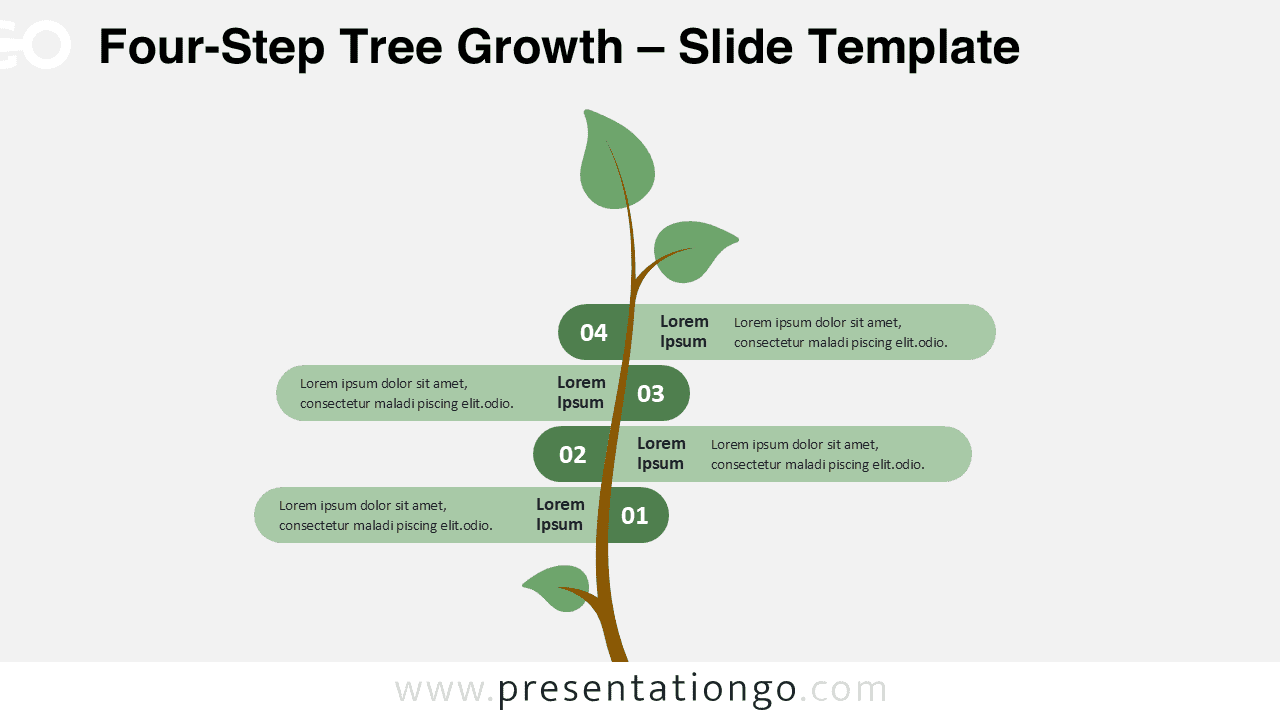
The Four-Step Tree Growth diagram presents a vertical, nature-inspired timeline that visually organizes a four-phase process for PowerPoint and Google Slides presentations.
Illustrate Growth Through a Step-by-Step Tree Metaphor
This design features a vertical tree-like stem serving as the main axis, from which four horizontal branches extend alternately left and right. Each branch displays a rounded rectangular block containing a number, a bold title section, and placeholder text. The natural structure resembles a growing plant, subtly symbolizing development and forward movement. Alternating steps create a balanced composition, enhancing clarity and visual rhythm. The stem acts as the timeline’s anchor, with each branching element representing a new stage or concept.
Tree and plant visuals are frequently used in presentations to illustrate growth, continuity, or life cycles. This specific diagram utilizes the metaphor to depict evolution in an intuitive and organic way. It is well-suited for demonstrating strategic development, personal improvement, or sustainability roadmaps. For instance, educators might use it to show student progression across terms, while businesses could apply it to showcase quarterly goals or phased environmental strategies.
This template includes two editable slides, each pre-filled with placeholders for quick customization. Users can adjust all shapes and colors to match their theme. It comes in both light and dark background versions and supports standard (4:3) and widescreen (16:9) layouts. Files are compatible with PowerPoint and Google Slides.
Download this four-step tree diagram to visualize ideas, processes, or plans in a clearly segmented format.
Widescreen (16:9) size preview:


This template offers:
- 2 unique slides
- Options for both light and dark themes
- Pre-populated with text placeholders
- Fully customizable shapes for complete control
- Available in both Standard (4:3) and Widescreen (16:9) ratios
- Offered in both PowerPoint PPTX and Google Slides formats