The 8-Leaf Growth Diagram is designed for presentations that require more depth and structure. Built for PowerPoint and Google Slides, this diagram expands on the growth metaphor by offering eight distinct leaf elements connected by a flowing central stem.
This extended structure makes the diagram ideal for complex strategies, detailed frameworks, and multi-dimensional processes. Each leaf represents a separate concept, factor, or stage, allowing presenters to break down information into clear and visually connected components.
Diagram Preview
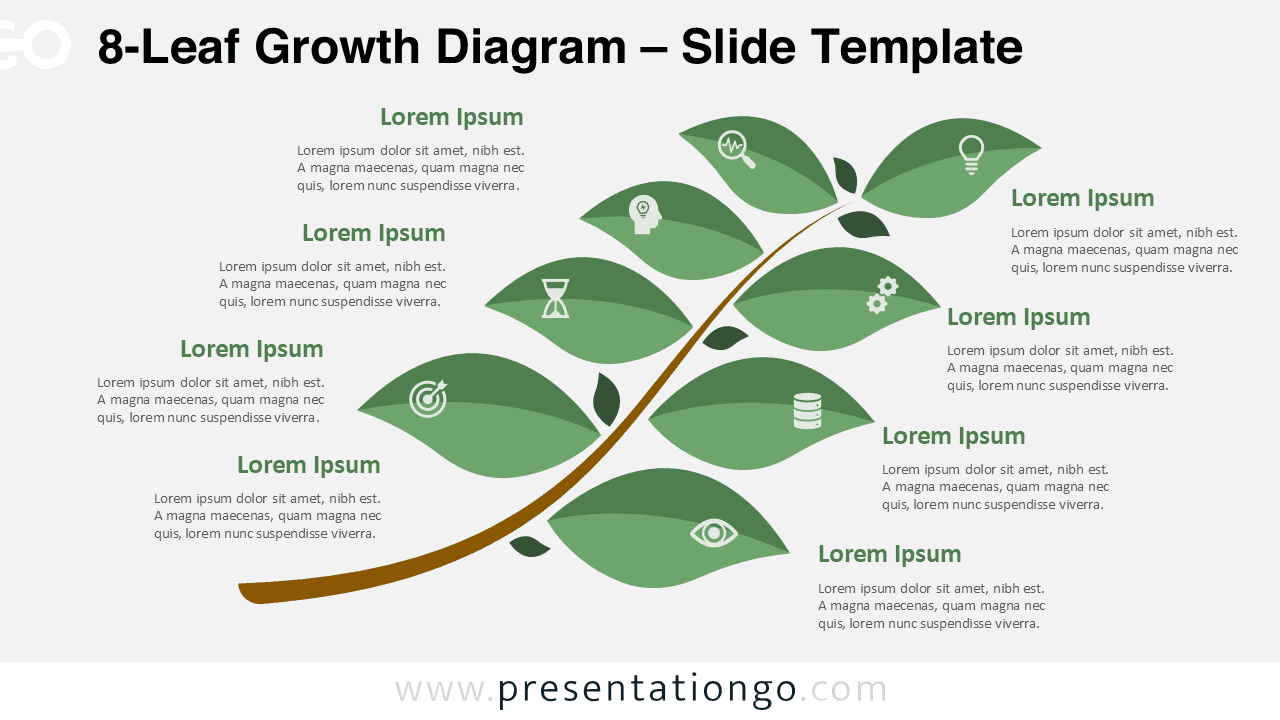
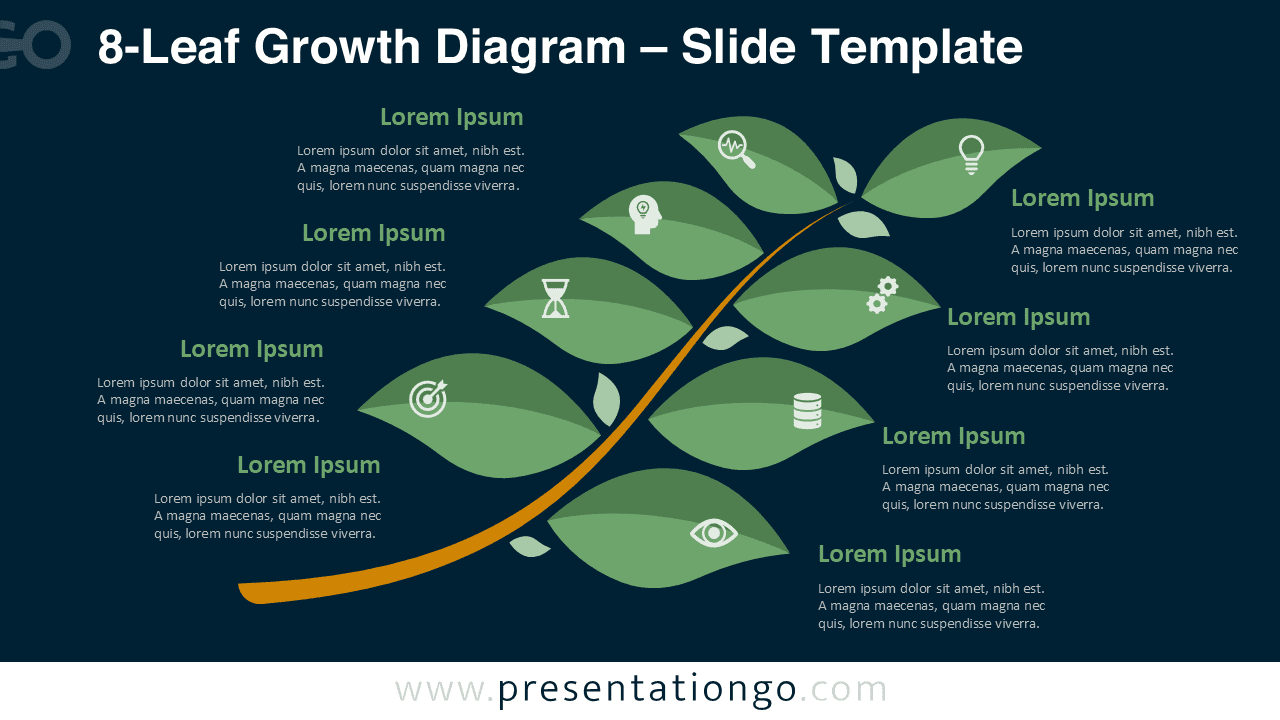


Diagram Features and Customization Options
- Eight leaf-shaped sections for detailed concept mapping
- Editable shapes, colors, and text directly in PowerPoint and Google Slides
- Includes editable icon placeholders for visual emphasis
- Available in light and dark background versions
- Modern flat design with an organic visual theme
Design and Structure
The 8-Leaf Growth Diagram uses a balanced yet dynamic layout that guides the audience through each concept naturally. The curved stem creates a sense of progression and continuity, while the evenly spaced leaves maintain clarity even when presenting complex information.
The green color palette reinforces themes related to growth, sustainability, and development. Icons placed inside each leaf help reinforce meaning and improve information recall, while remaining fully customizable for different industries and presentation contexts.
Practical Applications
- Advanced business and corporate growth strategies
- Detailed process and workflow explanations
- Innovation pipelines and transformation initiatives
- Sustainability and ESG frameworks
- Training programs and capability development models
Summary
The 8-Leaf Growth Diagram provides a clear and professional way to present complex ideas in PowerPoint and Google Slides. With its extended structure, editable icons, and nature-inspired design, it is well suited for presentations that demand clarity, depth, and visual coherence.