

The 4-Step Abstract Iceberg Funnel helps you explain what lies beneath the surface. It combines an iceberg metaphor with a segmented funnel structure, making it ideal for layered analysis, root-cause thinking, and strategic presentations.
Diagram Preview
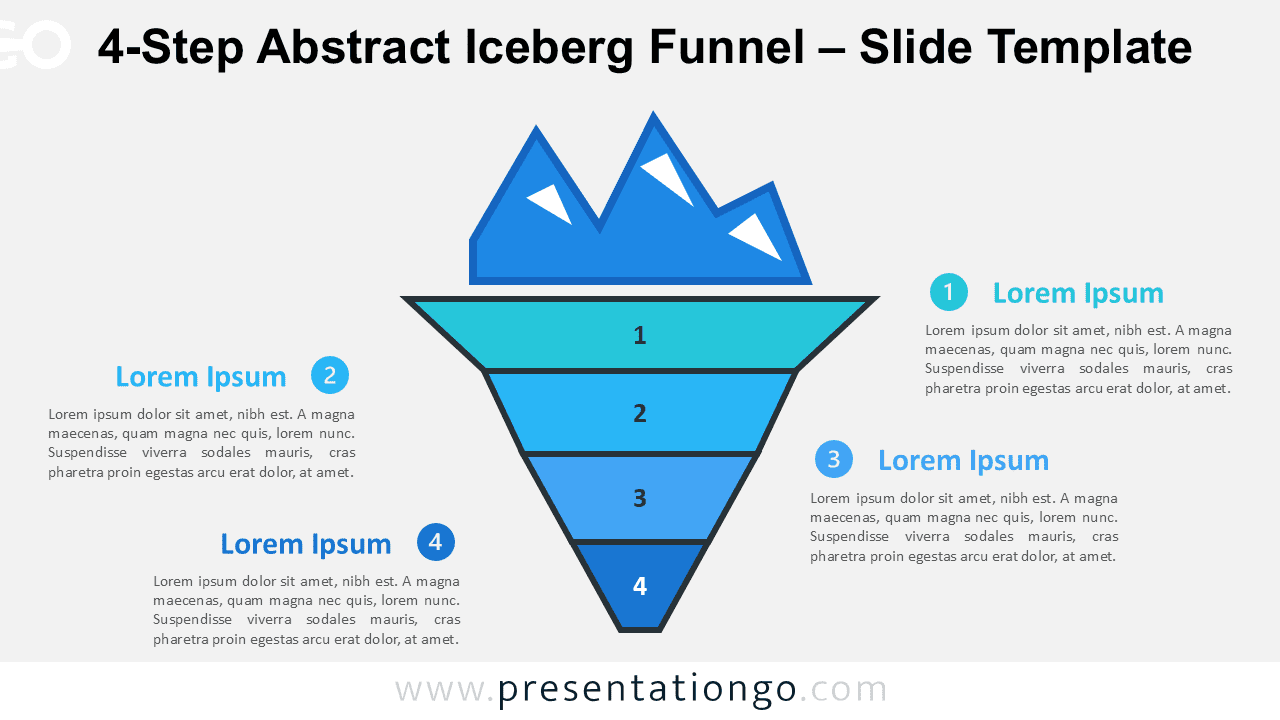
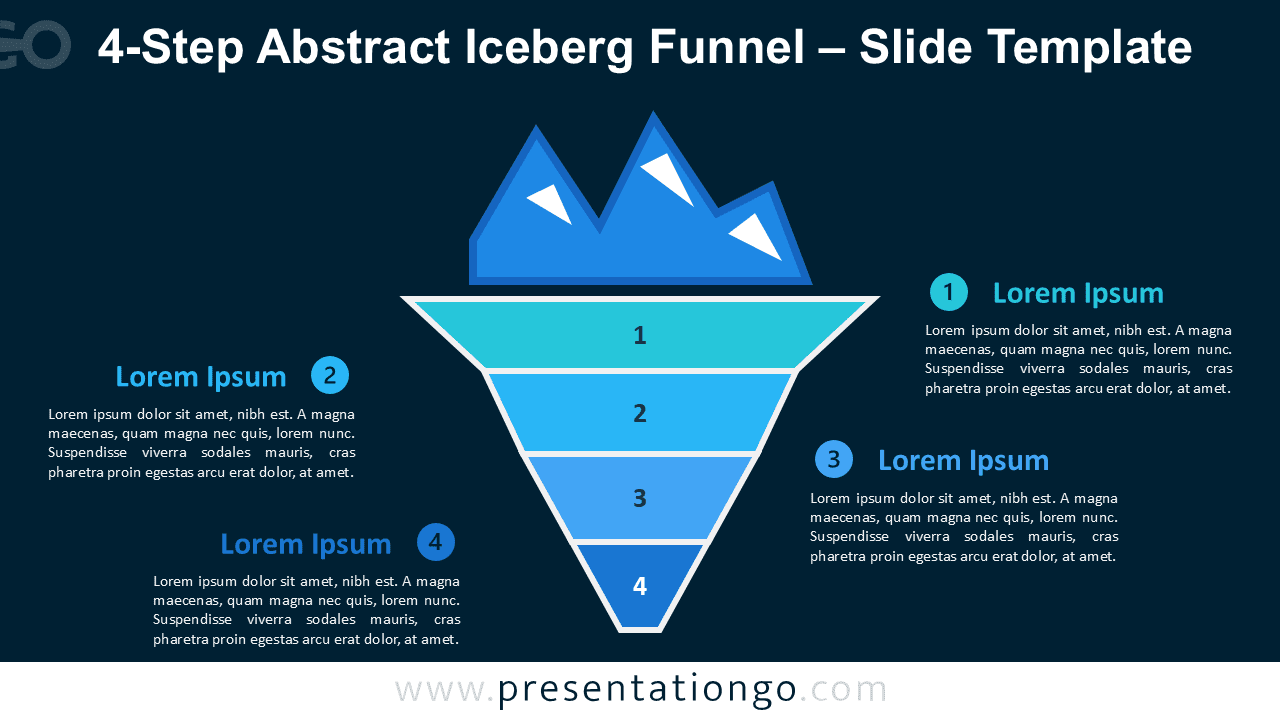


Diagram Features and Customization Options
- Editable 4-step iceberg funnel structure.
- Compatible with PowerPoint and Google Slides.
- Includes editable numbered icons from the Microsoft Office icon library.
- You can easily replace, recolor, resize, or modify the number icons.
- Uses a modern blue gradient palette for clear visual hierarchy.
- Works with light and dark slide backgrounds.
- Easy to customize with your own text, colors, and labels.
Design and Structure
This diagram places a visible iceberg peak above a descending four-layer funnel. The top section represents what people can easily observe, while the lower segments show deeper causes, insights, or hidden factors. Each numbered layer connects to a text block around the central visual, helping presenters explain complex ideas with clarity.
The design uses bright cyan, sky blue, and deeper blue tones to create a clear visual hierarchy. Its geometric style gives the slide a clean and professional look. You can replace the sample text with your own content and adjust the colors to match your brand or presentation theme.
Practical Applications
- Explain root causes behind visible problems.
- Present hidden risks in business or project planning.
- Show strategic priorities beneath surface-level goals.
- Structure learning concepts from basic to advanced levels.
- Visualize organizational challenges or cultural factors.
Summary
The 4-Step Abstract Iceberg Funnel offers a clear way to show hidden depth. Use it to turn complex ideas into structured visual stories for business, education, consulting, and analysis-focused presentations.



