
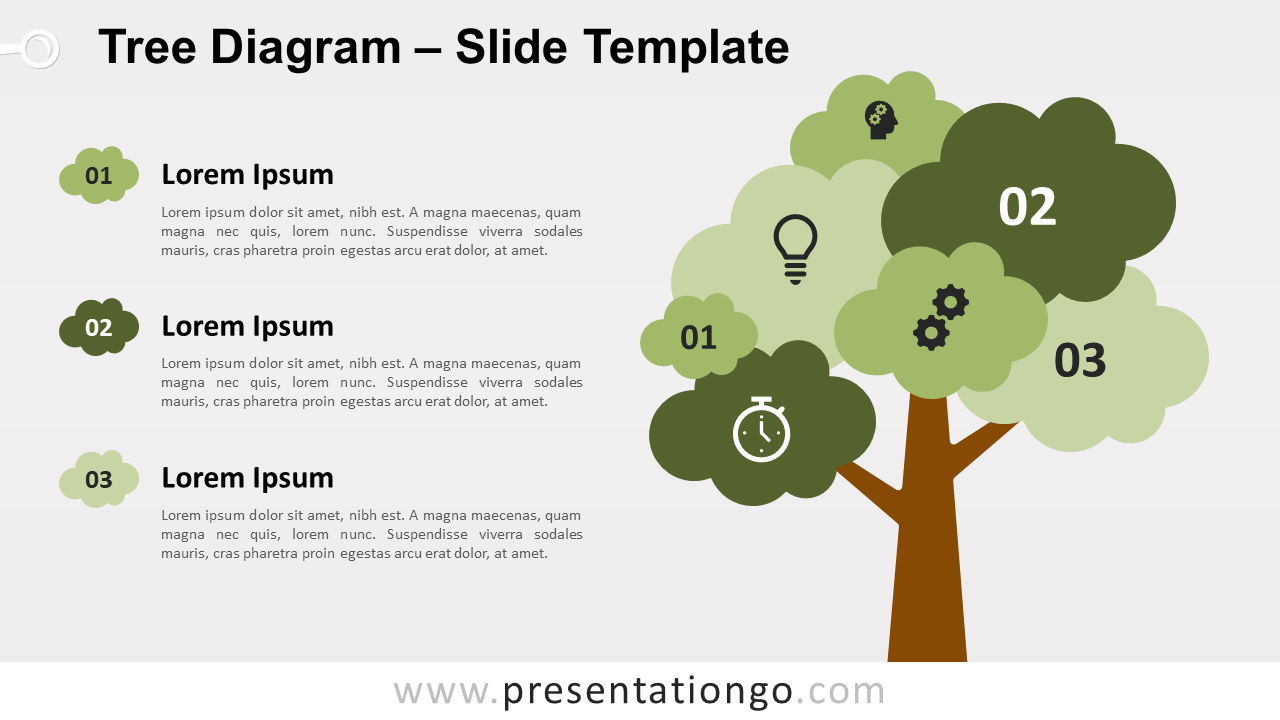
Free tree diagram for PowerPoint and Google Slides. Illustration of a tree to show several groups of information. Editable graphics with icons and text placeholders.
Tree Diagram
The tree is a very common illustration that you can use in your presentations as a metaphor. In fact, in business, the tree is often compared to an organization. Indeed, any successful company needs strong roots, a solid trunk, and healthy branches (diversification).
Trees are also a visual symbol of growth, structure, ecology, and nature. This infographic will be then perfect to illustrate ideas or concepts related to these topics.
Shapes are 100% editable: colors and sizes can be easily changed.
Includes 2 slide option designs: Standard (4:3) and Widescreen (16:9).
Widescreen (16:9) size preview:


This ‘Tree Diagram for PowerPoint and Google Slides’ features:
- 2 unique slides
- Light and Dark layout
- Ready to use template with icons and text placeholders
- Completely editable shapes
- Uses a selection of editable PowerPoint icons
- Standard (4:3) and Widescreen (16:9) aspect ratios
- PPTX file and for Google Slides
Free fonts used:
- Helvetica (System Font)
- Calibri (System Font)



